Starting and Stopping Communicator Plug-ins
The "Communication" tab of the MERLIC RTE Setup also enables you to start and stop Communicator plug-ins directly in the graphical user interface. However, a plug-in can only be started if there are no unsaved changes in the configuration of the plug-in. Therefore, you have to make sure to either save or discard the changes before starting the plug-in.
In the following, we describe how to start and stop a plug-in in the "Communication" tab. It is also possible to start a plug-in via the command line. However, when starting the plug-in via the command line, some side effects and restrictions need to be considered. Therefore, we recommend to start the plug-in in the "Communication" tab of the MERLIC RTE Setup.
To get more information on how to start a plug-in via command line and the respective side effects, see the topic Starting the Communicator and Plug-ins in the MERLIC Communicator manual.
Starting a Plug-in Instance
The usual way to start a plug-in instance is to start the plug-in in the "Communication" tab of the MERLIC RTE Setup.
- Select the desired plug-in from the list of plug-in instances on the left side. If the plug-in is not shown in the list, you have to add a new instance of the plug-in via the button "Add plug-in instance" first as described in the topic Adding a Plug-in Instance.
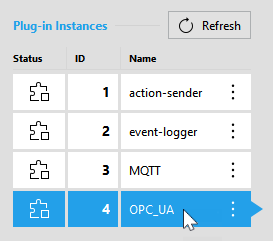
- Click on the button "
 Start plug-in".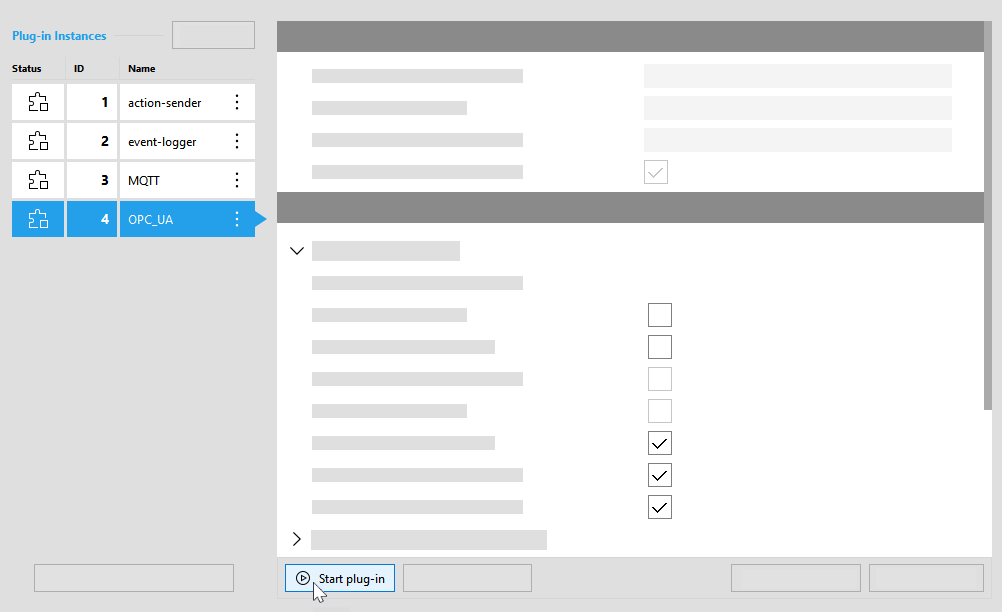
- The status icon of the plug-in instance
 now indicates that the plug-in is running.
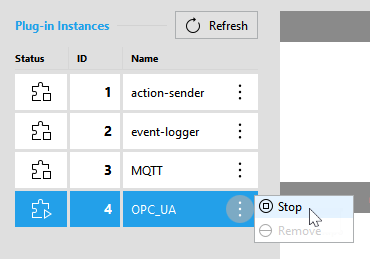
Alternatively, you can also start a plug-in instance via the respective menu that can be opened with a click on the  icon. For this method, you don't have to select the plug-in instance in advance.

Starting a Plug-in with a Specific Log Level
By default, the log level "info" is used for the Communicator plug-ins. Changing the log level in the configuration area of the "Communication" tab is currently not possible. However, there is an option how you can set the "debug" log level when adding a new plug-in instance:
- Click on the button "Add plug-in instance" to open the list of available plug-ins that can be added.
- Press the ALT key to switch the log level to "debug".

- Select the plug-in to be added while pressing the ALT key. The new instance of the selected plug-in will then use the "debug" log level.

If you want to start a plug-in instance with a log level different than "info" or "debug", you can either start the Communicator with the respective log level or you can set the log level manually in the respective JSON configuration file of the plug-in. For more information see the topic Changing Communicator and Plug-in Settings in the MERLIC Communicator manual.
Stopping a Plug-in Instance
You can stop a plug-in instance in the "Communication" tab in the following ways:
- Select the desired plug-in from the list of plug-in instances on the left side.
- Click on the button "
 Stop plug-in".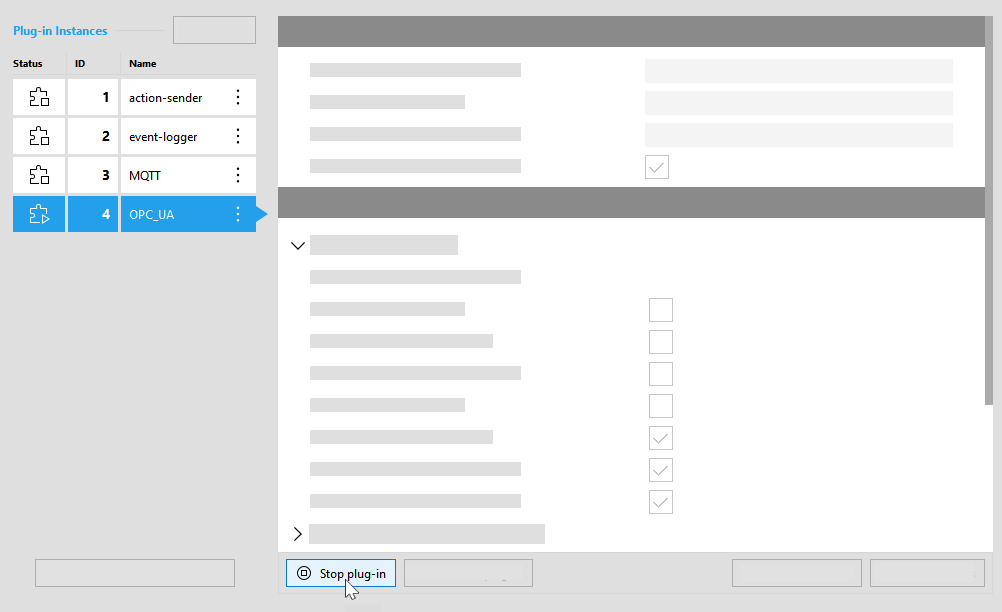
Alternatively, you can stop the plug-in instance via the respective menu that can be opened with a click on the icon. For this method, you don't have to select the respective plug-in instance in advance.