Starting and Stopping Communication Plugins
You can start and stop communication plugins in the "Communication" tab of the MERLIC RTE Setup. However, the plugins can only be added and started when MERLIC RTE is running. Provided MERLIC RTE is running, a communication plugin can be started and stopped at any time.
Make sure to start MERLIC RTE first. Otherwise, the communication plugins cannot be added, configured, or started.
In addition, you first have to save any unsaved changes at the configuration of your plugin. Otherwise, the plugin cannot be started.
Starting a Plugin Instance
You can start a plugin instance as follows:
- Open the "Communication" tab in the MERLIC RTE Setup.
- If MERLIC RTE is not running yet, start it via the "Start MERLIC RTE" button. Otherwise, the configuration service for the communication plugins are not available.
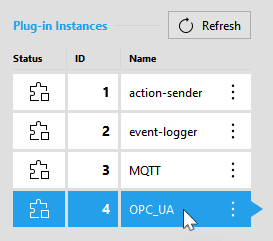
- Select the desired plugin from the list of plugin instances on the left side. If the plugin is not shown in the list, you have to add a new instance of the plugin via the button "Add plugin instance" first as described in Adding a Plugin Instance.
- Click on the button "
 Start plugin".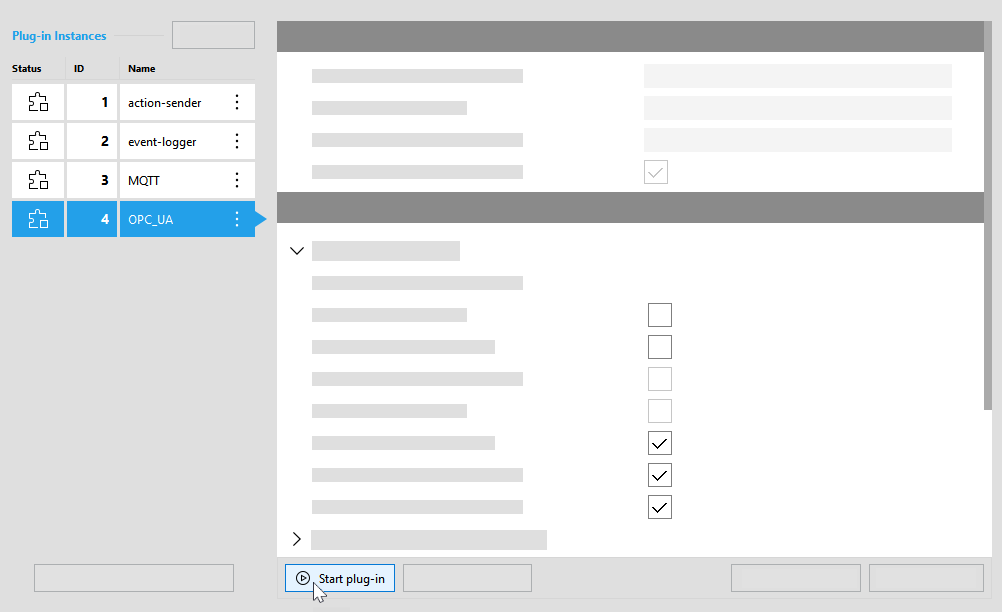
- The status icon of the plugin instance
 now indicates that the plugin is running.
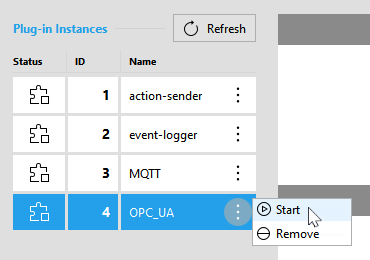
Alternatively, you can also start a plugin instance via the respective menu that can be opened with a click on the  icon. For this method, you don't have to select the plugin instance in advance.
Stopping a Plugin Instance
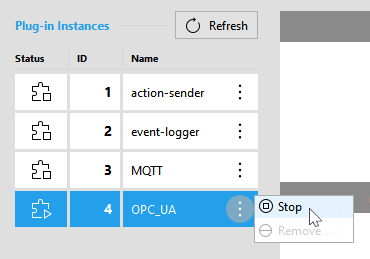
You can stop a plugin instance in the "Communication" tab of the MERLIC RTE Setup in the following ways:
- Select the desired plugin from the list of plugin instances on the left side.
- Click on the button "
 Stop plugin".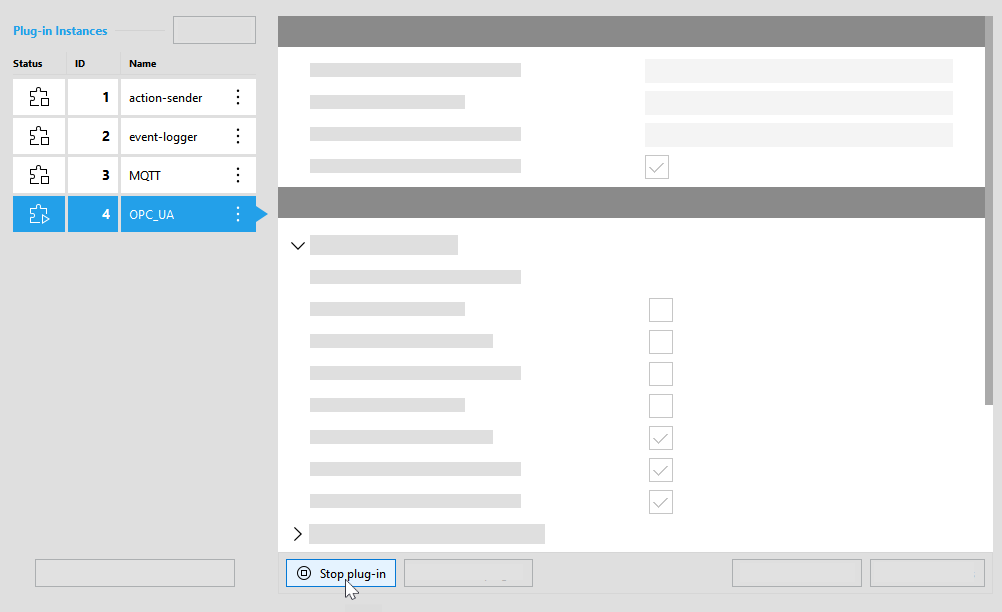
Alternatively, you can stop the plugin instance via the respective menu that can be opened with a click on the icon. For this method, you don't have to select the respective plugin instance in advance.