Importing MERLIC Recipes
To use MERLIC recipes in MERLIC RTE, the process integration mode of MERLIC, you have to import the recipes in the MERLIC Runtime Environment Setup (MERLIC RTE Setup). Only recipes that have been imported will be available in MERLIC RTE mode.
Therefore, it is mandatory to import the desired recipes before starting MERLIC RTE.
If you are using a camera device with GenICam compliant digital I/O channels and want to provide multiple recipe files for the process integration, you have to make sure that all referenced MERLIC Vision Apps acquire the images via the Image Source Manager (ISM) instead of the deprecated Acquire Image from Camera tool. Otherwise, MERLIC cannot be started in process integration mode.
Importing Recipes
- Open the MERLIC RTE Setup as described in Opening the MERLIC RTE Setup.
- Go to the "
 Recipes" tab.
 - Click on "
 Import recipe" to open the file selection dialog. If you want to import and check one of the provided example recipes, you can also click on "Import example recipes".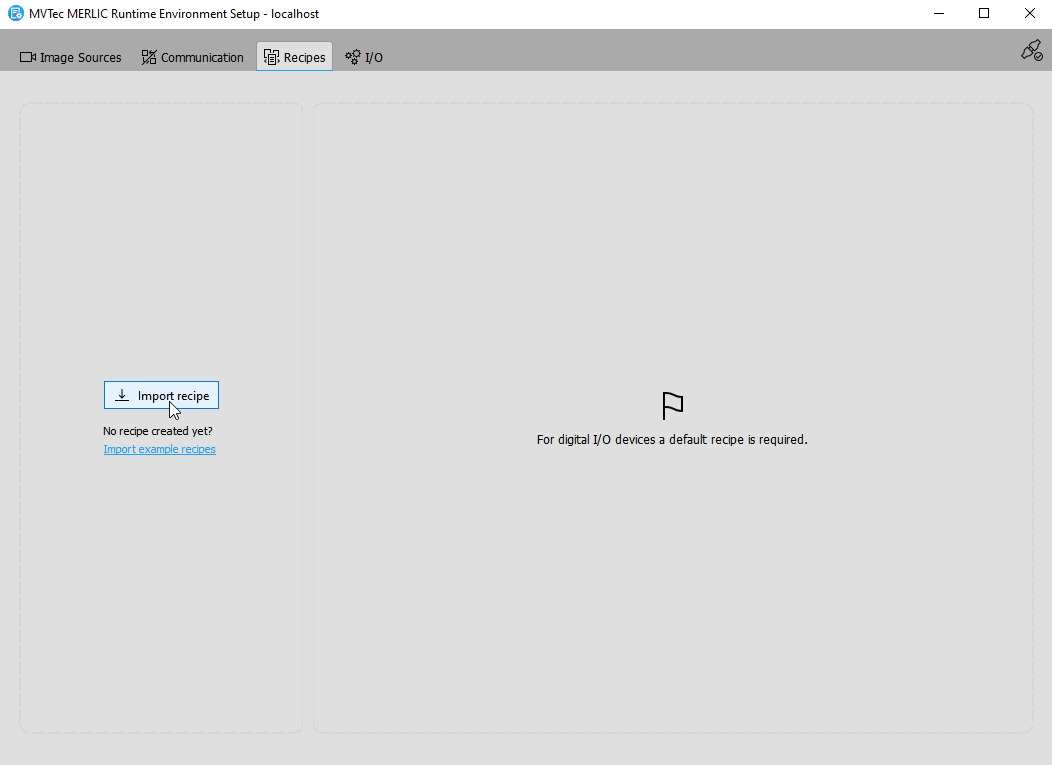
- Select one or multiple recipe files for the import and confirm your selection.
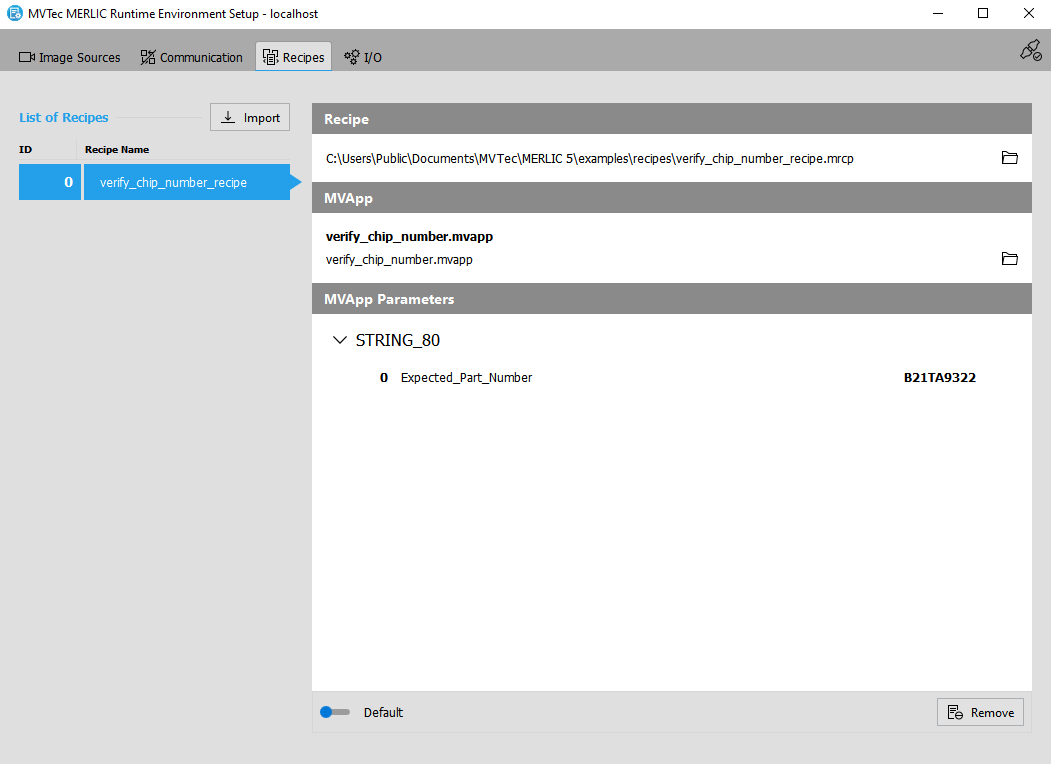
- The selected recipes are now imported and visible in the recipe management of the MERLIC RTE Setup.
All recipe files that have been imported in the "Recipes" tab must be valid. Otherwise, an error is returned while launching MERLIC RTE. A recipe file is valid if the referenced MVApp exists and the number of MVApp parameters is equal to the number of input values that are defined in the recipe file. Therefore, if you edit the MVApp parameters An MVApp parameter represents a basic or an additional parameter in a MERLIC Vision App which can be modified via a recipe file when using MERLIC process integration. You can define a tool parameter as an MVApp parameter in the MERLIC Creator. The panel "MVApp Parameters and Results" shows a list of all MVApp parameters that are currently defined. of an MVApp or move the MVApp to a different location, you have to make sure to update all recipe files in which the MVApp is referenced.
The MERLIC RTE Setup displays detailed information for each imported recipe file. For more information, see Checking the Contents of a Recipe.
Removing Recipes
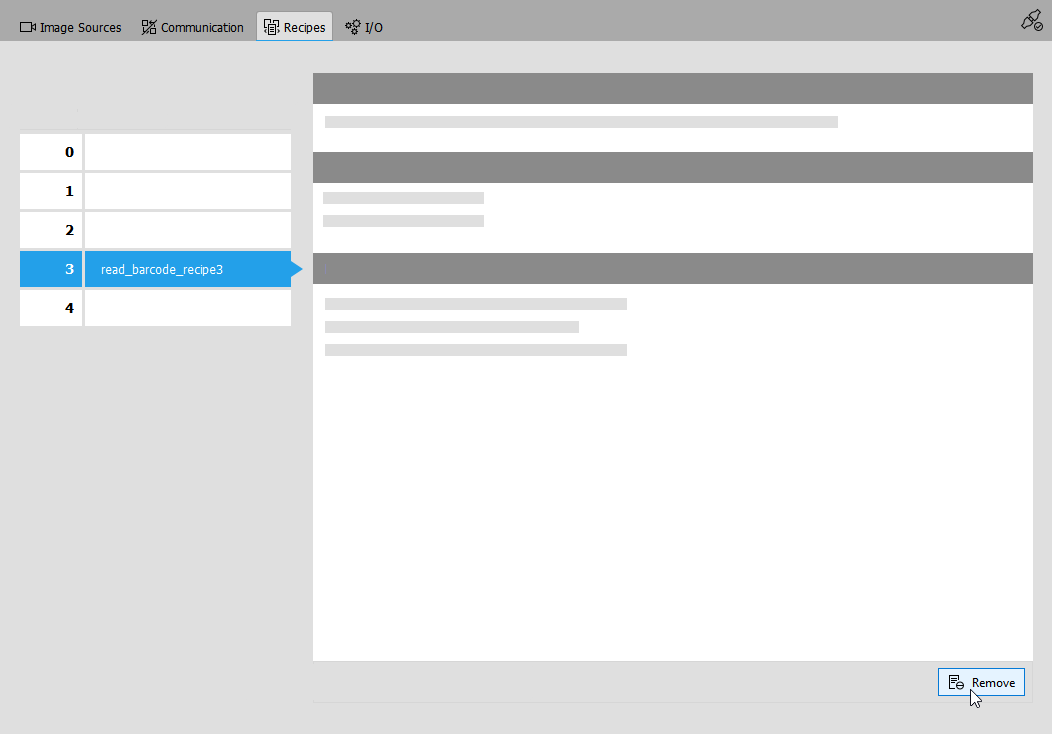
If you have no need for a specific recipe anymore, you can remove it from the list in the MERLIC RTE Setup. You can re-import the recipe at any time.
- Select the recipe you want to remove.
- Click on "
 Remove" at the bottom right of the "Recipes" tab.