Starting and Stopping Communication Plug-ins
You can start and stop communication plug-ins in the "Communication" tab of the MERLIC RTE Setup. However, the plug-ins can only be added and started when MERLIC RTE is running. Provided MERLIC RTE is running, a communication plug-in can be started and stopped at any time.
Make sure to start MERLIC RTE first. Otherwise, the communication plug-ins cannot be added, configured, or started.
In addition, you first have to save any unsaved changes at the configuration of your plug-in. Otherwise, the plug-in cannot be started.
Starting a Plug-in Instance
You can start a plug-in instance as follows:
- Open the "Communication" tab in the MERLIC RTE Setup.
- If MERLIC RTE is not running yet, start it via the "Start MERLIC RTE" button. Otherwise, the configuration service for the communication plug-ins are not available.
- Select the desired plug-in from the list of plug-in instances on the left side. If the plug-in is not shown in the list, you have to add a new instance of the plug-in via the button "Add plug-in instance" first as described in Adding a Plug-in Instance.
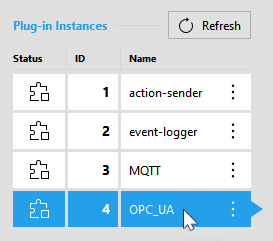
- Click on the button "
 Start plug-in".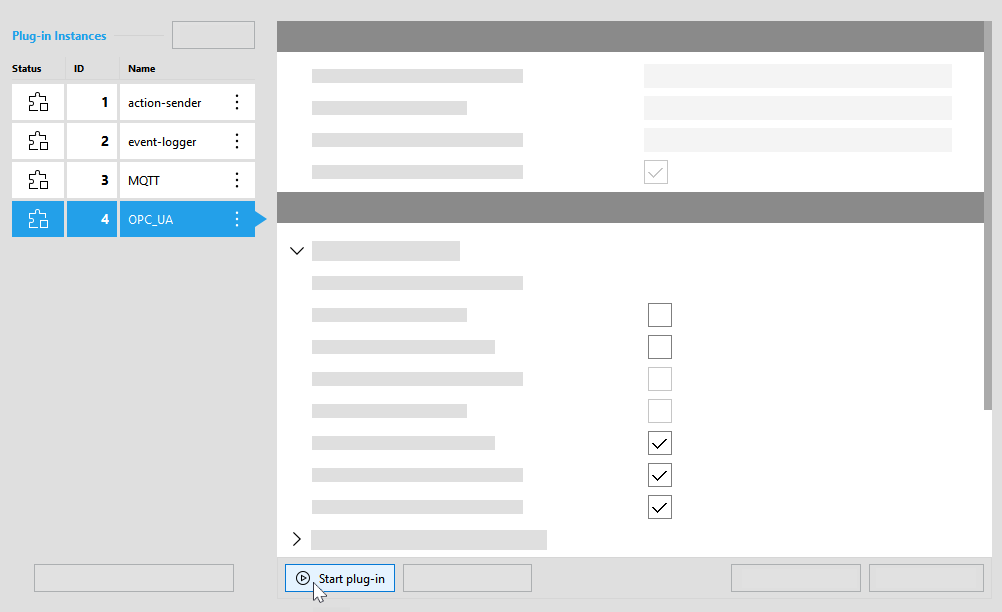
- The status icon of the plug-in instance
 now indicates that the plug-in is running.
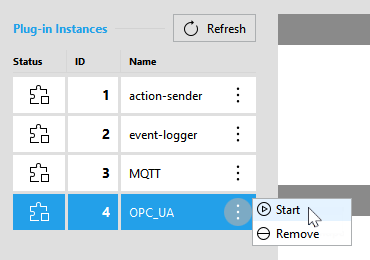
Alternatively, you can also start a plug-in instance via the respective menu that can be opened with a click on the  icon. For this method, you don't have to select the plug-in instance in advance.
Stopping a Plug-in Instance
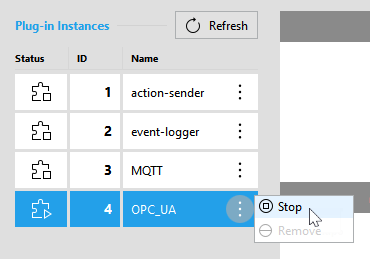
You can stop a plug-in instance in the "Communication" tab of the MERLIC RTE Setup in the following ways:
- Select the desired plug-in from the list of plug-in instances on the left side.
- Click on the button "
 Stop plug-in".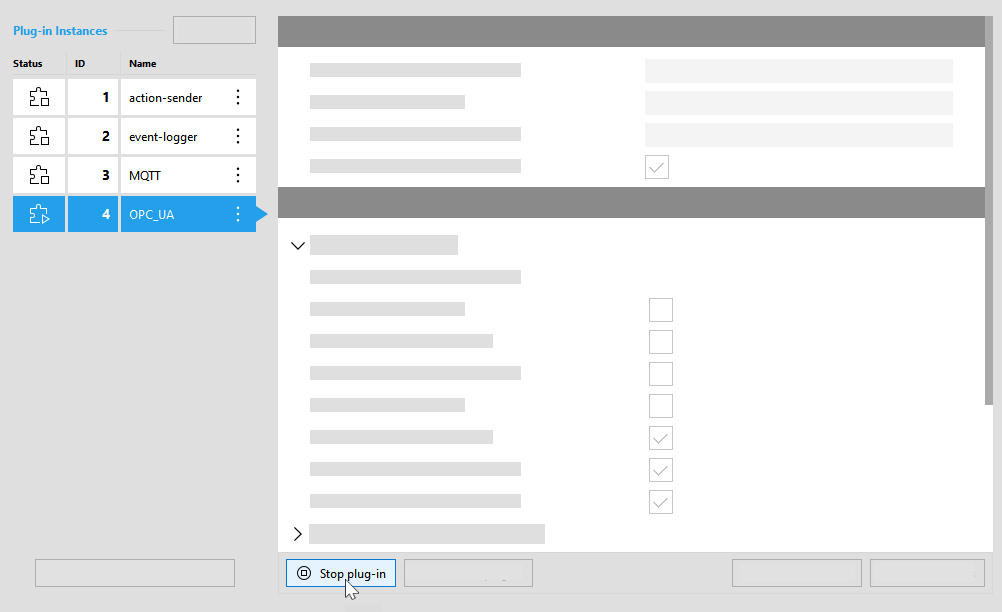
Alternatively, you can stop the plug-in instance via the respective menu that can be opened with a click on the icon. For this method, you don't have to select the respective plug-in instance in advance.