Using the Manual
This manual is tested in Firefox, Edge and Chrome. Some functions may be unavailable due to browser restrictions. Make sure to use the latest browser version.
Using the Search Function
Using the search function of the manual provides you with search results based on your search terms and short thematic summaries if they are available for the specific topic. Enter at least 3 characters.
Using the Glossary
The glossary contains terms that are useful for better understanding MERLIC. Throughout the manual highlighted terms display the information from the glossary if you move your mouse pointer over them.
Using the Buttons in the Breadcrumb Bar
The manual offers additional options for language selection, navigation, and auxiliary functions. Those options can be accessed via the buttons in the top right of the breadcrumb bar.
|
Button |
Functionality |
|---|---|
|
|
Select the language. |
|
|
Navigate to the previous or next topic. |
|
|
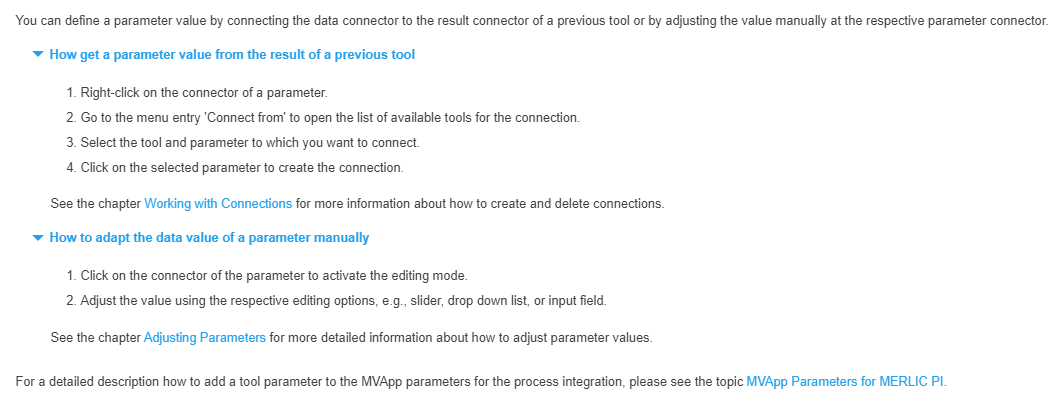
Expand or collapse all hidden paragraphs in the topic like shown in the example below: Default view with collapsed paragraphs:
Expanded view:
|
|
|
Remove the highlight color after you opened a search result. When you use the search function of the documentation, you will get a list of search results. After opening one of the search result links, you see the search term highlighted throughout the topic. In the example below you can see how a topic looks like after a search for "manual".
Clicking on the button removes all highlights from the topic. |
|
|
Open the printing dialog of your browser. |