Defining the Default Recipe
MERLIC allows you to define a specific recipe as default for MERLIC RTE, the process integration mode of MERLIC. If a default recipe has been defined, MERLIC automatically loads this recipe when MERLIC RTE is started.
In case of digital I/O devices and cameras with GenICam compliant digital I/O channels, it is mandatory to select a default recipe.
You can define the default recipe in the "Recipes" tab of the MERLIC RTE Setup as follows:
- Open the MERLIC RTE Setup.
- Go to the "
 Recipes" tab.
 - Select the recipe that you want to set as default from the recipe list.
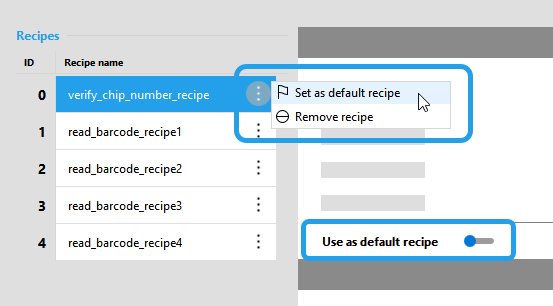
- Set the recipe as default using one of the following options:
- Open the menu via the
 icon and click on "Use as default recipe".
 - Activate the toggle for "Use as default recipe" on the right in the recipe overview.
- Open the menu via the
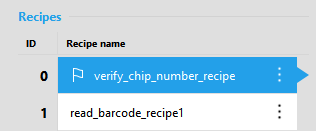
- The recipe is now set as default and marked with the icon
 .
.