The User Interface of the MERLIC Designer
The graphical user interface of the MERLIC Designer consists of the following main parts:
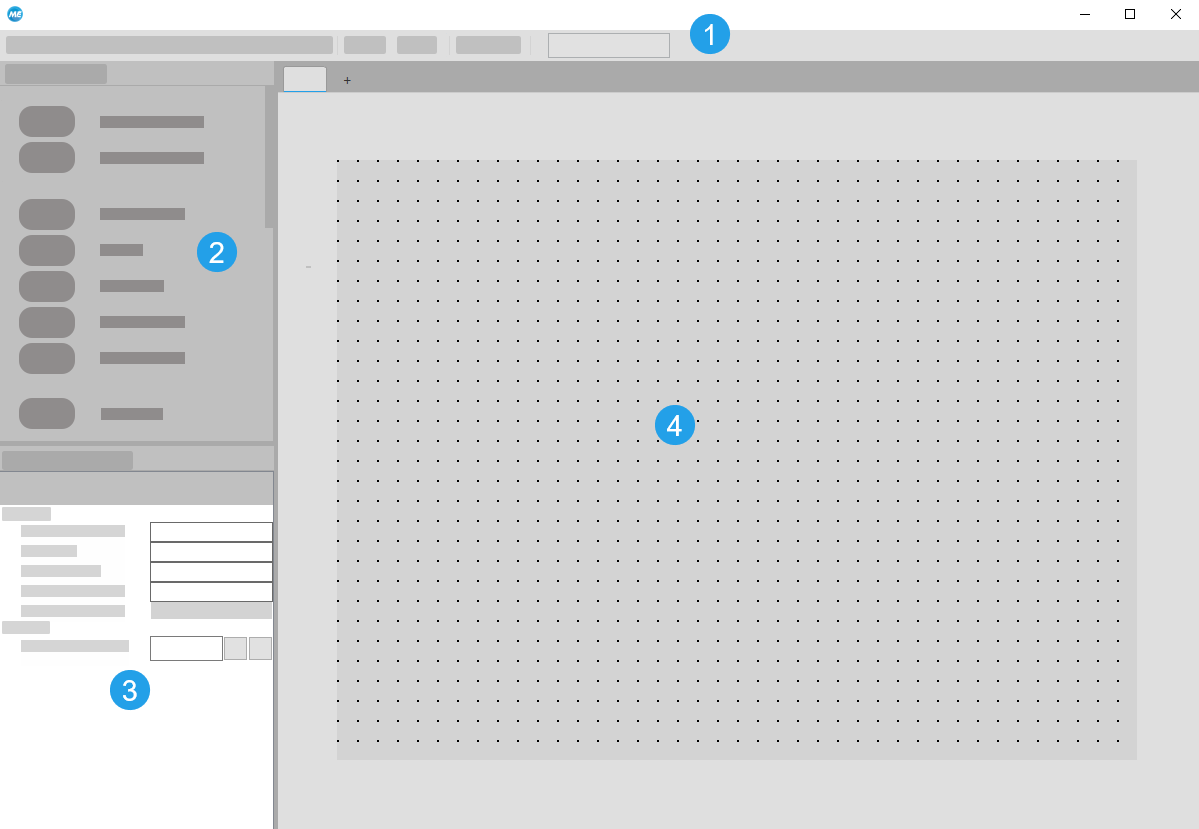
 Menu Bar
The menu bar allows you to access necessary functionality you might need while working with the MERLIC Designer. It contains several drop-down menus as well as a selection of buttons that provide shortcuts for frequently used functions.
 Widget Library
This panel contains all available MERLIC widgets that can be used to create a Frontend design.
 Properties Panel
This panel allows you access to the properties of the individual widgets. You can adjust visual and control settings of the elements as well as connections to the MERLIC Creator. The available properties may vary depending on the widget.
 Workspace
The workspace is the area in which the design of the Frontend can be composed. It defines the size and elements of your Frontend. All widgets that are inserted to your workspace will be displayed in the Frontend.


