Workspace
The workspace is the area in which the design of the Frontend can be composed. It defines the size and elements of your Frontend. All elements, i.e., widgets, that are inserted to your workspace will be displayed in the Frontend.
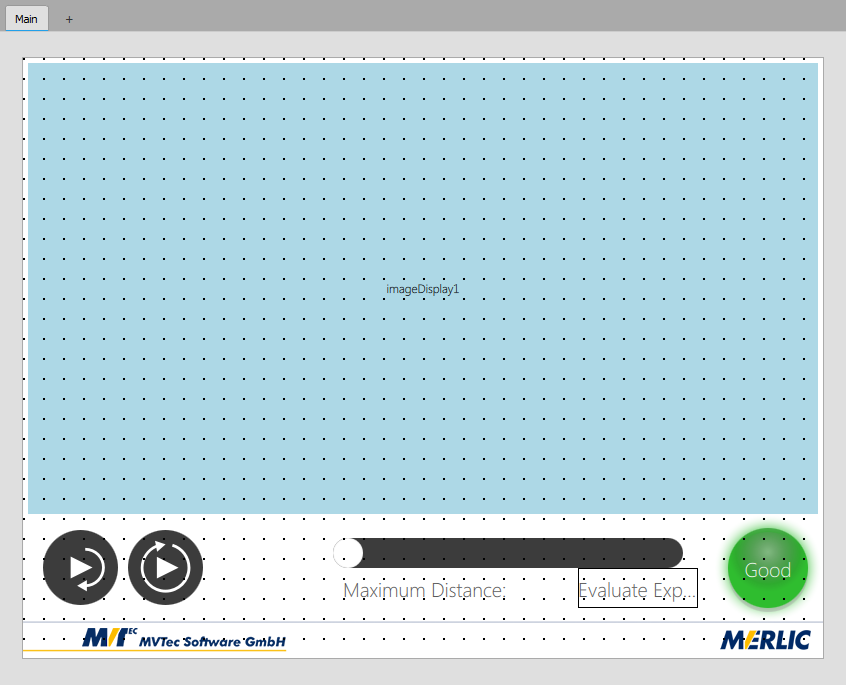
Read the chapter Adjusting the Workspace to get information on how to adjust the workspace to your preferences.
View Tabs
On the top of the workspace the area of the view tabs is visible. The view tabs enable you to add further views to your design in case you want to create a user interface with multiple views in the Frontend. Each view has its own workspace and can be individually designed and adjusted. You can even control the access permissions for each view in case you are using the Frontend user management. Click on the respective tab on top of the workspace to switch to the desired view and start adjusting its design.

 View an example
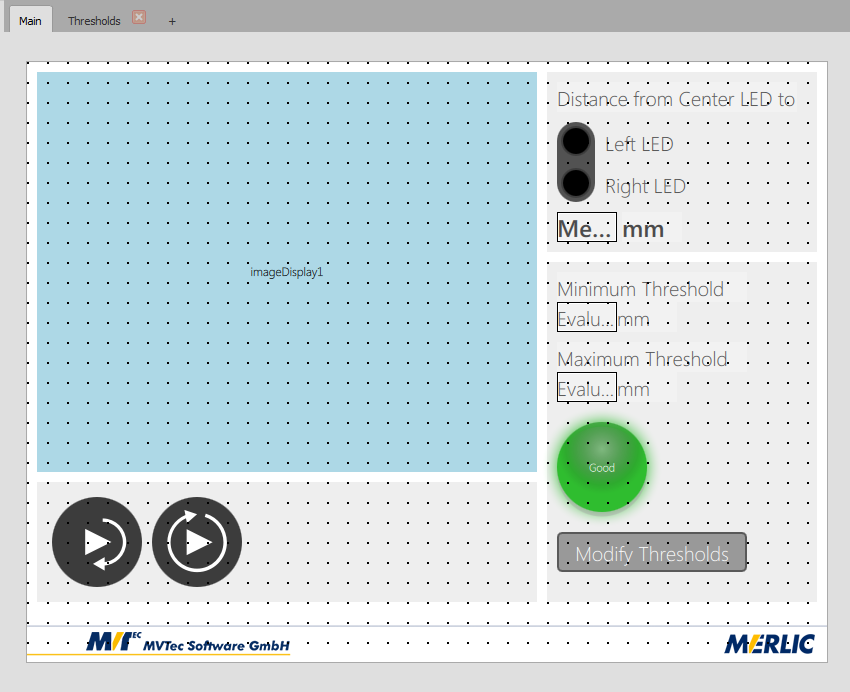
The following example shows the design of a Frontend with two view tabs.
Main View
This is the view that is displayed by default when opening the Frontend. Beside several other widgets the Dialog Button widget is used. It is defined with the text "Modify Threshold" and enables the user to open a dialog window. The design of this dialog must be defined in another view, i.e., in the view tab "Thresholds".
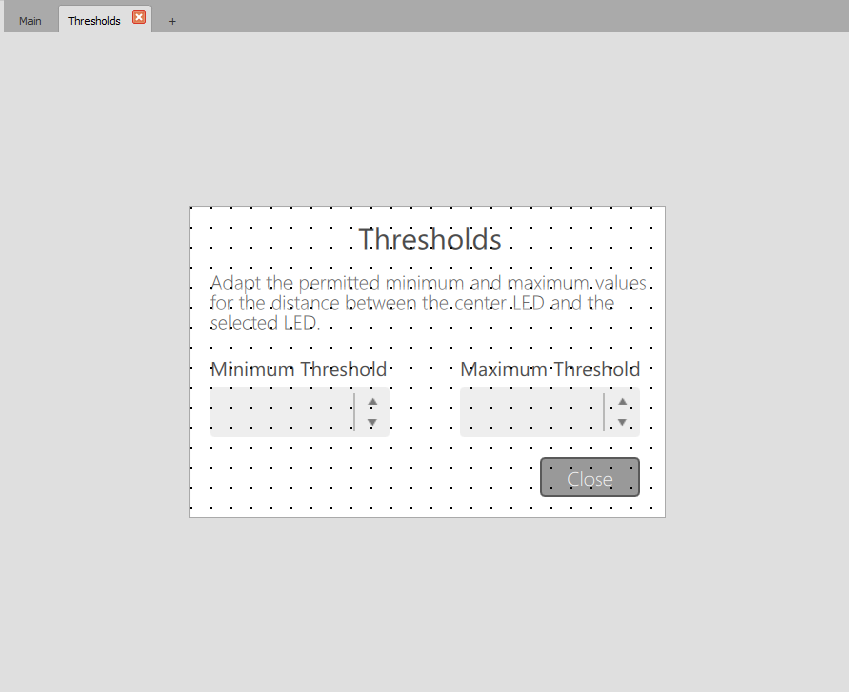
View "Thresholds"
In this view the design of the dialog window is defined that is opened via the widget "Dialog Button" in the main view. The view also contains a dialog button that closes the dialog window again.
Read the chapter Creating a User Interface with Tabbed Views to get more information on how to design a Frontend with multiple views.


