 Picture Box
This widgets allows you to display a static image in the Frontend, e.g., the image of your company logo.
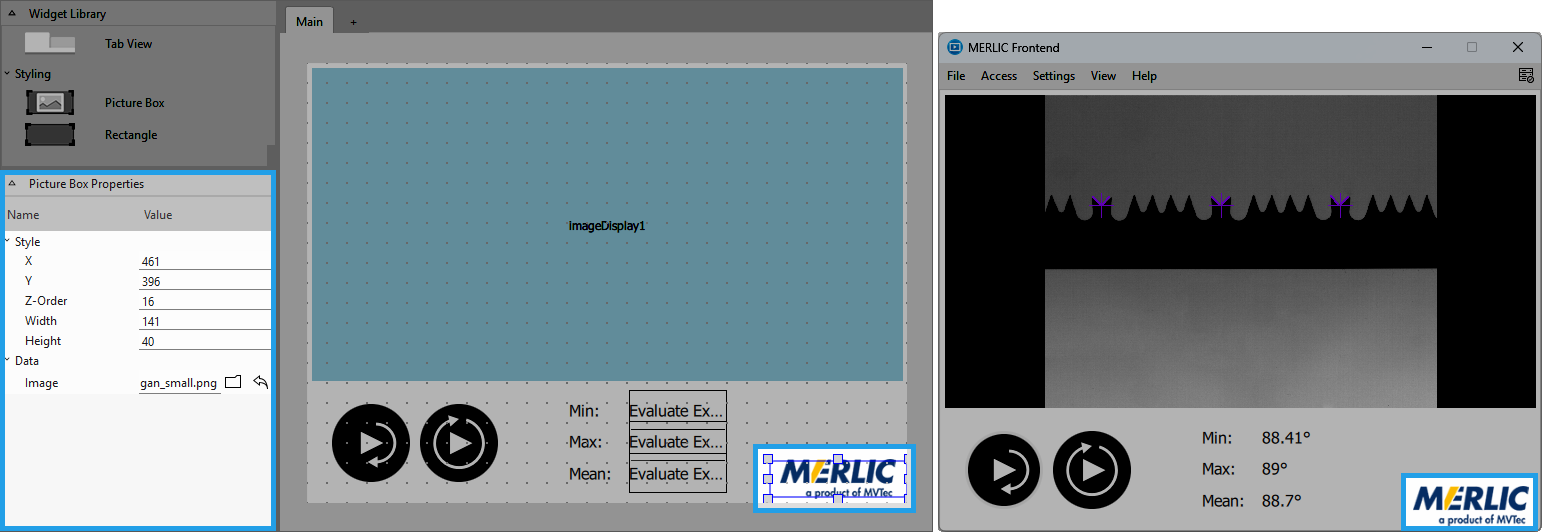
Style
X, Y:
Adjust the position of the widget by typing the desired coordinate values of the upper left corner into the input field.
Z-Order:
Adjust the z-order of the widget by typing the desired value into the input field. This defines which widget is displayed on top if several widgets are positioned at the same place, for example, if widget "A" has "Z-Order" "0" and widget "B" has "Z-Order" "1", widget "B" will be displayed on top of widget "A".
Width:
Adjust the width of the widget. The width is defined in pixels and set to 150 by default. To change the value, type the new width into the input field. It must be at least 1 and not be bigger than 2147483647.
Height:
Adjust the height of the widget. The height is defined in pixels and set to 150 by default. To change the value, type the new height into the input field. It must be at least 1 and not be bigger than 2147483647.
Data
Image:
Select a static image to be displayed. Click on the  button to open the file selection dialog and select your preferred image.
Application Example
This widget is used in the following MERLIC Vision App examples:
- check_correct_filling_on_3d_height_images.mvapp
- check_pen_parts.mvapp


