Tutorials, Webinars, Application Examples & More

Videos & Tutorials for an easy start with our products

Accelerate your machine vision projects with MVTec resources. This page offers concise videos, step-by-step tutorials, and on-demand webinars focused on practical workflows and real use cases for HALCON, MERLIC, and the Deep Learning Tool.

Use the filters to find the right video for you!
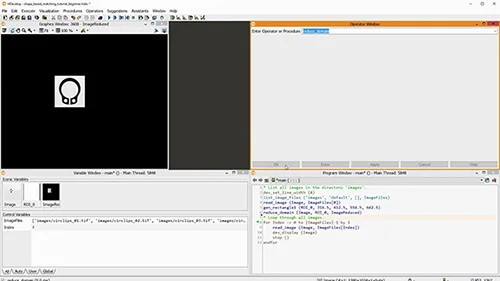
Shape-based matching with MVTec HALCON: process the results, align ROIs or images
In this tutorial, we show how to process matching results in MVTec HALCON—count matches and realign regions or images based on the detected positions.
To the video
Tutorial
HALCON
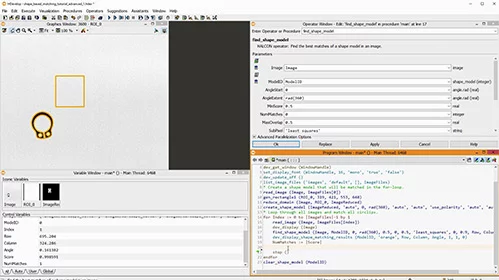
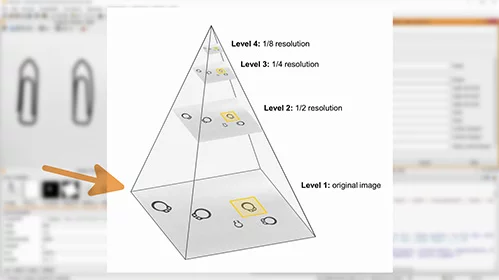
Shape-based matching with MVTec HALCON: speedup vs. robustness, advanced parameters
In this tutorial, we show how to optimize shape-based matching in MVTec HALCON using advanced parameters—making it faster and more robust, even with blur or deformation.
To the video
Tutorial
HALCON
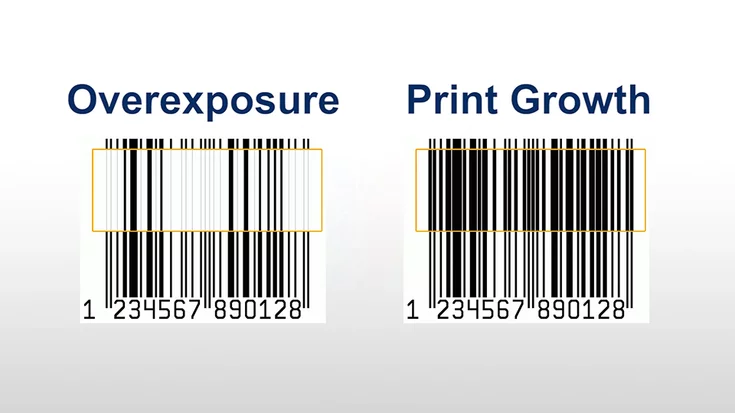
Robust bar code reading despite overexposure and print growth - MVTec HALCON 12.0.2
HALCON 12.0.2 decodes what others can’t — from thickened bars to faded codes. This video demonstrates the power of HALCON’s barcode reader.
To the video
Feature Presentation
HALCON
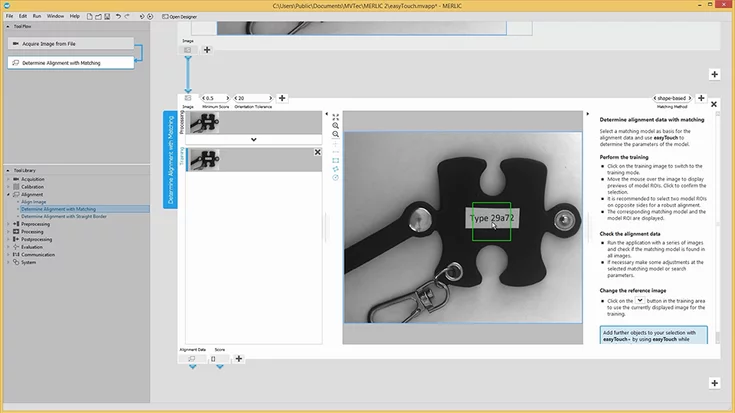
MERLIC - easyTouch
With easyTouch in MVTec MERLIC, we show how we simply hover to detect, align, measure, or read text – making machine vision setup fast and intuitive.
To the video
Tutorial
MERLIC
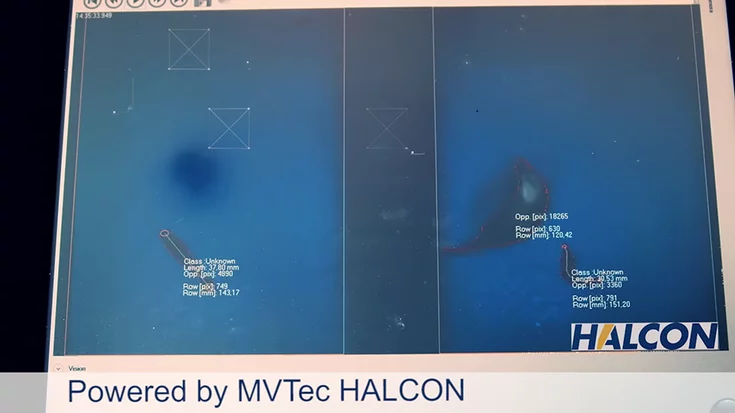
Efficient shrimp sorting with MVTec HALCON
Real-time shrimp sorting with HALCON boosts yield and returns live by-catch to the sea—fast, accurate, sustainable.
To the video
Application Example
HALCON
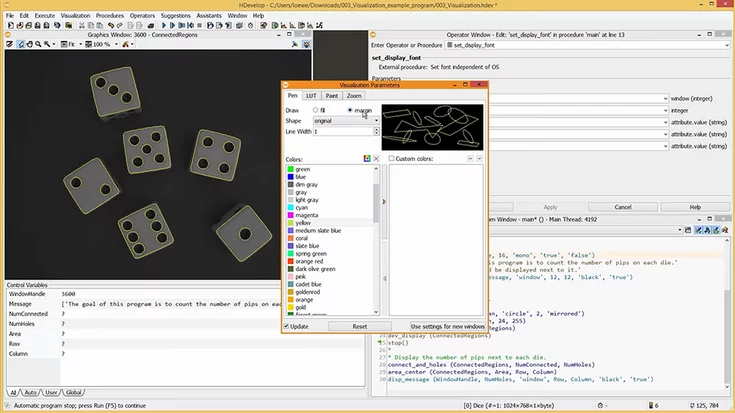
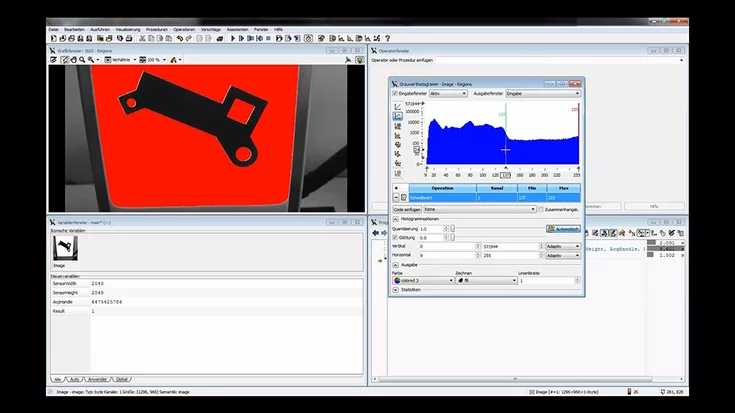
HDevelop tutorial 03: visualization – MVTec HALCON
This MVTec HDevelop tutorial improves visualization: apply LUTs, fit window to image, set fonts/colors, show outlines, and use the correct coordinate system.
To the video
Tutorial
HALCON
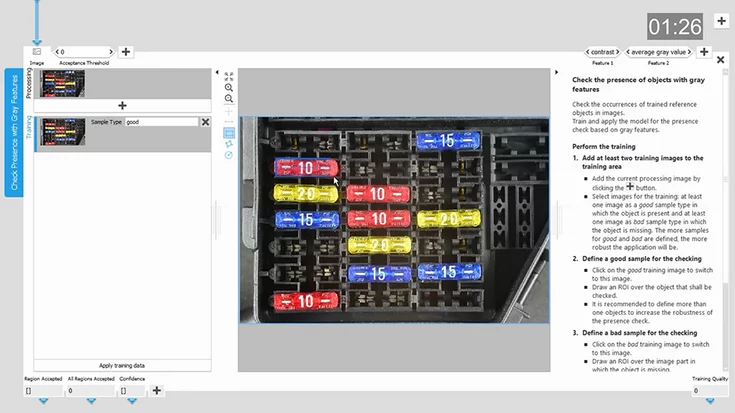
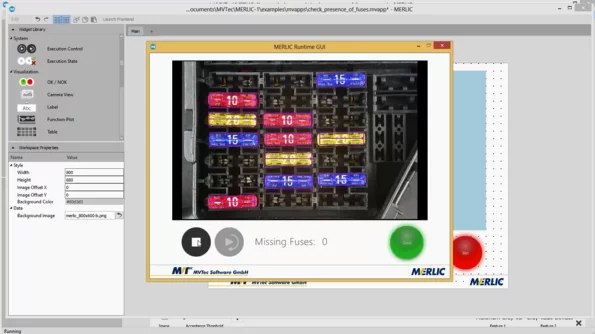
MERLIC – create an application in five minutes
In this tutorial, we show how we use MVTec MERLIC to detect missing fuses on a PCB in just a few minutes – easy to follow along with the free trial version.

To the video
Tutorial
MERLIC
Conveyor belt application using MVTec HALCON
Develop in HDevelop, run on D3: set ROI, learn shapes, measure diameters, save scripts. Registered users can download HALCON.
To the video
Application Example
HALCON
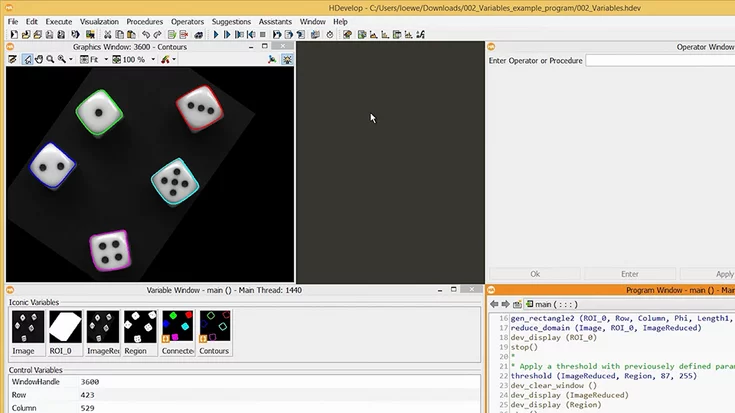
HDevelop tutorial 02: Variables – MVTec HALCON
MVTec’s HDevelop tutorial: read and use iconic vs. control variables. Use tuples and arrays to avoid loops. Includes a sample program download.
To the video
Tutorial
HALCON
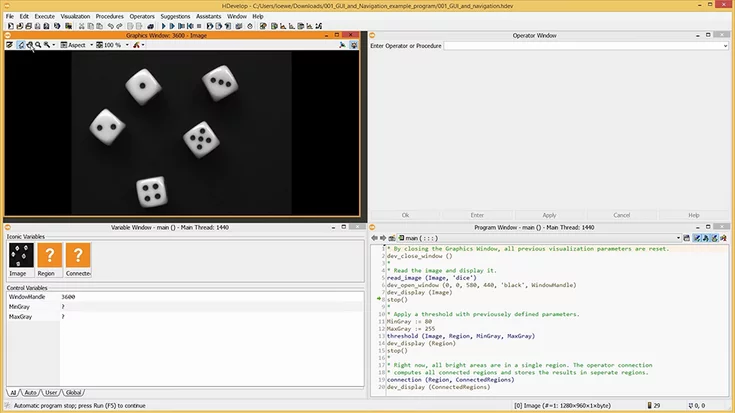
HDevelop Tutorial 01: GUI and Navigation - MVTec HALCON
Learn HDevelop essentials: Graphics, Program, Operator, Variable windows, plus step-through debugging with counter and breakpoints.
To the video
Tutorial
HALCON
MVTec MERLIC frontend designer – basics
MVTec MERLIC Designer: Create your own frontend for machine vision applications in just a few steps—interactive, customizable, and easy to use.
To the video
Tutorial
MERLIC
Camera calibration - using a HALCON calibration plate
Learn how to use iconic and control variables in HDevelop, plus smart use of tuples and arrays to avoid loops in your program.
To the video
Tutorial
Calibration Plates
HALCON
MVTec Software