MVTec HALCON & MERLIC

Calibration plates for an accurate setup

MVTec provides precision-manufactured calibration plates to its customers. The plates are necessary to accurately calibrate a machine vision setup. 

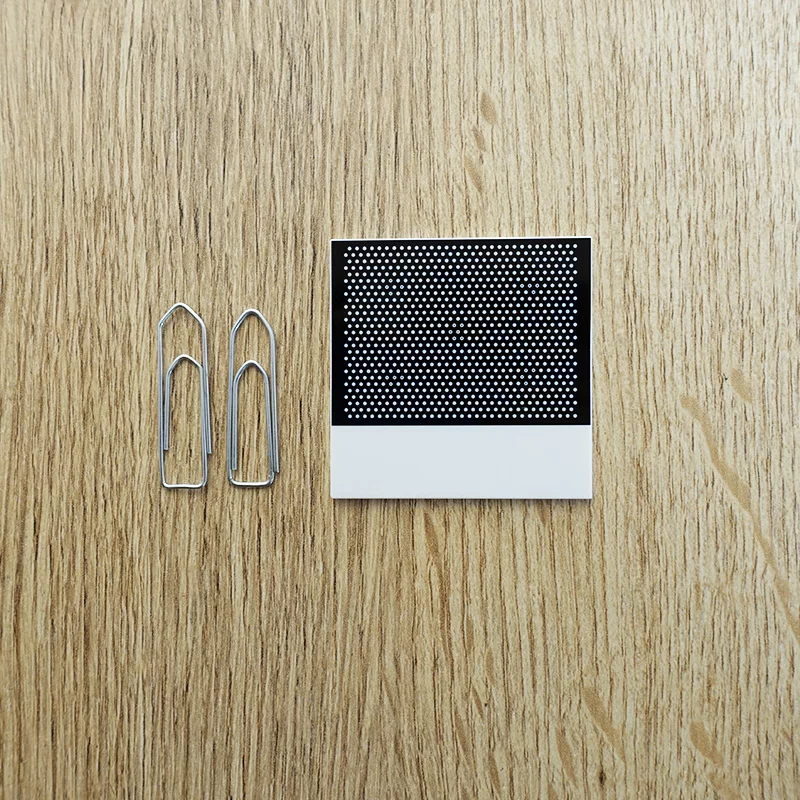
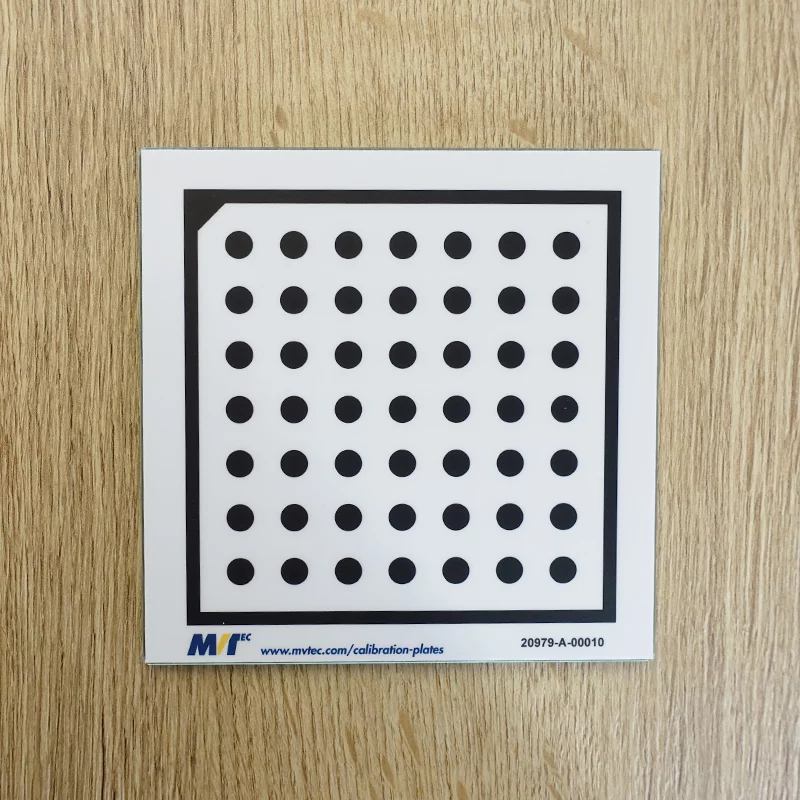
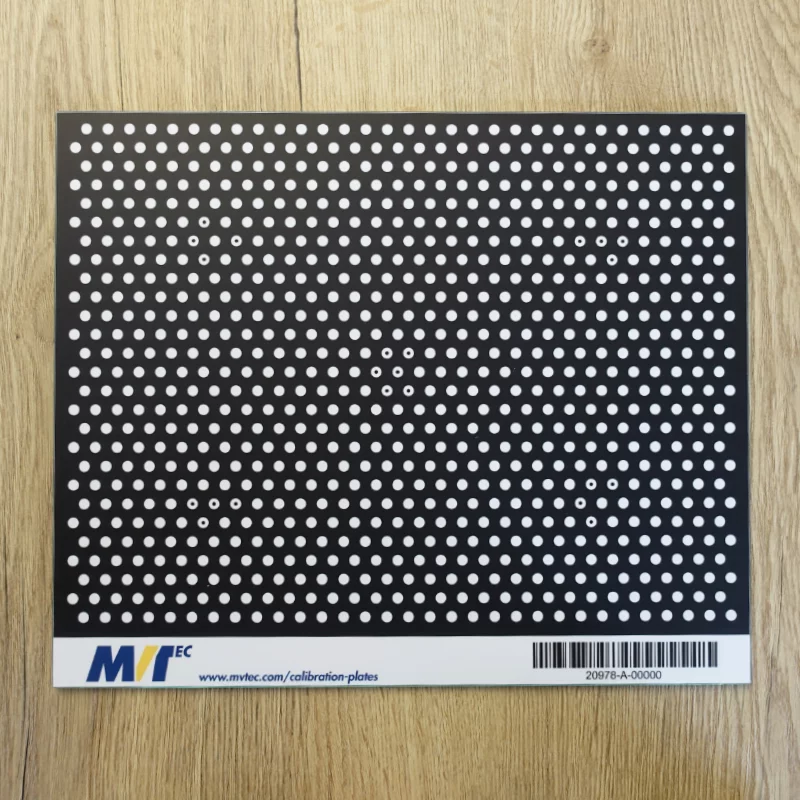
Our calibration plates are available in different materials and in sizes ranging from 2cm×2cm up to 320mm×240mm.

Need help choosing the right plate size and material for your application?

Contact your local distributor 

CALIBRATION PLATES

Selection of available sizes

2cm × 2cm
10cm × 10cm
320mm × 240mm

Calibration plates for our software

Below you can see which calibration plates are available for our different software products and versions. You can also download an overview of the respective calibration plates as well as their data sheet.

Supported by HALCON

HALCON 12 and higher HALCON versions

HALCON 12 and higher versions support new calibration plates (Product Id. 20118-20125, 20977-20978) featuring an improved ease of use. These plates do not have to be completely visible in the calibration images. This especially simplifies multi-view calibration and the placement of the calibration plate close to the image border. Furthermore, the new design contains a significantly larger number of calibration marks, which allows reliable calibration with fewer calibration images. The dimensions of the calibration plates are a little larger than the structure on the plate in order to allow an easy handling.

Further information on calibration can be found in the "Solution Guide III-C (3D Vision)" and in the section "Calibration" of the "Reference Manual".

Please note, these calibration plates are only supported by HALCON 12 and higher HALCON versions. Customers must possess a development license of HALCON 12 or a higher HALCON version prior to ordering a calibration plate.

Overview     Datasheet
 

Supported by HALCON 12 and previous HALCON versions

HALCON 12 as well as previous HALCON versions continue to support the old calibration target (Product Id. 20019-20030, 20979-20980).

Overview    Datasheet

Supported by MERLIC

MERLIC supports new calibration plates (Product Id. 20118-20125, 20977-20978) featuring an improved ease of use. These plates do not have to be completely visible in the calibration images. This especially simplifies multi-view calibration and the placement of the calibration plate close to the image border. Furthermore, the new design contains a significantly larger number of calibration marks, which allows reliable calibration with fewer calibration images. The dimensions of the calibration plates are a little larger than the structure on the plate in order to allow an easy handling.

Further information on calibration can be found in the quick info of MERLIC and within the documentation of the corresponding tools.

Please note, customers must possess a MERLIC license prior to ordering a calibration plate.

Overview     Datasheet

TUTORIALS

Calibration plates videos

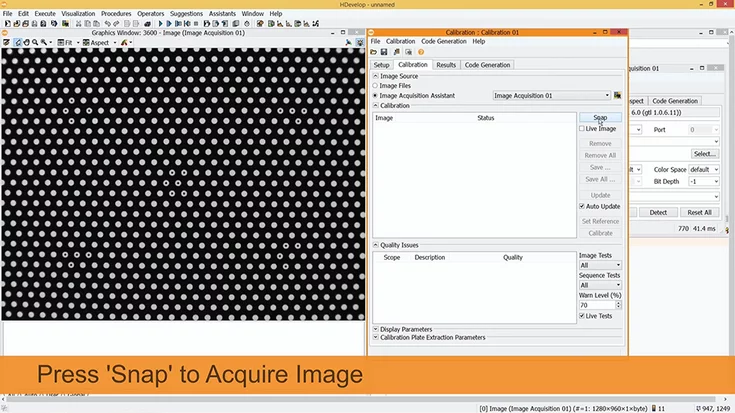
How to calibrate your camera setup successfully with MVTec HALCON
In this tutorial, we explain when camera calibration is needed, how it works in MVTec HALCON, and what to consider to achieve reliable measurement results.
To the video
Step-by-step tutorial
Calibration Plates
HALCON
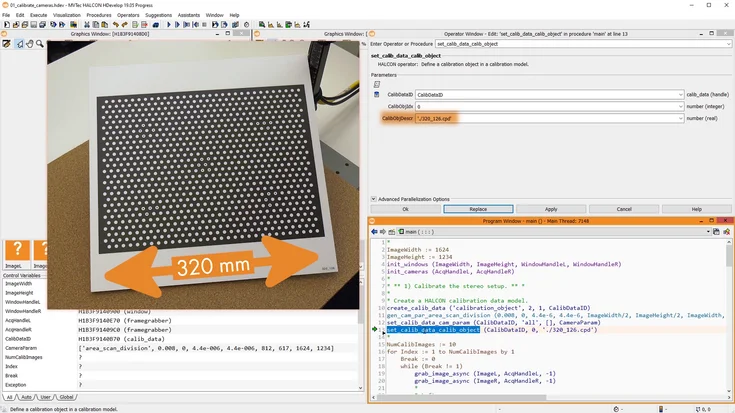
Stereo Calibration with MVTec HALCON
From setup to 3D output: learn how to calibrate multiple cameras in HDevelop and verify precision.
To the video
Step-by-step tutorial
Calibration Plates
HALCON
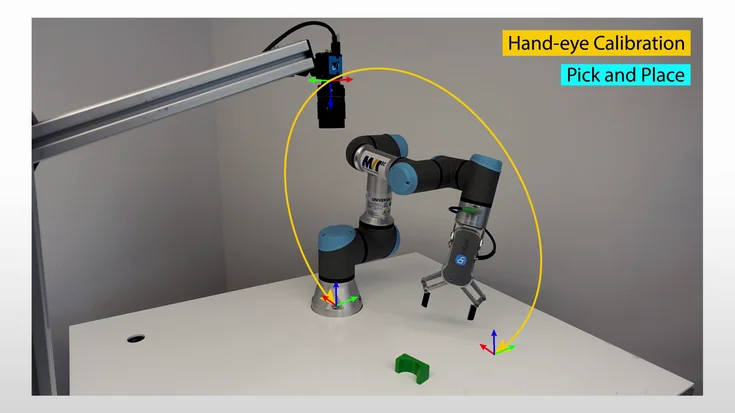
Approximate hand-eye calibration with MVTec HALCON (stationary 2D camera)
Learn hand-eye calibration in HALCON: align robot and camera coordinates for precise pick-and-place.
To the video
Step-by-step tutorial
Calibration Plates
HALCON
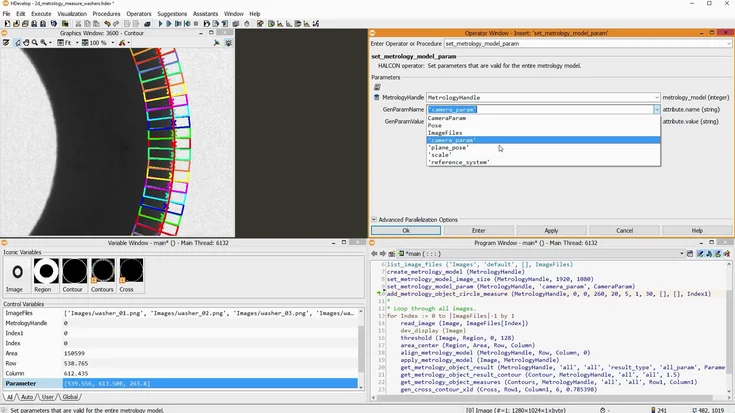
Calibrated measurements using 2D metrology with MVTec HALCON
Learn 2D metrology in HALCON to measure circles, ellipses, rectangles, and lines with precision.
To the video
Step-by-step tutorial
Calibration Plates
HALCON
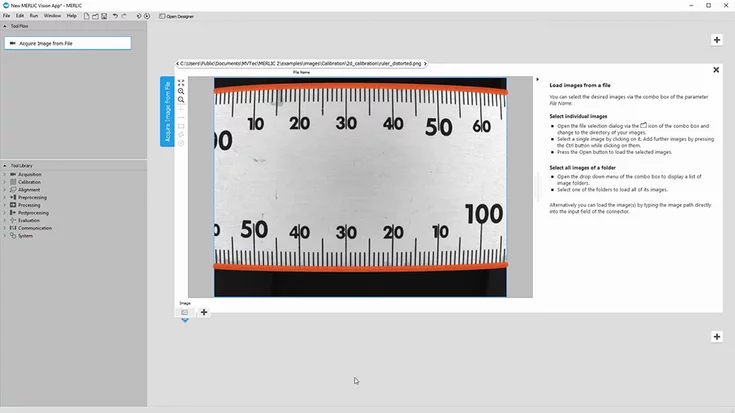
Calibrated Measurement with MVTec MERLIC
Need precise measurements or distortion-free images? Learn how to calibrate your camera in MERLIC using a simple calibration plate.
To the video
Step-by-step tutorial
Calibration Plates
MERLIC
Camera calibration - using a HALCON calibration plate
Learn how to use iconic and control variables in HDevelop, plus smart use of tuples and arrays to avoid loops in your program.
To the video
Step-by-step tutorial
Calibration Plates
HALCON

COMPREHENSIVE SERVICES & SUPPORT

Our team is here to assist you

INDIVIDUALLY TAILORED
Individual application solutions

We would be happy to advise you on which technology is best for you. Together we develop individual solutions and optimize your operating procedures.

ALWAYS AVAILABLE
Our technical support

With a comprehensive range of services and support, MVTec helps you realize your image processing task in the best possible way. The MVTec experts are at your side during the entire project cycle.

MVTec Software