Application examples, feature presentations & more

Videos & tutorials for an easy start with our products

This page offers concise application examples, feature presentations, step-by-step tutorials, and on-demand webinars focused on practical workflows and real use cases for our products and technologies.

Use the filters to find the right video for you!
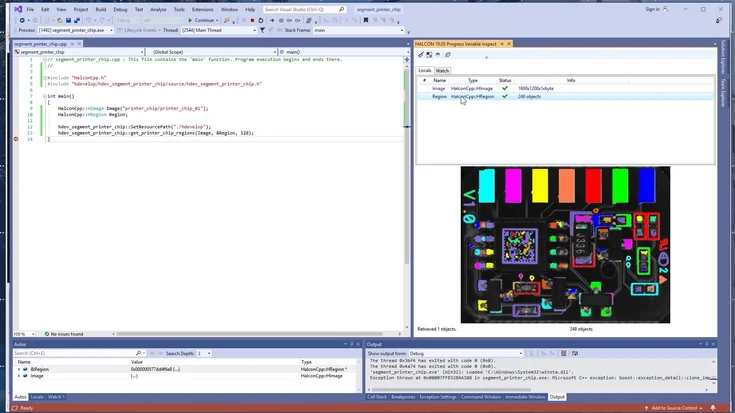
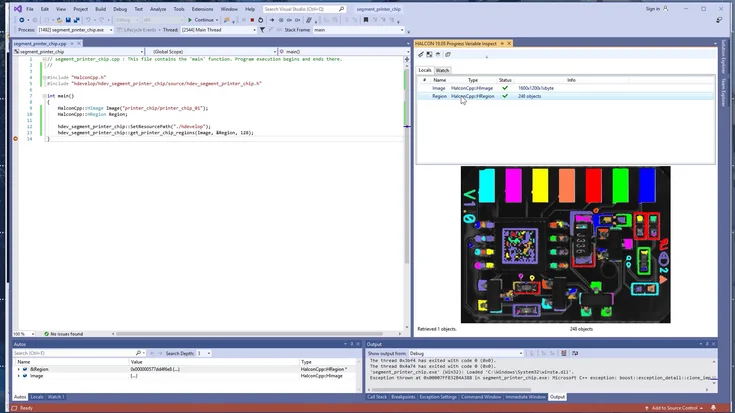
Integrate HDevelop code into a C# application using the Library Project Export
Learn how to seamlessly turn your HDevelop procedures into native C/C++ functions. This tutorial walks you through exporting, compiling, and integrating HALCON code directly into your own application.
To the video
Step-by-step tutorial
HDevelop (IDE of HALCON)
HALCON
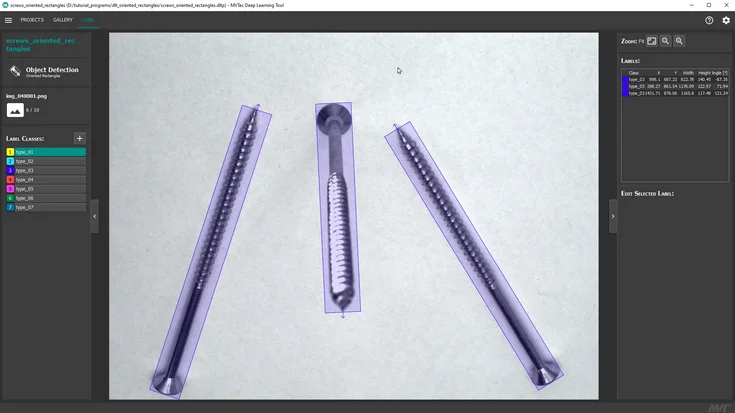
Draw oriented rectangles with the MVTec Deep Learning Tool
Learn how to draw oriented rectangles with the MVTec Deep Learning Tool in this step-by-step video tutorial.
To the video
Step-by-step tutorial
Deep Learning
Deep Learning Tool
HALCON
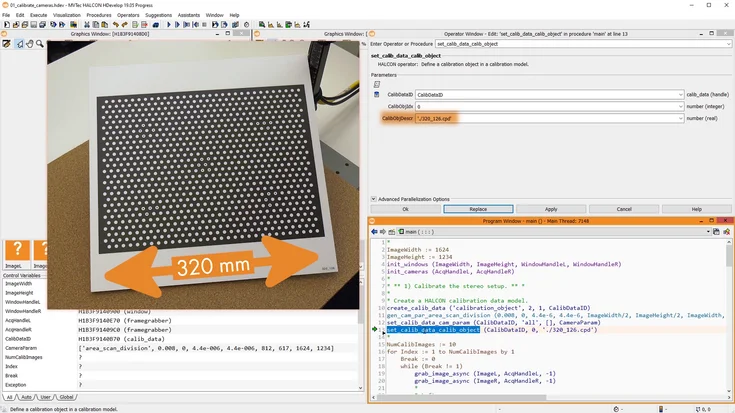
Stereo Calibration with MVTec HALCON
From setup to 3D output: learn how to calibrate multiple cameras in HDevelop and verify precision.
To the video
Step-by-step tutorial
Calibration Plates
HALCON
Integrate HDevelop code into a C++ application using the Library Project Export
In this tutorial, we show how to use HDevEngine to integrate HDevelop machine vision code into an existing Visual Studio project – without recompiling your application.
To the video
Step-by-step tutorial
HALCON
HDevelop (IDE of HALCON)

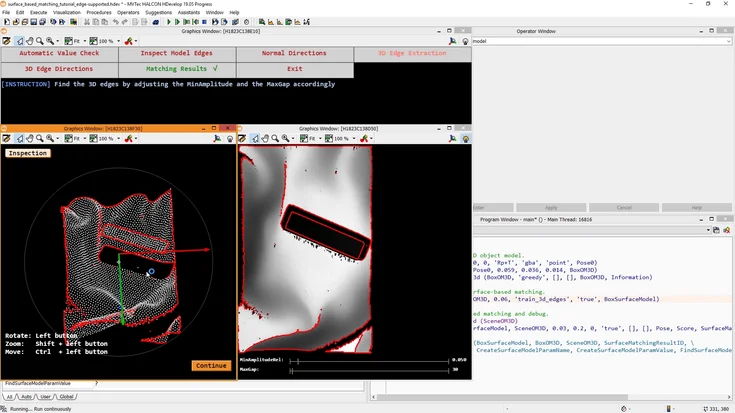
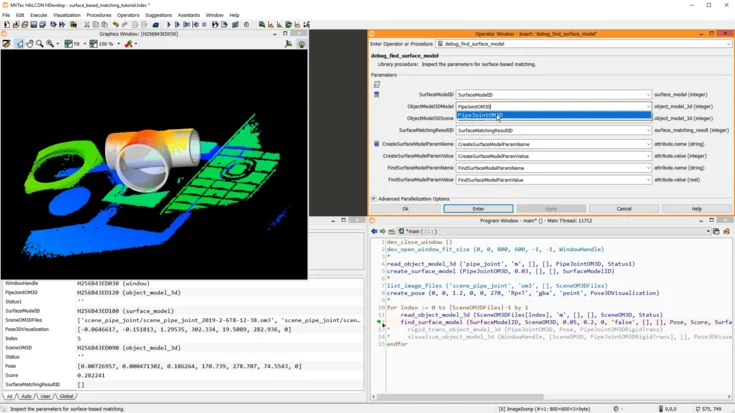
Edge-supported surface-based 3D matching with MVTec HALCON
Explore surface-based matching with HALCON. This tutorial shows how to detect and align textured 3D objects using advanced pattern matching techniques.
To the video
Step-by-step tutorial
HALCON
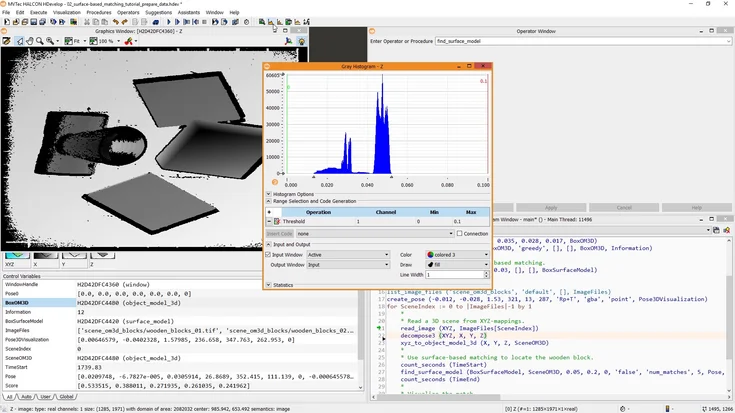
Optimize your 3D data for surface-based 3D matching with MVTec HALCON
Improve HALCON’s 3D surface matching by cleaning input data and using 2D xyz-mappings for faster, more robust results.
To the video
Step-by-step tutorial
HALCON
Introduction to surface-based matching with MVTec HALCON
Get started with surface-based matching in HALCON. This introductory tutorial explains key concepts and basic steps for detecting textured 3D objects.
To the video
Step-by-step tutorial
HALCON
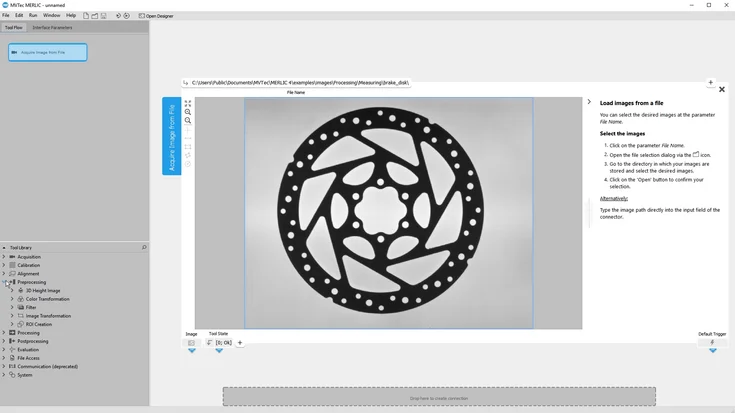
Check the fill height of a cookie box in 3D data with MVTec MERLIC
Mix 3D height data and classic 2D vision in MERLIC to verify both compartments quickly and reliably.
To the video
Step-by-step tutorial
HALCON
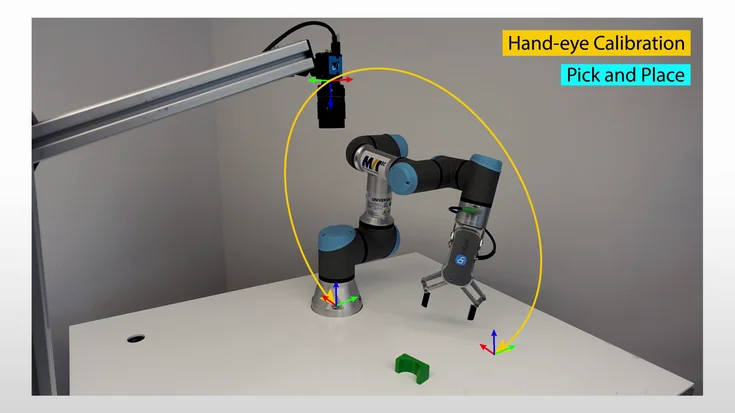
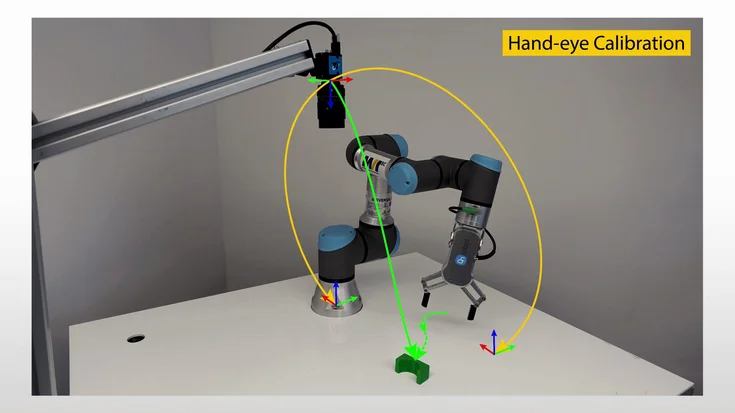
Approximate hand-eye calibration with MVTec HALCON (stationary 2D camera)
Learn hand-eye calibration in HALCON: align robot and camera coordinates for precise pick-and-place.
To the video
Step-by-step tutorial
Calibration Plates
HALCON
Pick and place with shape-based matching (stationary 2D camera)
Discover pick-and-place with shape-based matching in HALCON. This tutorial demonstrates how to locate parts reliably and guide robotic pick-and-place tasks.
To the video
Step-by-step tutorial
HALCON
Debugging an MVTec HDevEngine application running on an embedded device
Learn how to debug an HDevEngine application on an embedded device. This tutorial shows tools and techniques to find and fix issues in HALCON automation projects.
To the video
Step-by-step tutorial
Embedded Vision
HALCON
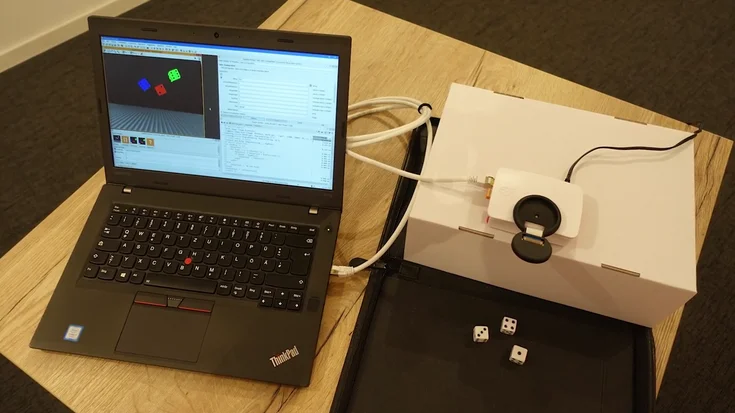
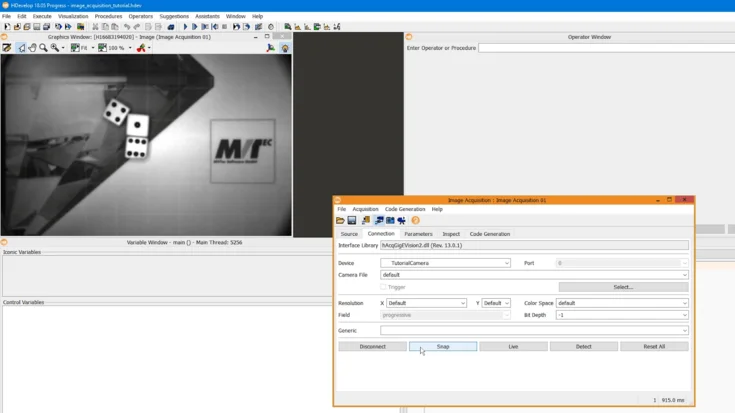
Image acquisition with MVTec HALCON & HDevelop
Learn how to simply acquire and use live images within HDevelop: using the Image Acquisition Assistant, we simply generate the required code. Additionally, with the respective tools available in HDevelop, we focus the image and adapt the aperture. La…
To the video
Step-by-step tutorial
HALCON
HDevelop (IDE of HALCON)
MVTec Software