Tutorials, Webinars, Application Examples & More

Videos & tutorials for an easy start with our products

Accelerate your machine vision projects with MVTec resources. This page offers concise videos, step-by-step tutorials, and on-demand webinars focused on practical workflows and real use cases for HALCON, MERLIC, and the Deep Learning Tool.

Use the filters to find the right video for you!
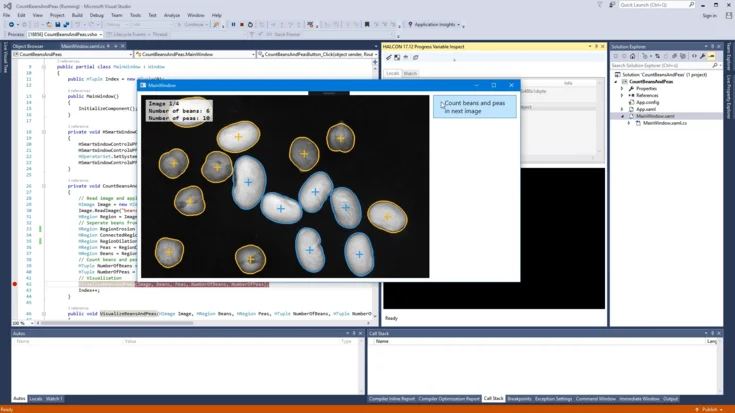
Debugging with HALCON variable inspect in Visual Studio
Use HALCON Variable Inspect in Visual Studio to view images, regions, and variables from your HALCON code instantly.
To the video
Tutorial
HALCON
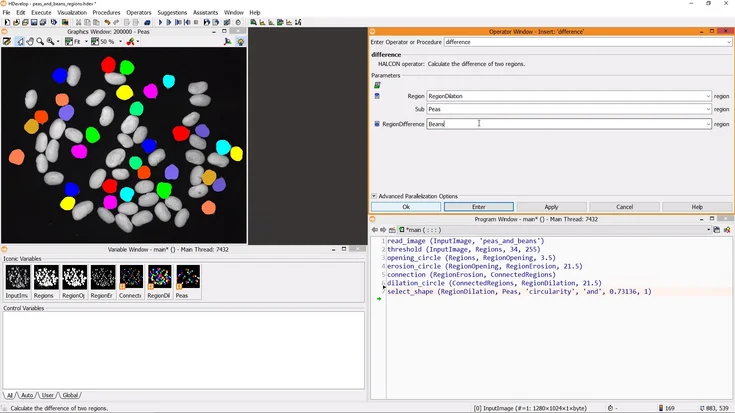
Working with Regions (MVTec HALCON)
In this tutorial, we show how we use MVTec HALCON to segment images with the Gray Histogram, split touching objects using morphology, and cluster regions by their features.
To the video
Tutorial
HALCON
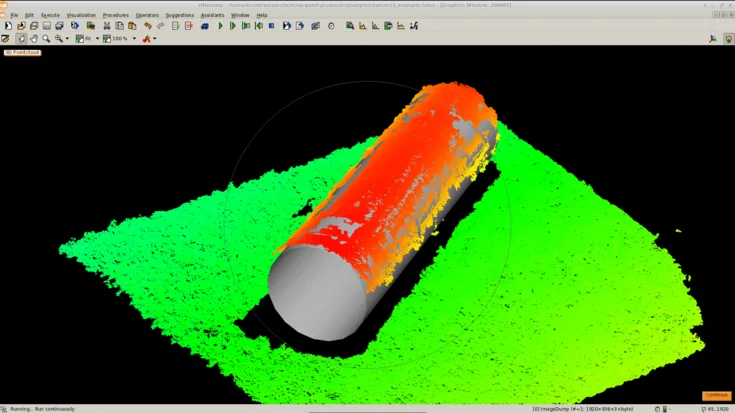
3D object processing with MVTec HALCON 13 and Nerian SP1
In this tutorial, we show how to use MVTec HALCON with a stereo vision system to acquire 3D point clouds, segment objects, and reliably detect a cylinder.
To the video
Tutorial
HALCON
Calibrated 1D measuring with MVTec HALCON
Learn calibrated 1D measuring with HALCON. This tutorial covers setup and practical steps for accurate length measurement in machine vision.
To the video
Tutorial
HALCON
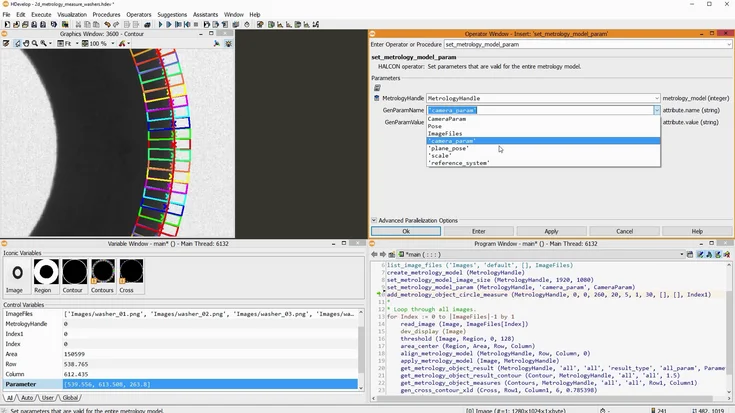
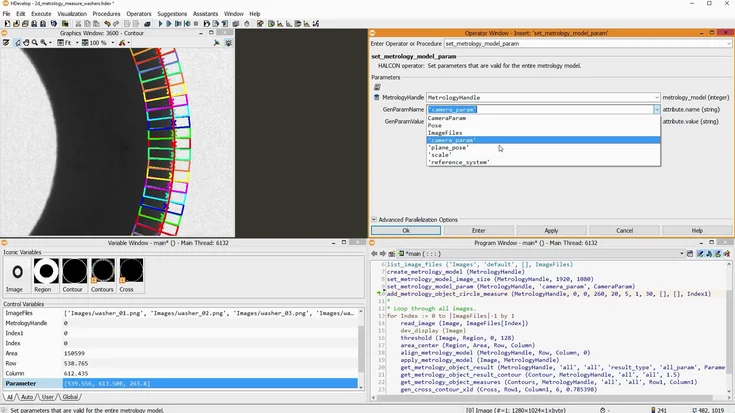
Calibrated measurements using 2D metrology with MVTec HALCON
Learn 2D metrology in HALCON to measure circles, ellipses, rectangles, and lines with precision.
To the video
Tutorial
Calibration Plates
HALCON
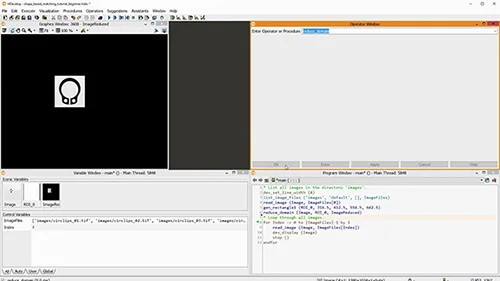
Shape-based matching with MVTec HALCON: Introductory tutorial
Discover how shape-based matching works in MVTec HALCON. This introductory tutorial explains core concepts and shows how to detect objects reliably—even with rotation, scale changes, or partial occlusion.
To the video
Tutorial
HALCON
Shape-based matching with MVTec HALCON: process the results, align ROIs or images
In this tutorial, we show how to process matching results in MVTec HALCON—count matches and realign regions or images based on the detected positions.
To the video
Tutorial
HALCON
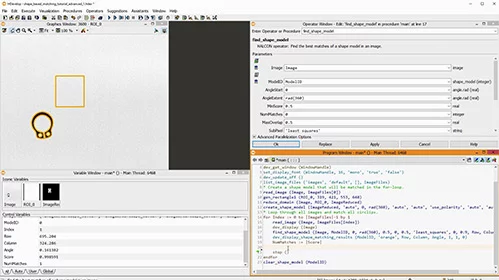
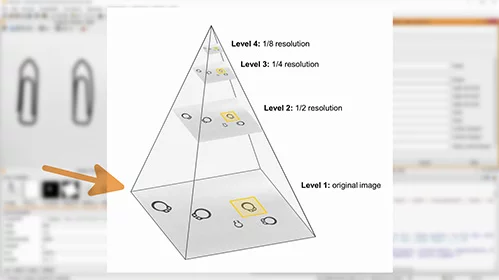
Shape-based matching with MVTec HALCON: speedup vs. robustness, advanced parameters
In this tutorial, we show how to optimize shape-based matching in MVTec HALCON using advanced parameters—making it faster and more robust, even with blur or deformation.
To the video
Tutorial
HALCON
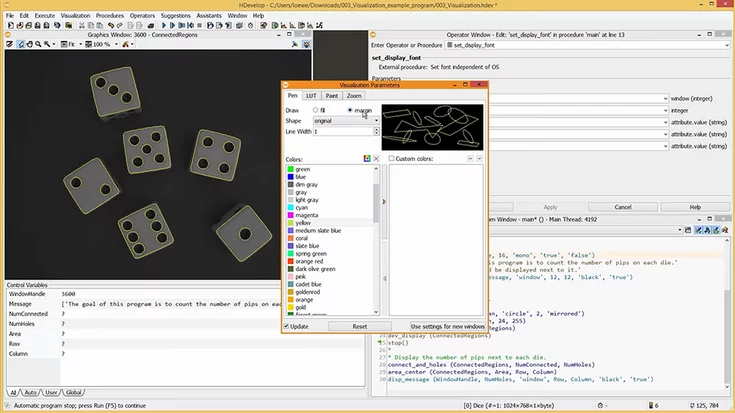
HDevelop tutorial 03: visualization – MVTec HALCON
This MVTec HDevelop tutorial improves visualization: apply LUTs, fit window to image, set fonts/colors, show outlines, and use the correct coordinate system.

To the video
Tutorial
HALCON
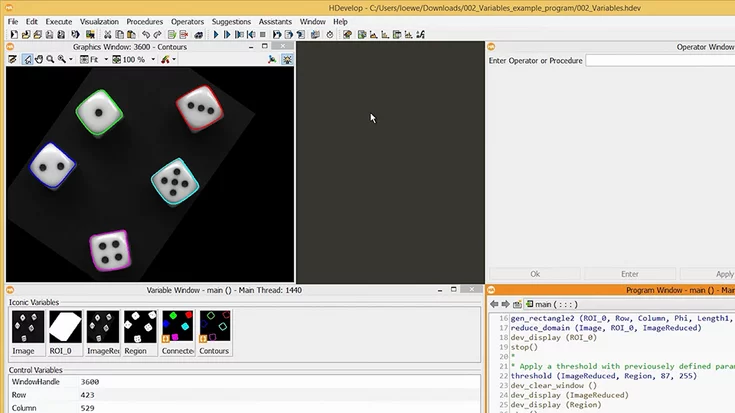
HDevelop tutorial 02: Variables – MVTec HALCON
MVTec’s HDevelop tutorial: read and use iconic vs. control variables. Use tuples and arrays to avoid loops. Includes a sample program download.
To the video
Tutorial
HALCON
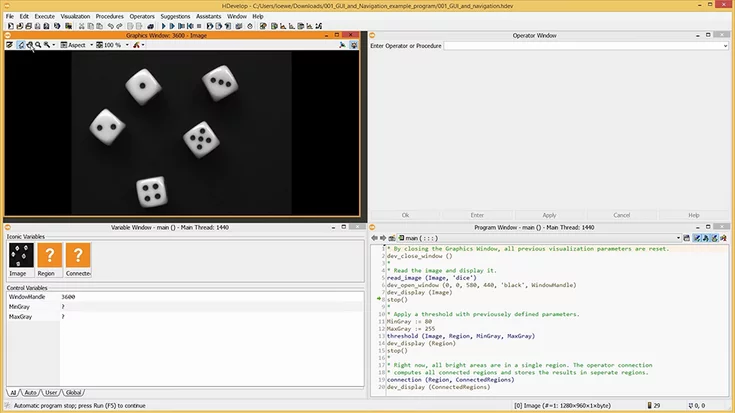
HDevelop Tutorial 01: GUI and Navigation - MVTec HALCON
Learn HDevelop essentials: Graphics, Program, Operator, Variable windows, plus step-through debugging with counter and breakpoints.
To the video
Tutorial
HALCON
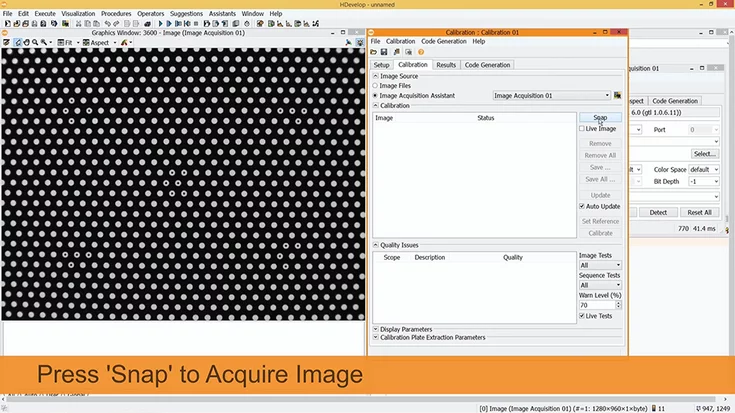
Camera calibration - using a HALCON calibration plate
Learn how to use iconic and control variables in HDevelop, plus smart use of tuples and arrays to avoid loops in your program.
To the video
Tutorial
Calibration Plates
HALCON
MVTec Software