Step-by-step tutorial, HALCON
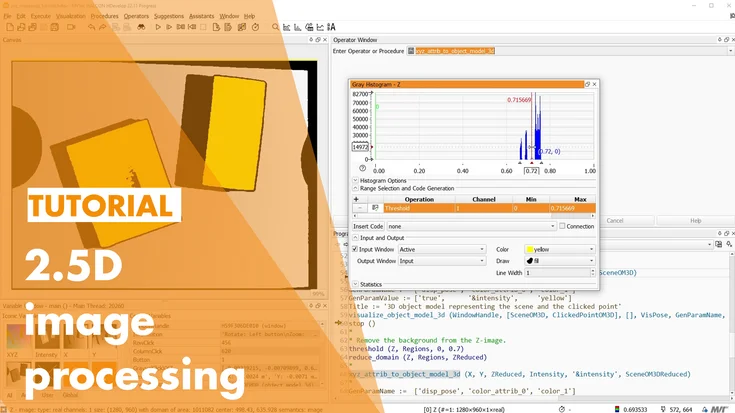
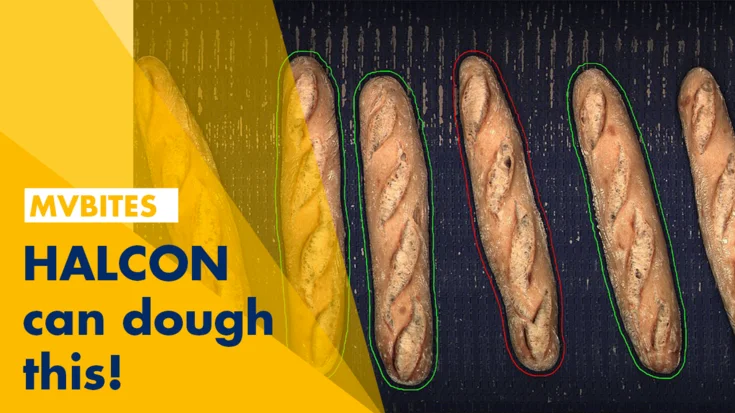
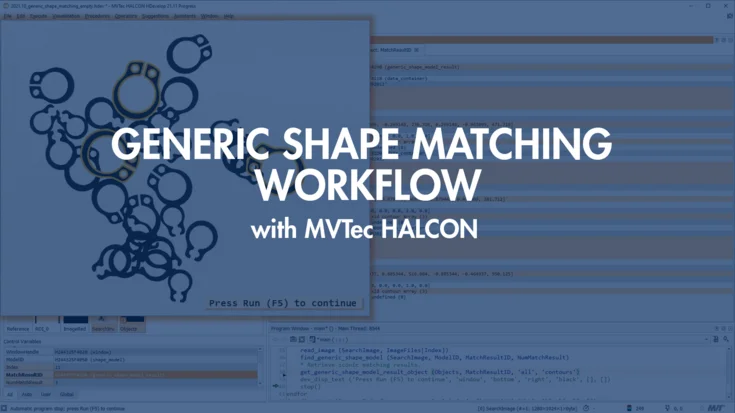
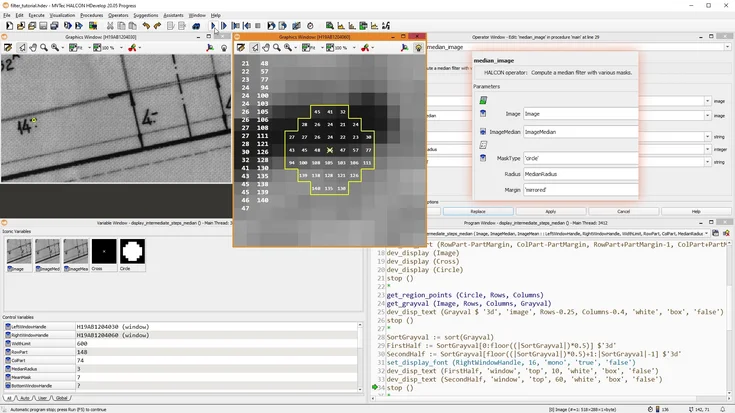
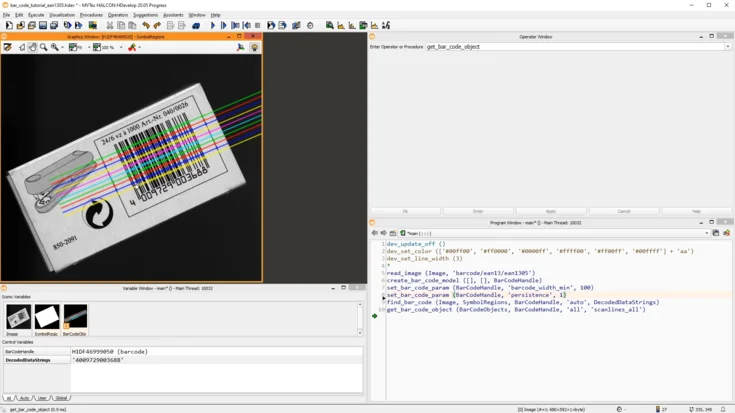
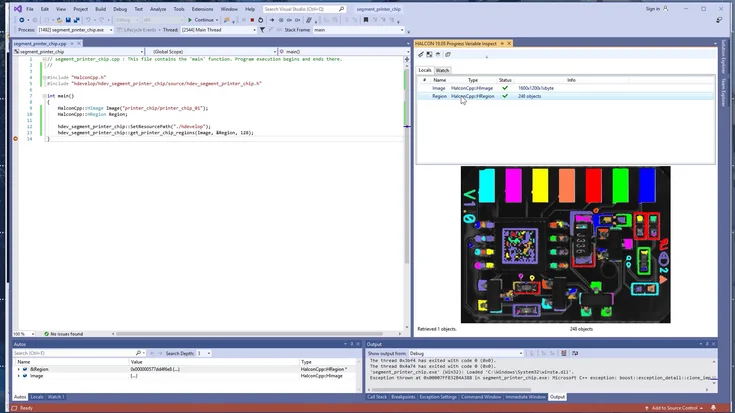
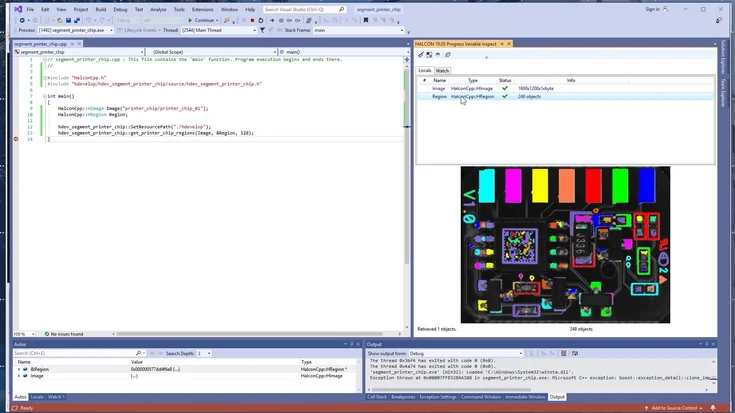
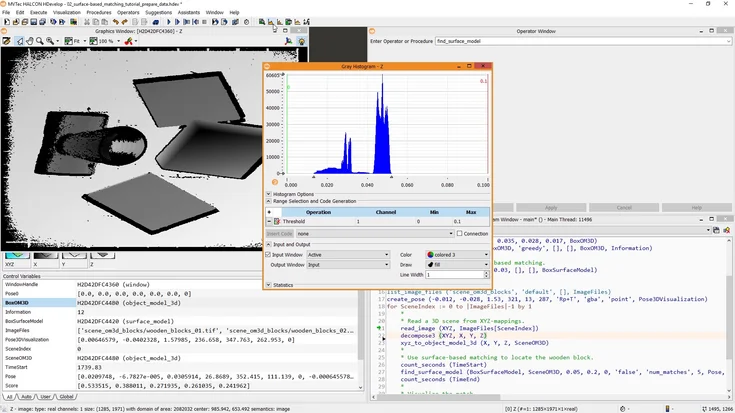
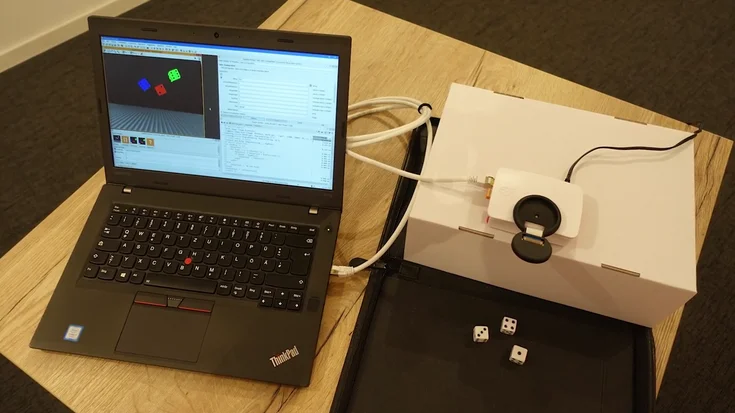
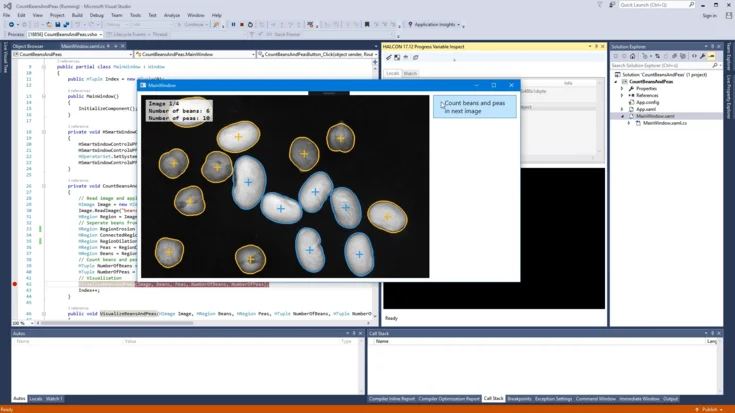
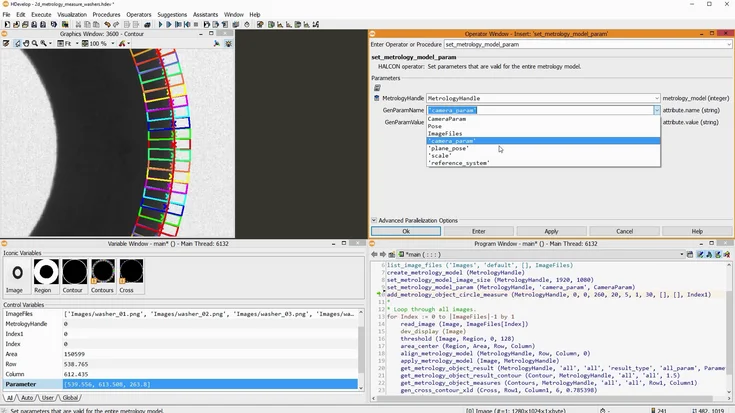
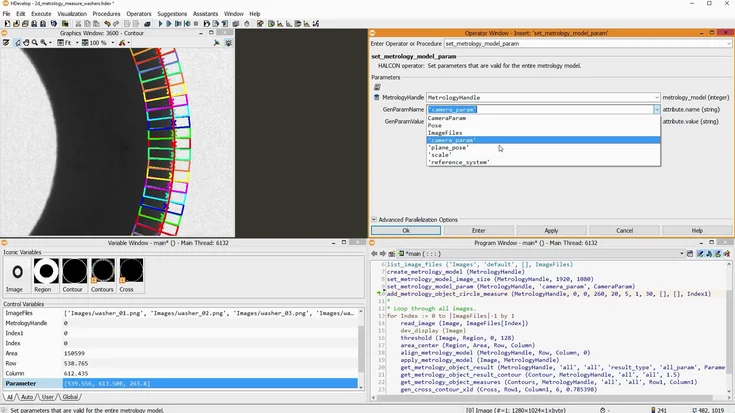
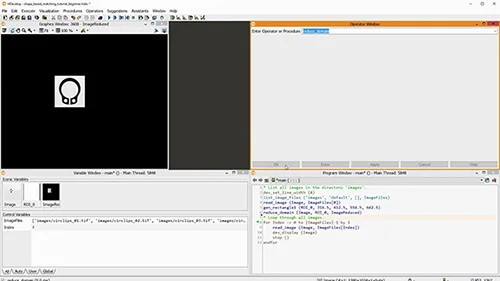
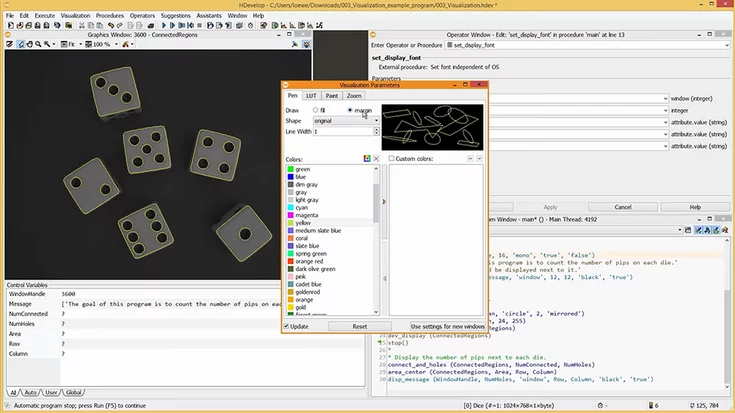
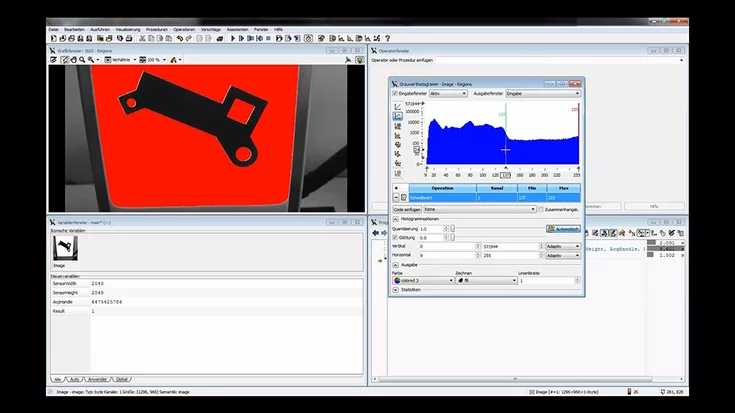
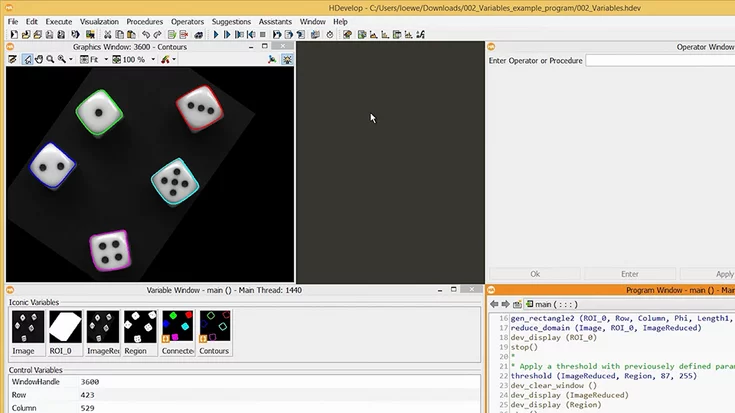
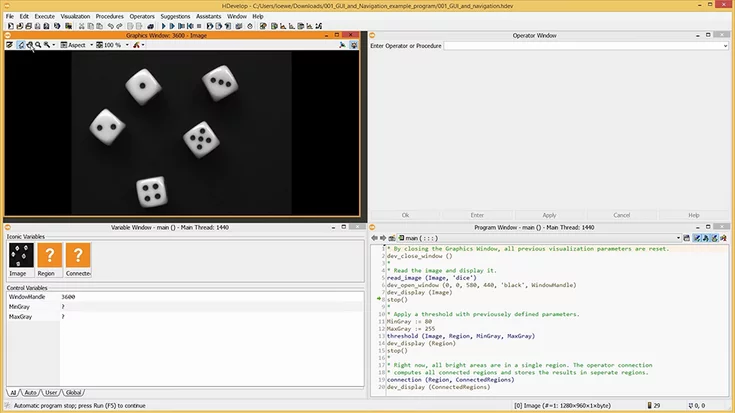
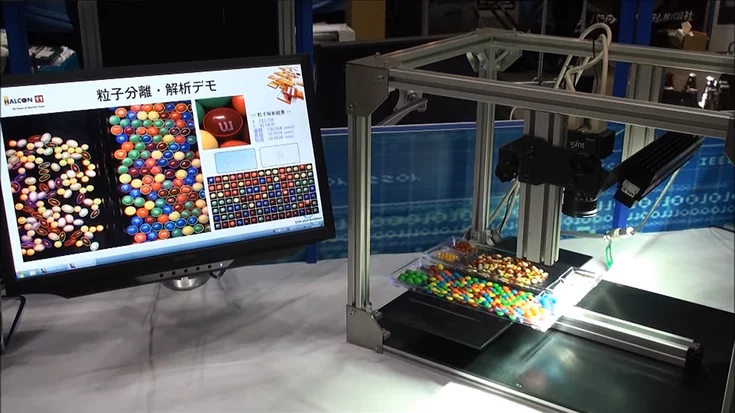
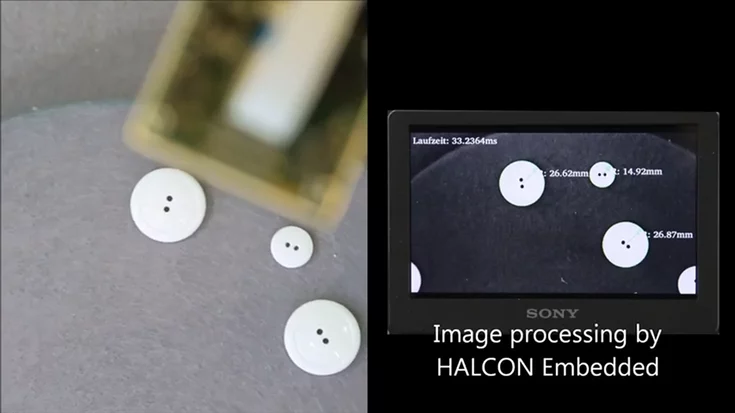
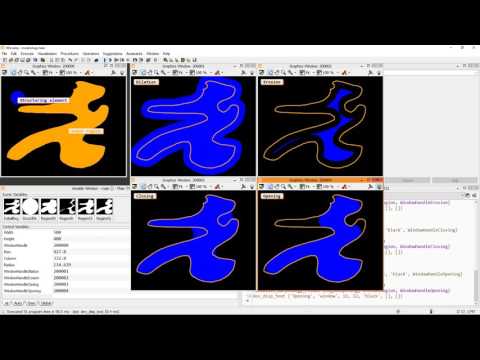
Regions are a very powerful tool when working with MVTec HALCON. In this video, we learn how to segment an image using the Gray Histogram tool. The resulting region is then processed with morphology to separate touching objects. Lastly, using the features of the regions, like for example the circularity, we cluster different objects in separate regions.
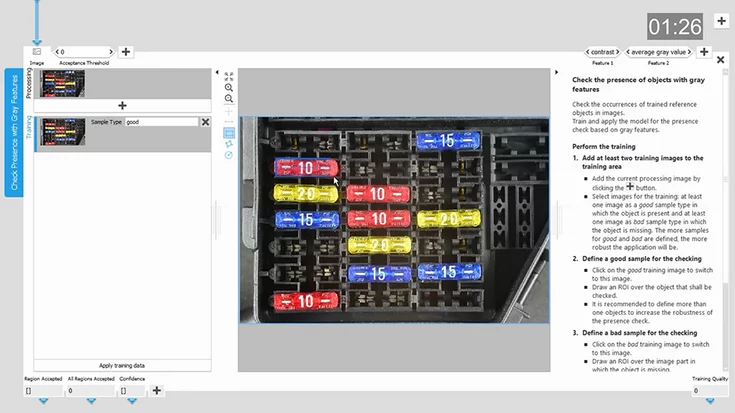
You can download the finished example programs below. It includes a small exercise: Instead of using the region features, we want to use the gray value information of the image.
Please note: Once you watch the video, data will be transmitted to Youtube/Google. For more information, see Google Privacy.
Activate Video