June 02, 2022 | Application Example, Deep Learning Tool

Smart Labeling during a short coffee break with MVTec Deep Learning Tool

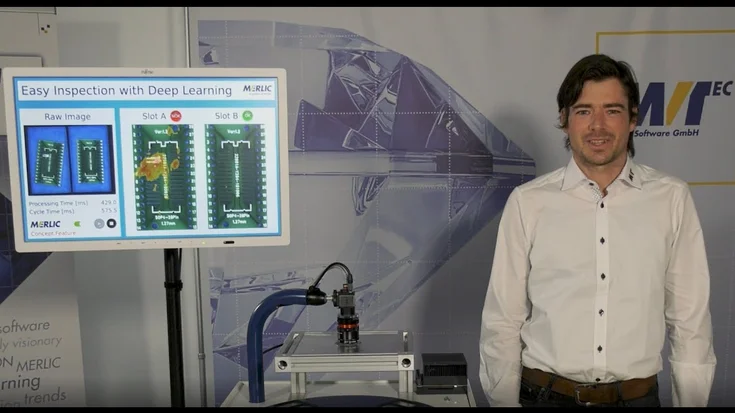
Join our research engineer Patrick to see how easy and robust the labeling works even for non-industrial objects.

When our research engineer Patrick is having his coffee break, his brain still stucks in the Smart Labeling Tool. Join Patrick during his break to see how easy and robust the labeling works, even for non-industrial objects. What is the next thing you're going to label? Check out the MVTec Deep Learning Tool.
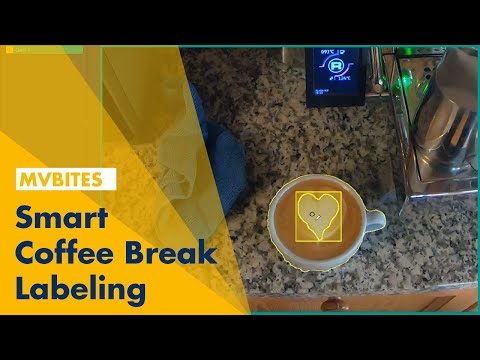
Video

Please note: Once you watch the video, data will be transmitted to Youtube/Google. For more information, see Google Privacy.

Activate Video

Published on: June 02, 2022

Further Videos

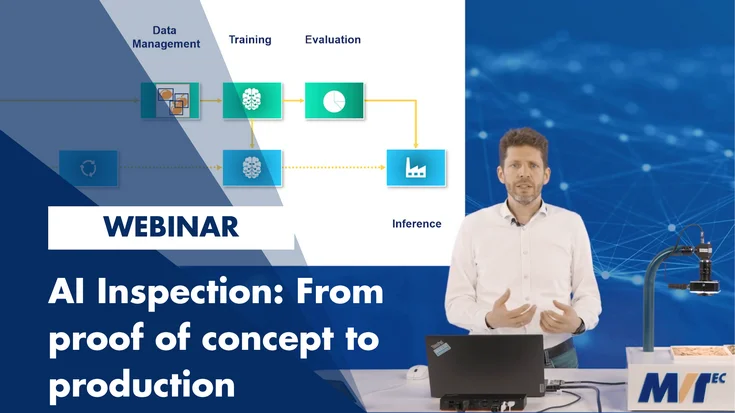
Webinar: Newest features of HALCON 25.11
In this webinar, Jan Gärtner (Product Manager HALCON) and Neelkant Kashyap (Application Engineer) guide you through the new features of the new version of HALCON.
To the video
On-demand Webinar
HALCON
5 steps to start using deep learning in machine vision
Learn how to bring deep learning into real machine-vision applications with a clear, practical roadmap. Since 2017, MVTec has delivered production-ready AI that runs reliably on the factory floor.
To the video
On-demand Webinar
Deep Learning
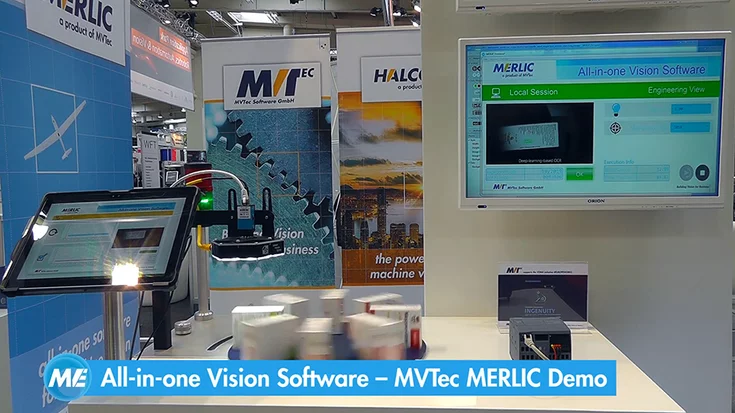
MERLIC 5.8 Webinar: New features
Learn all about MVTec MERLIC 5.8 in this webinar presented by Ulf Schulmeyer (MERLIC Product Manager) and David Hadlich (Application Engineer).
To the video
On-demand Webinar
MERLIC
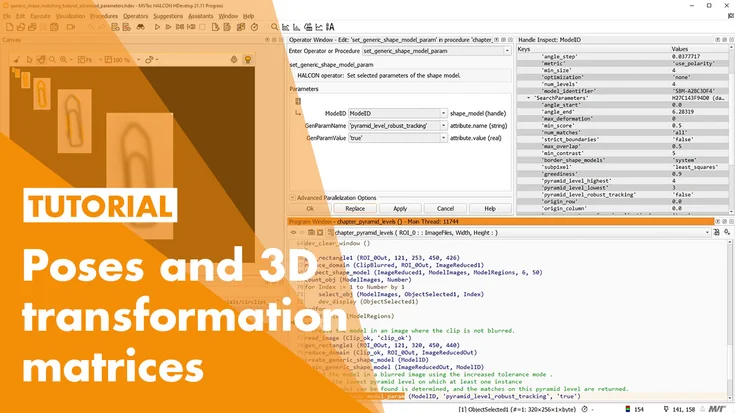
MVTec HALCON 18.11 – New Features
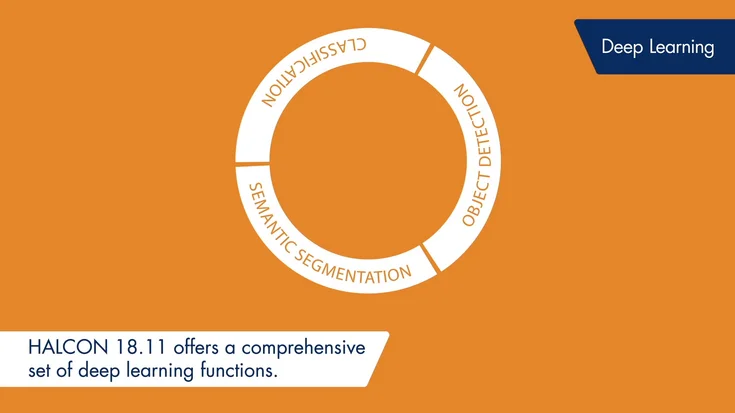
Explore HALCON 18.11: new deep learning for classification, segmentation, detection, plus developer-friendly dictionaries.
To the video

Feature Presentation
HALCON
New registration feature of the MVTec Software Manager
Excerpt from our 23.11 HALCON webinar, where the new features of the Software Manager were presented, including the new registration feature.
To the video
Tutorial
Deep 3D Matching in MVTec HALCON
Deep 3D Matching: Fast, robust 3D object detection from 2D images—perfect for bin picking and robotics, even in challenging conditions.
To the video
Feature Presentation
HALCON
How to maximize the yield in wafer production

Inspecting wafers is extremely challenging due to their reflective surfaces, microscale defects, and the need for high precision. This is where machine vision makes the difference: by enabling automated, robust, and highly efficient optical inspectio…
To the video
On-demand Webinar
HALCON
Webinar: Newest features of HALCON 25.05
In this webinar, Jan Gärtner (Product Manager HALCON) and Neelkant Kashyap (Application Engineer) guide you through the new features of the new version of HALCON.
To the video
On-demand Webinar
HALCON
MERLIC 5.7 Webinar: New features
Learn all about MVTec MERLIC 5.7 in this webinar presented by Ulf Schulmeyer (MERLIC Product Manager) and Xin Jin (Application Engineer).
To the video
On-demand Webinar
MERLIC
Webinar: Newest Features of HALCON 24.11
In this webinar, Jan Gärtner (Product Manager HALCON) and Benedikt Wörz (Application Engineer) guide you through the new features of the HALCON 24.11.
To the video
On-demand Webinar
HALCON
MERLIC 5.6 webinar: easier process integration, live demos and useful tip & tricks
Learn all about MVTec MERLIC 5.6 in this webinar presented by Ulf Schulmeyer (MERLIC Product Manager) and Xin Jin (Application Engineer).
To the video
On-demand Webinar
MERLIC
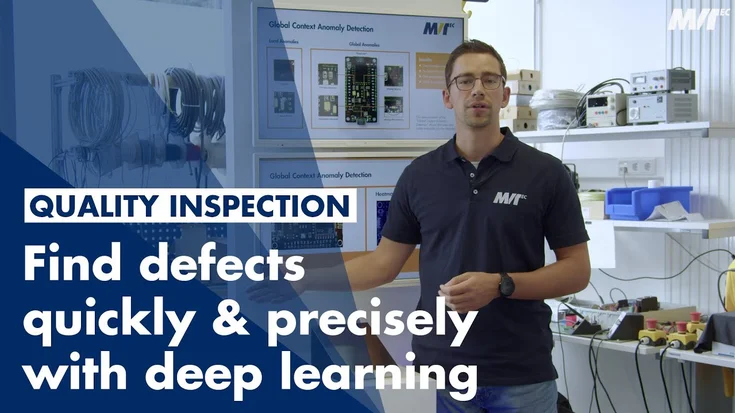
Quality Inspection: Find defects quickly & precisely with deep-learning-based machine vision
What does an automated quality inspection workflow with machine vision look like? Find out how deep learning can improve the efficiency of your production line.
To the video
Application Example
Deep Learning
How to setup and use line scan camera with MVTec HALCON
In this tutorial, we show how we set up image acquisition with line scan cameras in MVTec HALCON—from trigger setup to shading correction for accurate results.
To the video
Tutorial
HALCON
Introduction to Line Scan Cameras
In this video, we would like to give you a first introduction to line scan cameras.
To the video
Tutorial
HALCON
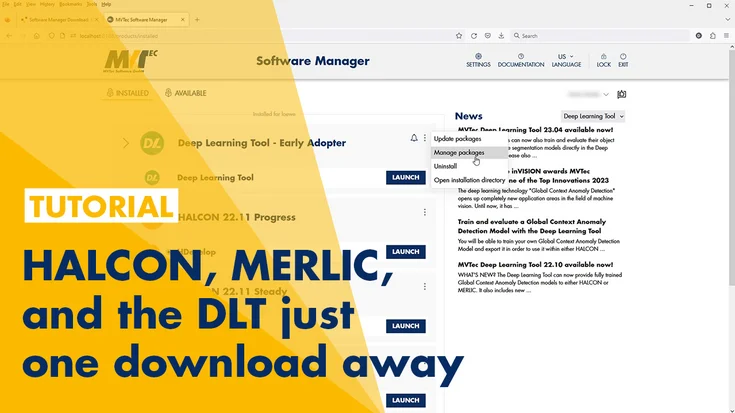
How to use the MVTec Software Manager
HALCON, MERLIC, and the DLT just one download away. In this tutorial, you will learn about the MVTec Software Manager.
To the video
Tutorial
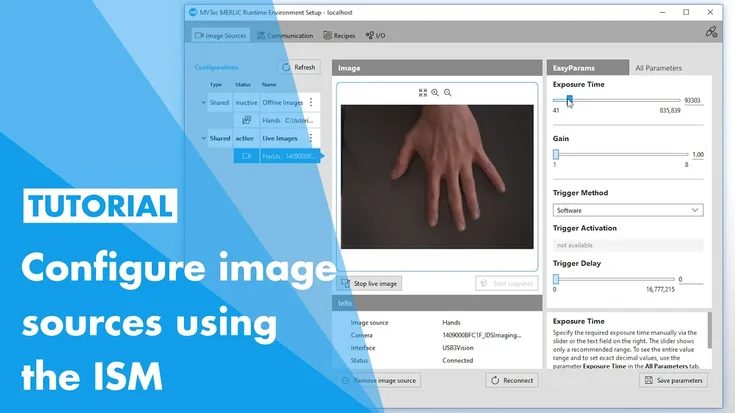
Configuring image sources with the Image Source Manager (MVTec MERLIC)
In this tutorial, you will learn how to use MVTec MERLIC’s Image Source Manager (ISM).
To the video
Tutorial
MERLIC
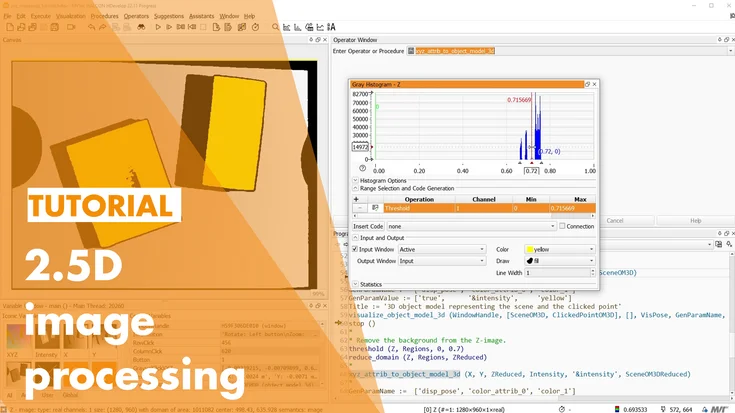
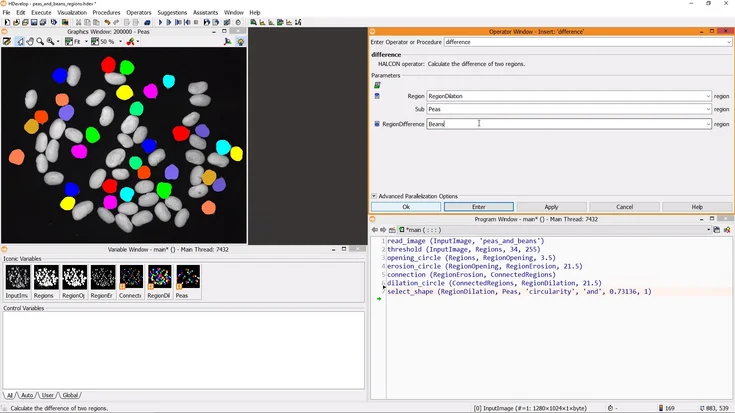
Working with XYZ Mappings (MVTec HALCON)
In this tutorial, you will learn about XYZ mappings in MVTec HALCON, why they are useful, and how to work with them efficiently.
To the video
Tutorial
HALCON
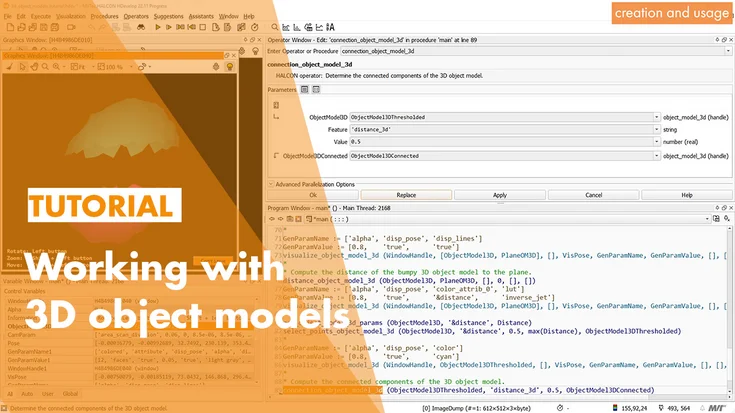
Working with 3D Object Models
In this tutorial, we’ll have a look at 3D object models within MVTec HALCON.
To the video
Tutorial
HALCON
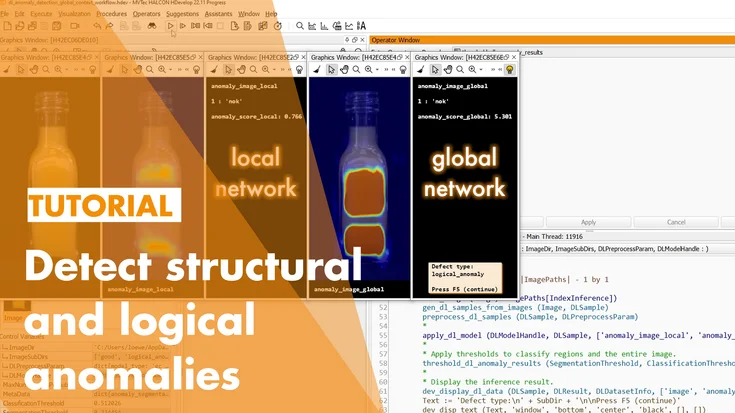
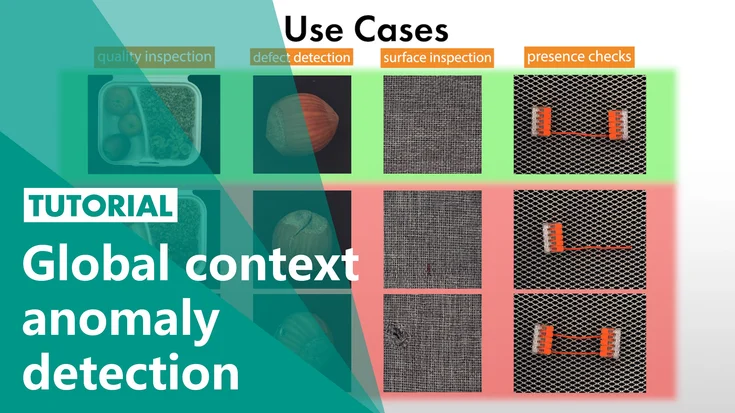
Global context anomaly detection in MVTec HALCON
In this tutorial, you will learn about using deep-learning-based global context anomaly detection in MVTec HALCON.
To the video
Tutorial
Deep Learning
HALCON
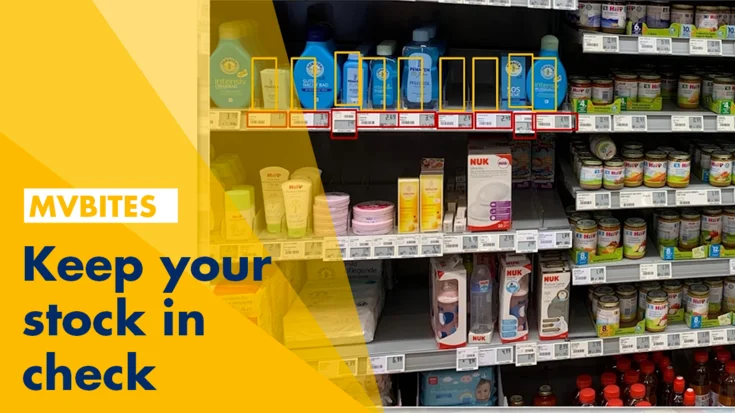
Supermarket Inventory Automation
In this tutorial, we show how we use MVTec HALCON and deep learning to let a robot check supermarket shelves after hours and classify each slot as either full or empty.
To the video
Application Example
HALCON
Leather inspection and classification with HALCON
Another successful implementation of HALCON’s deep learning technologies in the classification of leather types and quality inspection with two real-world applications.
To the video
Application Example
HALCON
Anomaly Detection in Metal Parts
MVTec’s HALCON developed a combination of rule-based and deep-learning-based approaches for faster, easier and more precise defect detection in the metalworking industry.
To the video
Application Example
HALCON
Anomaly Detection Datasets
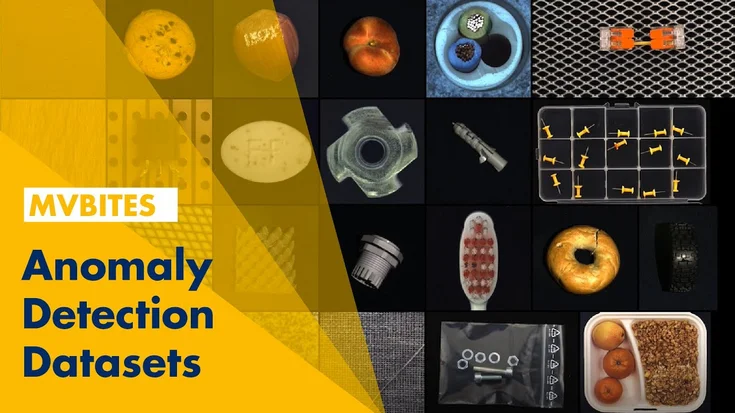
MVTec’s research department has taken anomaly detection to the next level with a comprehensive dataset and created 30 different anomaly detection scenarios
To the video
Application Example
HALCON
Train and evaluate a Global Context Anomaly Detection Model with the Deep Learning Tool
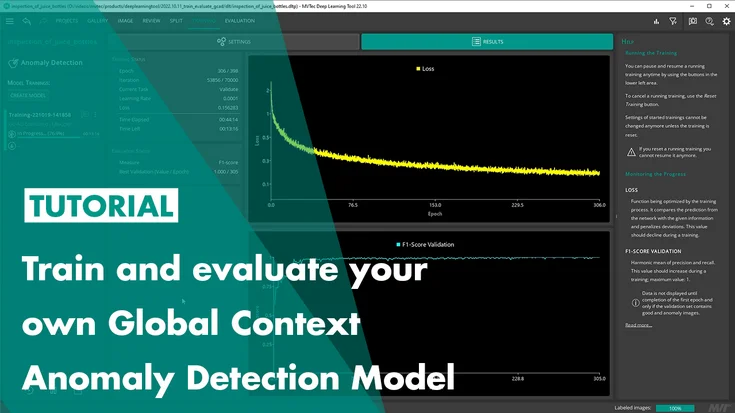
After watching this tutorial, you will know how to use the MVTec Deep Learning Tool to train and evaluate a model for Global Context Anomaly Detection.
To the video
Tutorial
Deep Learning Tool
Global Context Anomaly Detection with MVTec MERLIC
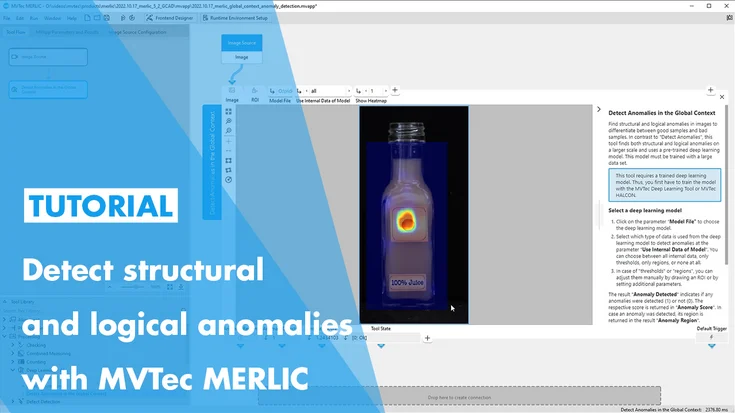
In this tutorial, you will learn how to use MVTec MERLIC’s “Detect Anomalies in the Global Context”-Tool, which features MVTec’s state of the art technology Global Context Anomaly Detection. This tool allows MERLIC users to detect logical and structu…
To the video
Tutorial
MERLIC
Quality Control of Baked Goods
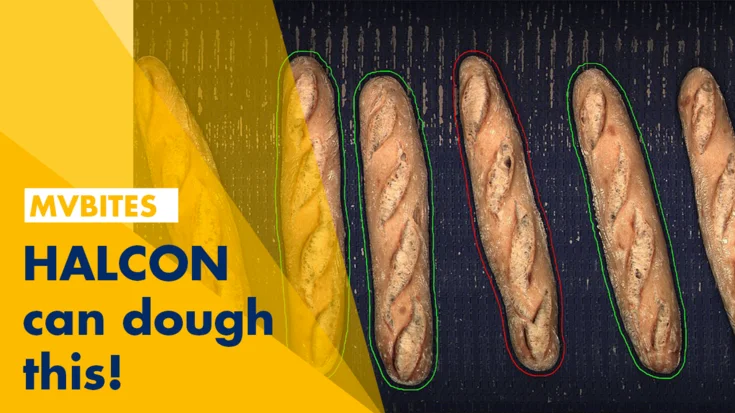
Using MVTec’s HALCON deep learning, the quality control system for baked goods is able to analyze up to 140 pieces per minute 24 hours a day!
To the video
Application Example
Deep Learning
HALCON
2D deep learning for shelf slot identification
Using 2D Deep Learning technologies, MVTec’s HALCON is able to identify where the goods will be stored and if there is enough storage space on shelves.
To the video
Application Example
HALCON
Anomaly detection with deep learning for safe welding
To inspect the welding process of its modular BLS 500 laser system and fully automate it, Manz, a high-tech machine manufacturer, relies on machine vision using the standard software MVTec HALCON.
To the video
Application Example
Deep Learning
HALCON
Deep Learning Evaluation Report
Deep learning evaluation reports just got easier to generate with MVTec’s Deep Learning Tool! Watch the video to see how.
To the video
Application Example
Deep Learning Tool
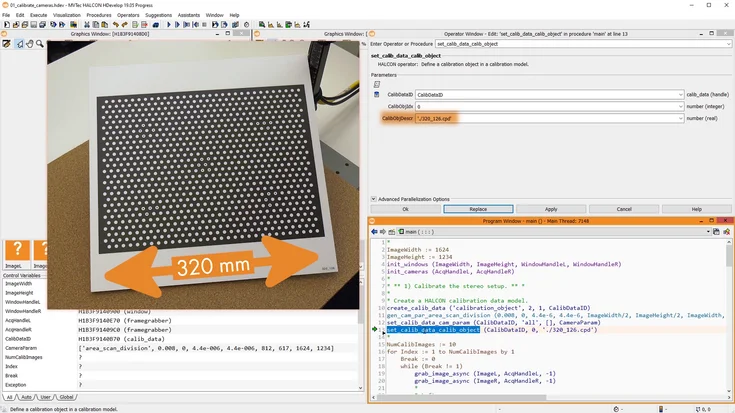
How to calibrate your camera setup successfully with MVTec HALCON
In this tutorial, we explain when camera calibration is needed, how it works in MVTec HALCON, and what to consider to achieve reliable measurement results.
To the video
Tutorial
Calibration Plates
HALCON
Global Context Anomaly Detection by MVTec
In this tutorial, you will learn about deep-learning-based global context anomaly detection by MVTec. With this technology, you can detect structural and logical anomalies in your images.
To the video
Tutorial
Deep Learning
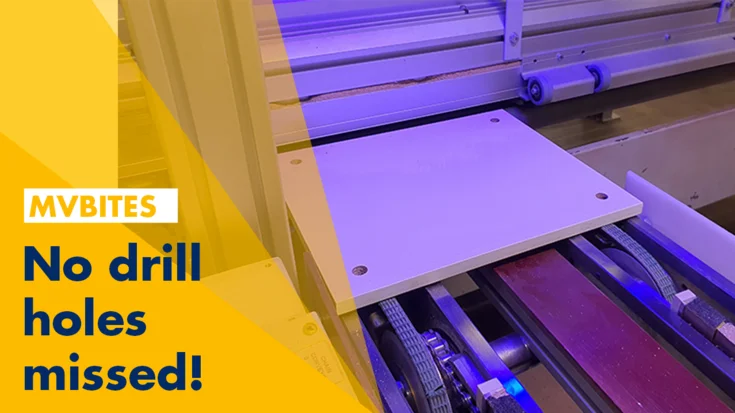
Inspection of drilled holes on furniture parts
In collaboration with MVTec's distributor, The Imaging Source, industrial automation solutions provider, Teomsi Electric Company developed an inspection system in cooperation with Ecolor for their furniture factory.
To the video
Application Example
HALCON
Bin picking application with MVTec HALCON boosts productivity
For a customer in the field of veterinary medicine, Pose Automation GmbH, a Certified Integration Partner of MVTec, developed a tailor-made robotic cell in which catheters are sorted into a packaging machine. The robust and flexible machine vision so…
To the video
Application Example
HALCON
Quality Control with Deep OCR from MERLIC
Deep OCR is a holistic deep-learning-based approach for OCR. This new technology brings machine vision one step closer to human reading.
To the video
Application Example
Deep Learning
MERLIC
3D transformation with MVTec HALCON
In this video-tutorial, we will take a deep dive in 3D transformations and poses with MVTec HALCON.
To the video
Tutorial
HALCON
Automated defect-inspection of train rooftops
Automated defect inspection of train rooftops: With MVTec HALCON, high-speed train inspections shrink from 1.5 hours to just 10 minutes—all while trains are moving!
To the video
Application Example
HALCON
Supervise your machines with HALCON generic sockets
Going on vacation but need to supervise the machines? See how Tom uses HALCON generic sockets to relax and enjoy his vacation without worrying about work.
To the video
Application Example
HALCON
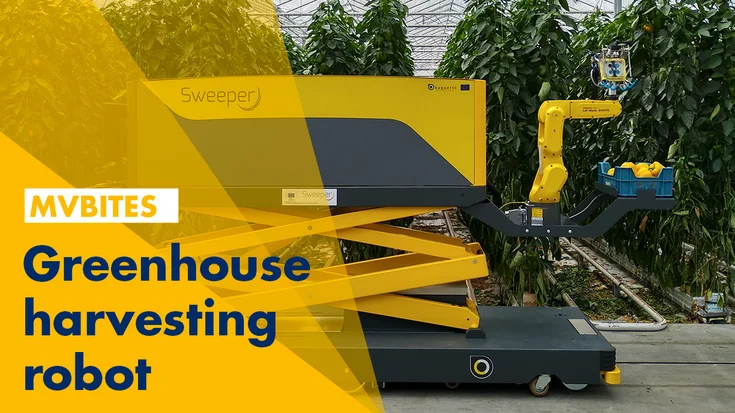
Smart pepper harvesting by SWEEPER
The implementation of robotics and sensing technologies as an alternative solution makes crop production more efficient and sustainable.
To the video
Application Example
HALCON
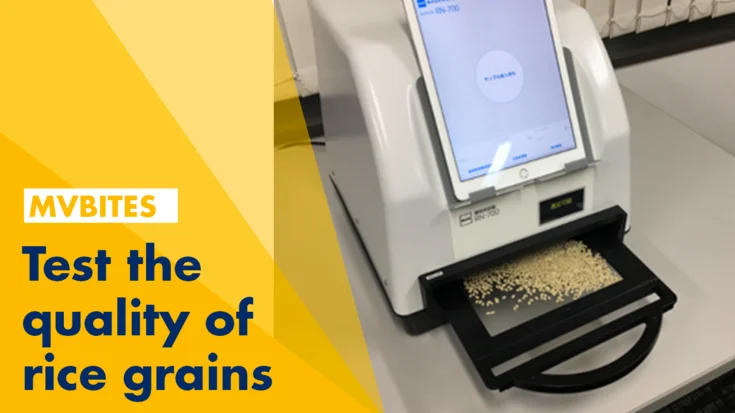
Fast and performant inspection of rice grains with HALCON Embedded
Japanese company Kett Electric Laboratory develops and sells an automated inspection system for rice grains, achieving human-level or even superior quality control with MVTec HALCON.
To the video
Application Example
HALCON
Automatic Gas Cylinder Retest Line
The Swiss Safety Center AG, part of a center of excellence in technical safety and risk management, offers a full portfolio for industry, retail, and commerce.
To the video
Application Example
HALCON
Ready for take off – HALCON, MERLIC & DLT bring you further
In this video, we show how MVTec HALCON and MERLIC solve even unusual tasks—from finding safe landing spots to reading tiny text in seconds.
To the video
Application Example
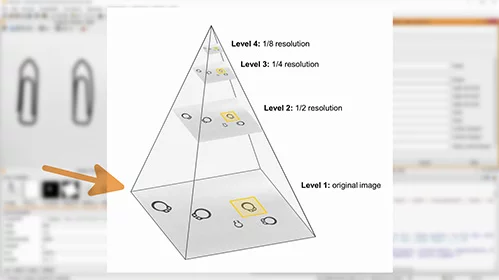
Shape-Based Matching
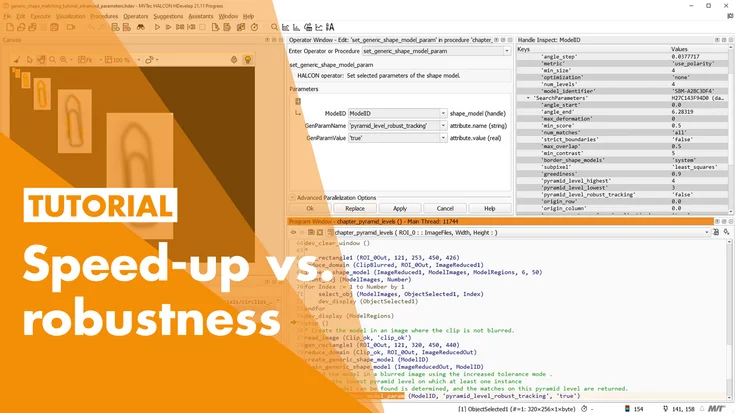
When using shape-based matching, there are many parameters and settings you might want to tweak if you have images where the standard parameters don’t find all matches. Find out how!
To the video
Tutorial
HALCON
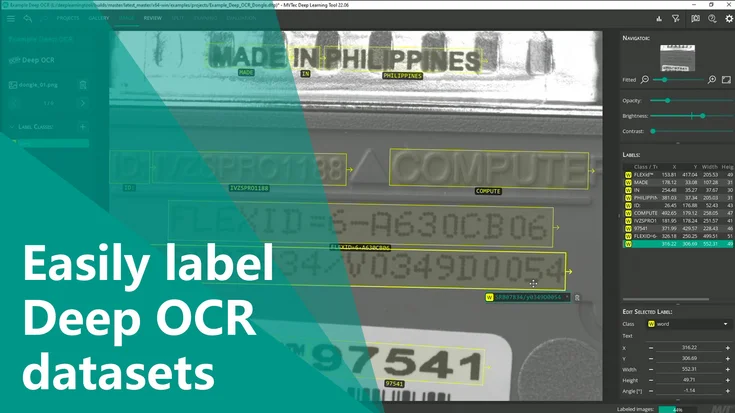
Easily label Deep OCR datasets with DLT 22.06
Learn about the main feature of Deep Learning Tool 22.06: Efficiently labeling datasets to retrain HALCON’s Deep OCR and boost recognition rates.
To the video
Feature Presentation
Deep Learning Tool
Optimize Quality Control with MERLIC 5
Incorrectly packed toast packages lead to disruptions in the production process. Find out how this challenge was solved with MERLIC 5.
To the video
Application Example
MERLIC
How many persons are within a building?
You want to count the number of people that are entering and leaving a building? Watch this MVBite and learn all about it.
To the video
Application Example
HALCON
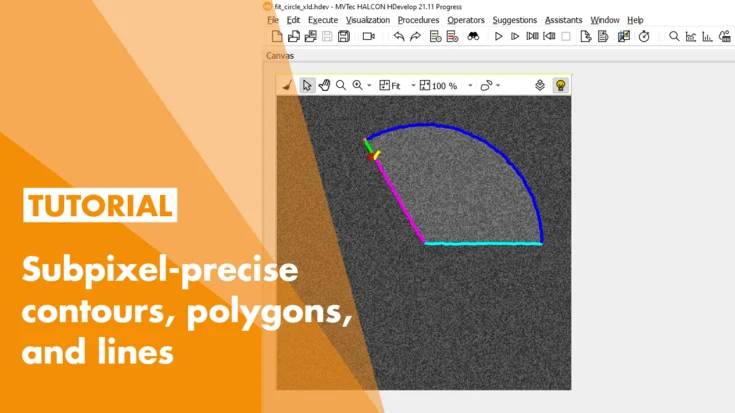
Working with XLDs in HALCON
In this tutorial, we show how to work with XLD contours in MVTec HALCON—detecting lines and circle segments, measuring widths, and analyzing geometric shapes.
To the video
Tutorial
HALCON
Deep learning instance segmentation with HALCON
Have a look at deep-learning-based instance segmentation with MVTec HALCON and locate objects in an image.
To the video
Tutorial
HALCON
Label instance segmentation data with the MVTec Deep Learning Tool
In this tutorial, you will learn how to label instance segmentation data with the MVTec Deep Learning Tool.
To the video
Tutorial
Deep Learning Tool
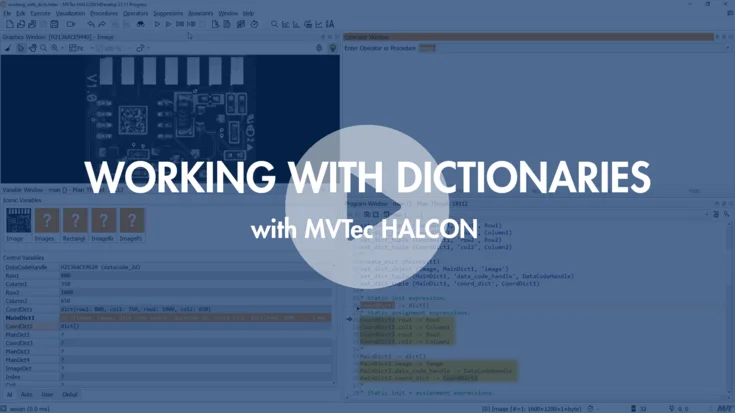
Working with Dictionaries in HALCON
In this tutorial, we show how to create and use dictionaries in MVTec HALCON: store and access values, work with JSON, and pass them to and from procedures.
To the video
Tutorial
HALCON
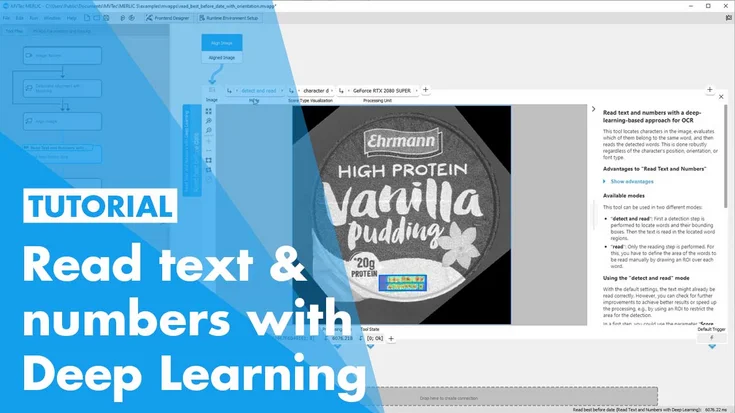
Deep OCR with MVTec MERLIC
In this tutorial, we show how we use MVTec MERLIC’s “Read Text and Numbers with Deep Learning” tool to apply Deep OCR, visualize results, and improve processing time.
To the video
Tutorial
Deep Learning
MERLIC
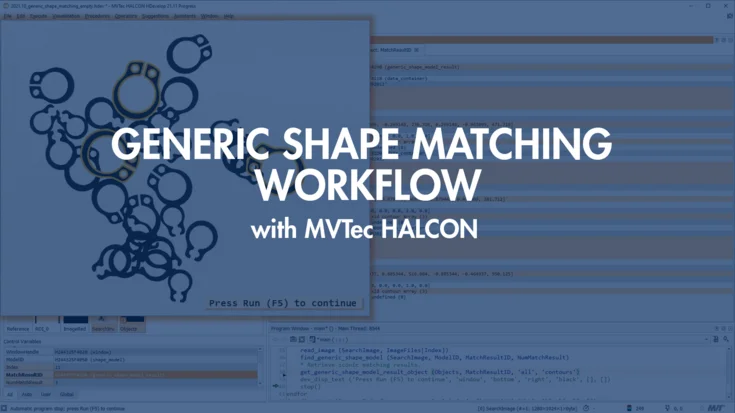
Generic shape matching workflow – MVTec HALCON
Watch the generic shape matching workflow tutorial and learn how to set up and run shape matching in MVTec Vision Solutions.
To the video
Tutorial
HALCON
Working with Tuples in MVTec HALCON
In this tutorial, we show how we work with control tuples in MVTec HALCON—creating, selecting, comparing, converting them and using them efficiently in HDevelop.
To the video
Tutorial
HALCON
3D stereo surface reconstruction with MVTec HALCON
In this tutorial, we show how to perform 3D reconstruction with a stereo setup in MVTec HALCON—from disparities to surface fusion for robust point clouds.
To the video
Tutorial
HALCON
Deep learning classification with MVTec MERLIC
In this tutorial, you will learn how to use MVTec MERLIC’s new “Classify Image”-Tool together with the Deep Learning Tool.
To the video
Tutorial
Deep Learning
MERLIC
Deep learning anomaly detection with MVTec MERLIC
In this tutorial, we show how to use MVTec MERLIC’s deep-learning “Detect Anomalies” tool to inspect glass bottles for local defects using only a few good samples.
To the video
Tutorial
Deep Learning
MERLIC
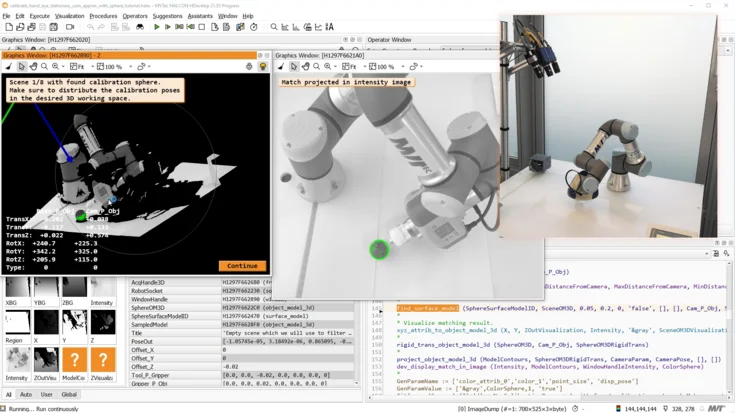
Approximate hand-eye calibration with MVTec HALCON (stationary 3D sensor)
In this tutorial, we show how we use HDevelop and MVTec HALCON to set up a quick hand-eye calibration between a 3D sensor and a robot for reliable pick-and-place.
To the video
Tutorial
HALCON
Webinar: machine vision in intralogistics and automated warehouses
In this Webinar you will learn how intralogistics and automated warehouses can benefit from machine vision technologies.
To the video
On-demand Webinar
Deep Learning
HALCON
Farming machinery – efficient plant protection with machine vision
We show how farming machinery uses MVTec machine vision and multispectral image acquisition to detect weeds in real time and spray herbicide only where needed.
To the video
Application Example
Embedded Vision
HALCON
MERLIC
Deep OCR with MVTec HALCON
With Deep OCR, MVTec introduces a holistic deep-learning-based approach for optical character recognition (OCR).
To the video
Feature Presentation
Deep Learning
HALCON
Automated monitoring and harvesting with MVTec
The automation of processes in greenhouses using machine vision technologies makes it possible to better meet the increasing demand and requirements for quality, hygiene, and food safety.
To the video
Application Example
Deep Learning Tool
Embedded Vision
HALCON
MERLIC
MERLIC Feature Preview – anomaly detection
In this video, we show how MVTec MERLIC uses deep-learning-based anomaly detection to inspect PCBs for defects – with only good samples and no programming.
To the video
Feature Presentation
MERLIC
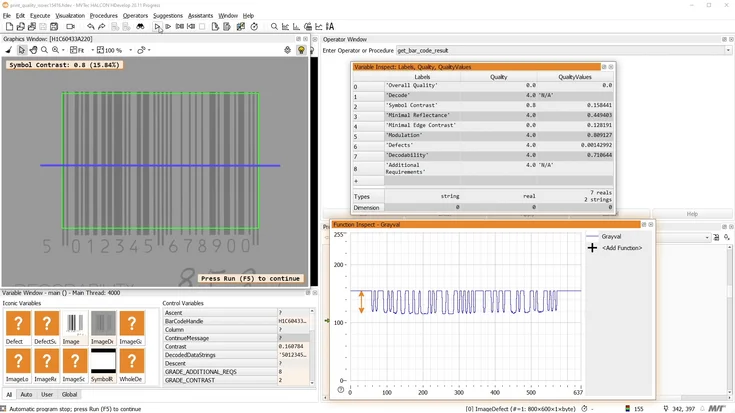
Print quality inspection of bar and data codes with MVTec HALCON
In this tutorial, you'll learn how to apply print quality inspection to bar and data codes with MVTec HALCON.
To the video
Tutorial
HALCON
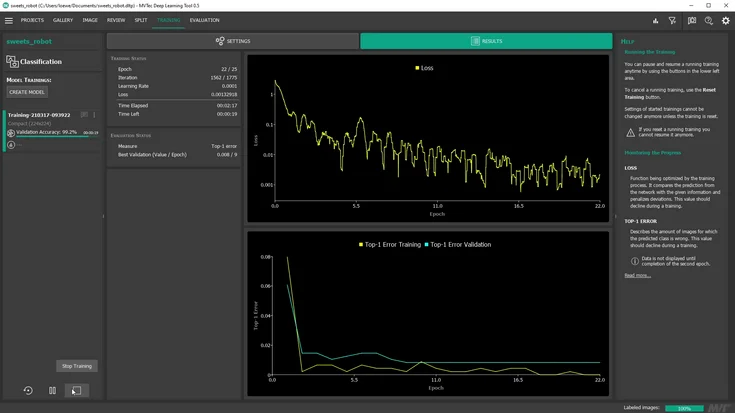
Deep learning classification with the MVTec Deep Learning Tool
With the MVTec Deep Learning Tool, it’s possible to train a deep-learning-based classification model from scratch.
To the video
Tutorial
Deep Learning
Deep Learning Tool
What is MERLIC?
MVTec MERLIC is an all-in-one software product for quickly building machine vision applications without programming.
To the video
Feature Presentation
MERLIC
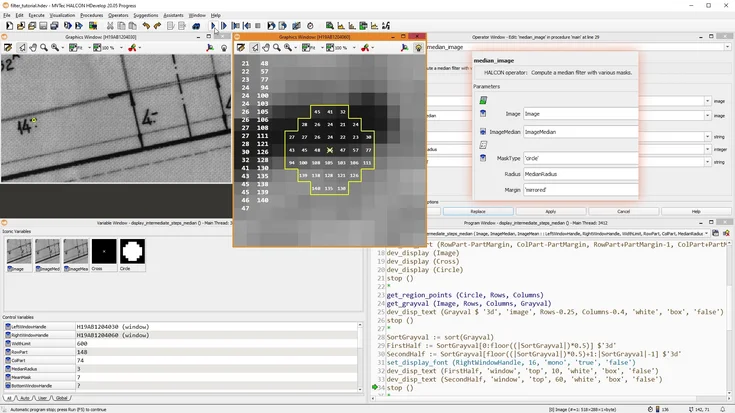
Introduction to image filters with MVTec HALCON
In this tutorial, you’ll learn about some of the most commonly used image filters in MVTec HALCON, how they work, and what they can be used for.
To the video
Tutorial
HALCON
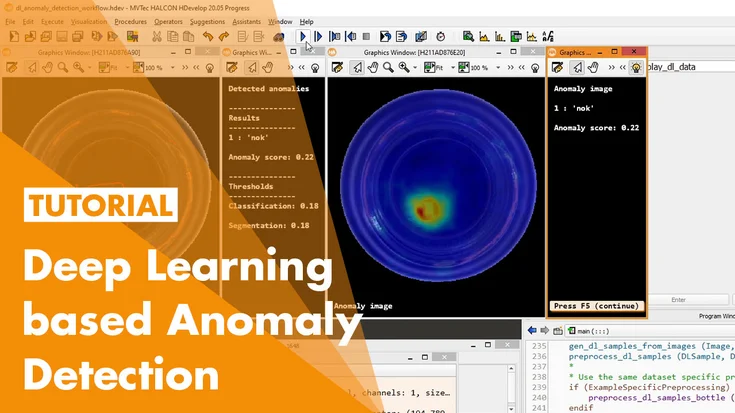
Deep-learning-based anomaly detection with MVTec HALCON
In this tutorial, you will learn how to train a deep-learning-based Anomaly Detection model for your own application.
To the video
Tutorial
Deep Learning
HALCON
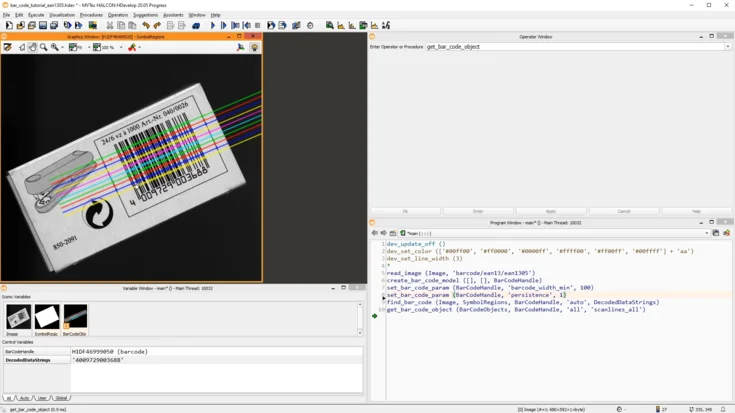
How to read bar codes with MVTec HALCON
In this tutorial, we show how to read bar codes with MVTec HALCON—from using the basic operators to tuning, debugging, and exploring HDevelop examples for challenging codes.
To the video
Tutorial
HALCON
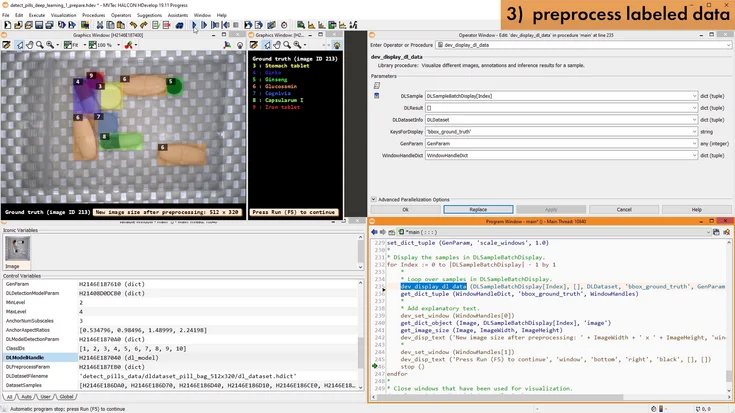
HALCON's deep-learning-based object detection 1: introduction & preparation of the dataset
In the first part of this tutorial series on HALCON's object detection, you will learn what object detection actually is, and what kinds of applications it can be used for.
To the video
Tutorial
HALCON
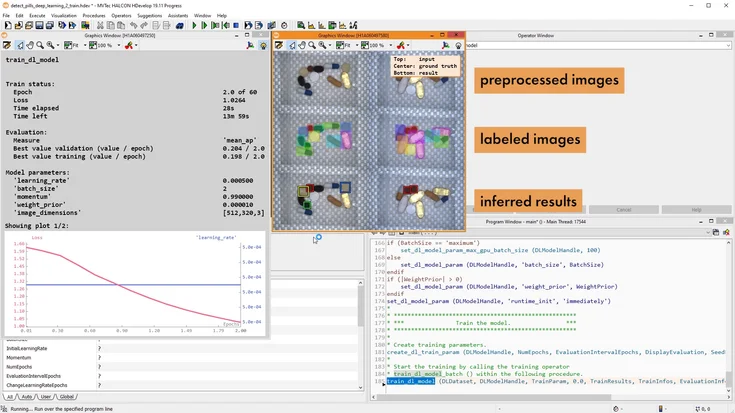
HALCON's deep-learning-based object detection 2: train a model
In the second part of this tutorial series on HALCON’s object detection, you will learn how to train a deep-learning-based object detection model with MVTec HALCON.
To the video
Tutorial
HALCON
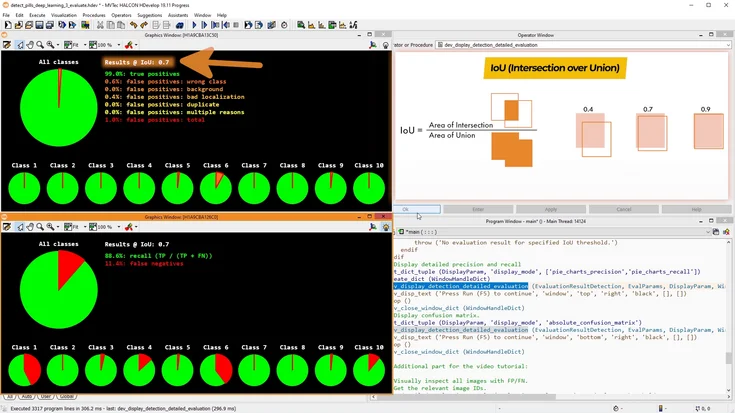
HALCON's deep-learning-based object detection 3: evaluate the trained model
In the third part of this tutorial series on HALCON’s object detection, we will evaluate the deep-learning-based object detection model we trained in the previous video.
To the video
Tutorial
HALCON
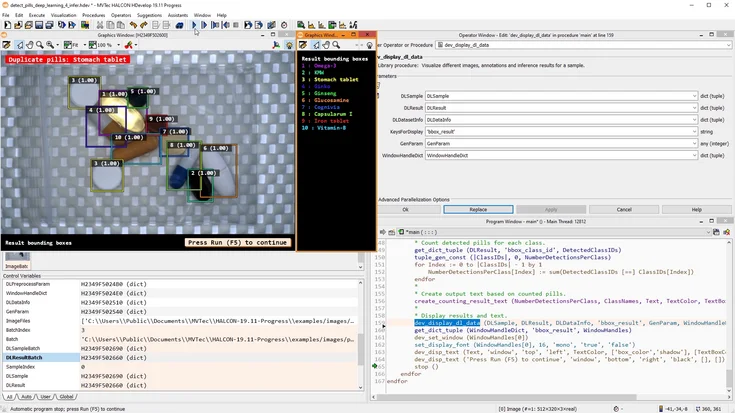
HALCON's deep-learning-based object detection 4: apply the model (inference)
In this tutorial, we use a trained deep-learning object detection model in MVTec HALCON for inference and show how to process and validate the detected objects.
To the video
Tutorial
HALCON
HALCON deep learning basics workflow, data & model
In this tutorial, we’ll take a look at the recommended workflow when working with deep learning in MVTec HALCON.
To the video
Tutorial
Deep Learning
HALCON
Anomaly Detection with MVTec HALCON
HALCON's deep-learning-based anomaly detection allows you to easily detect whether images contain deviations from known training data.
To the video
Feature Presentation
Deep Learning
HALCON
Integrate HDevelop code into a C# application using the Library Project Export
Learn how to seamlessly turn your HDevelop procedures into native C/C++ functions. This tutorial walks you through exporting, compiling, and integrating HALCON code directly into your own application.
To the video
Tutorial
HALCON
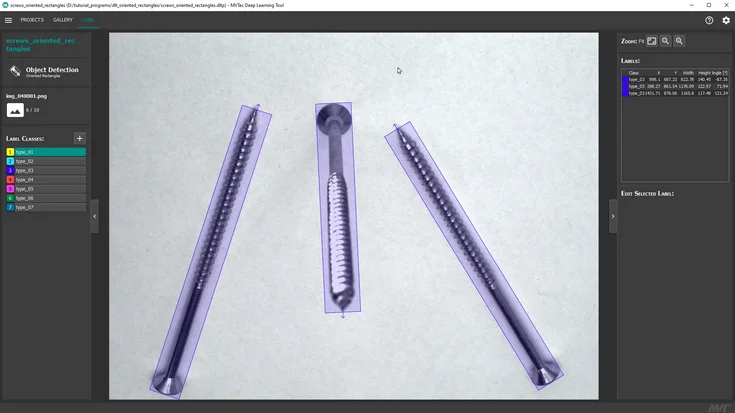
Draw oriented rectangles with the MVTec Deep Learning Tool
Learn how to draw oriented rectangles with the MVTec Deep Learning Tool in this step-by-step video tutorial.
To the video
Tutorial
Deep Learning
Deep Learning Tool
HALCON
Stereo Calibration with MVTec HALCON
From setup to 3D output: learn how to calibrate multiple cameras in HDevelop and verify precision.
To the video
Tutorial
Calibration Plates
HALCON
Integrate HDevelop code into a C++ application using the Library Project Export
In this tutorial, we show how to use HDevEngine to integrate HDevelop machine vision code into an existing Visual Studio project – without recompiling your application.
To the video
Tutorial
HALCON
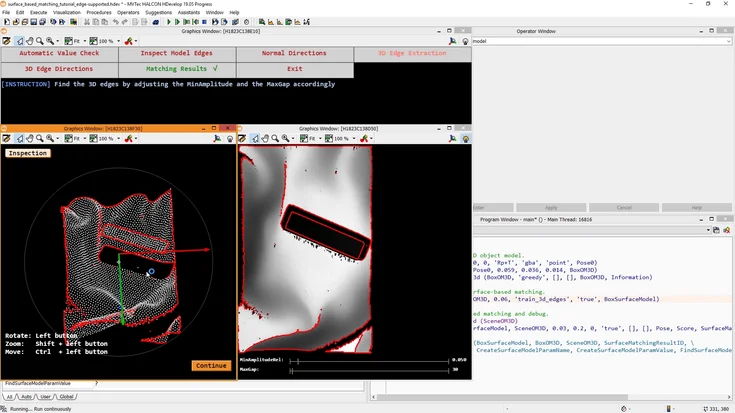
Edge-supported surface-based 3D matching with MVTec HALCON
Explore surface-based matching with HALCON. This tutorial shows how to detect and align textured 3D objects using advanced pattern matching techniques.
To the video
Tutorial
HALCON
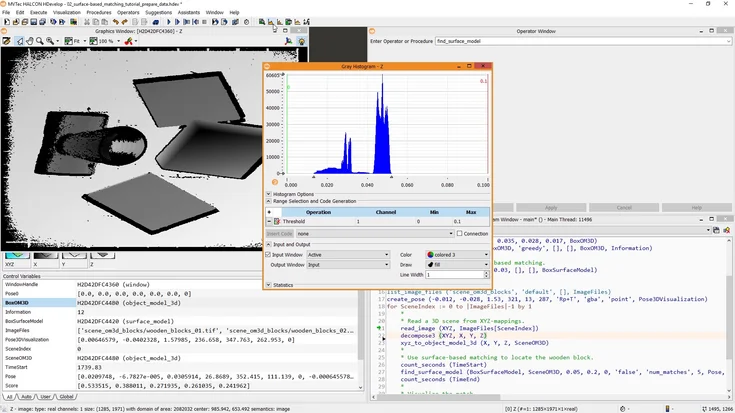
Optimize your 3D data for surface-based 3D matching with MVTec HALCON
Improve HALCON’s 3D surface matching by cleaning input data and using 2D xyz-mappings for faster, more robust results.
To the video
Tutorial
HALCON
Process integration with MVTec MERLIC
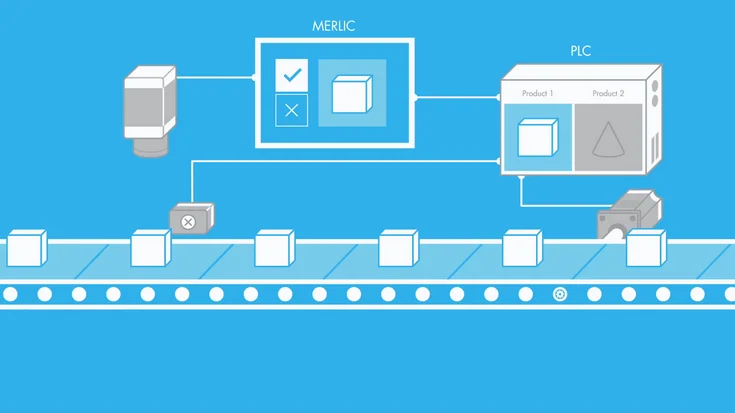
Handle small batches fast: MERLIC recipes let the PLC reconfigure or switch vision apps on demand.
To the video
Feature Presentation
MERLIC
Introduction to surface-based matching with MVTec HALCON
Get started with surface-based matching in HALCON. This introductory tutorial explains key concepts and basic steps for detecting textured 3D objects.
To the video
Tutorial
HALCON
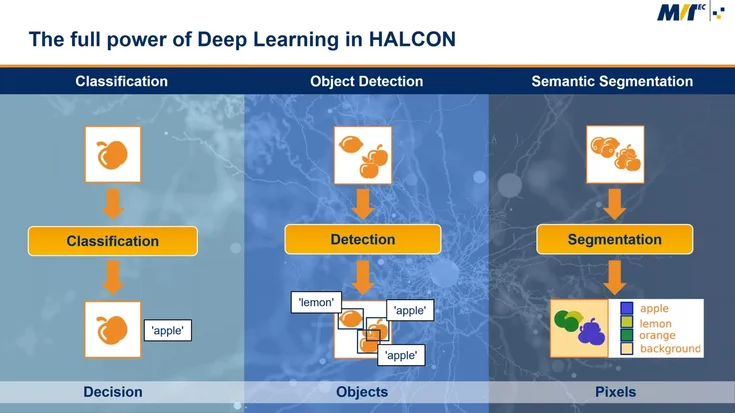
From classification to segmentation - discover how deep learning in HALCON transforms industrial vision applications
This webinar gives users of machine vision software a better understanding of deep learning technologies and the benefits for machine vision applications.
To the video
On-demand Webinar
Deep Learning
HALCON
Check the fill height of a cookie box in 3D data with MVTec MERLIC
Mix 3D height data and classic 2D vision in MERLIC to verify both compartments quickly and reliably.
To the video
Tutorial
HALCON
Deep Learning with MVTec HALCON
Train custom CNNs in HALCON for classification, detection, and segmentation, then deploy to analyze new images.
To the video
Feature Presentation
Deep Learning
HALCON
Approximate hand-eye calibration with MVTec HALCON (stationary 2D camera)
Learn hand-eye calibration in HALCON: align robot and camera coordinates for precise pick-and-place.
To the video
Tutorial
Calibration Plates
HALCON
Pick and place with shape-based matching (stationary 2D camera)
Discover pick-and-place with shape-based matching in HALCON. This tutorial demonstrates how to locate parts reliably and guide robotic pick-and-place tasks.
To the video
Tutorial
HALCON
Debugging an MVTec HDevEngine application running on an embedded device
Learn how to debug an HDevEngine application on an embedded device. This tutorial shows tools and techniques to find and fix issues in HALCON automation projects.
To the video
Tutorial
Embedded Vision
HALCON
MVTec HALCON Paddle Game
Built during MVTec’s creative “woikn-days,” this fun example turns machine vision into a virtual game.
To the video
Feature Presentation
HALCON
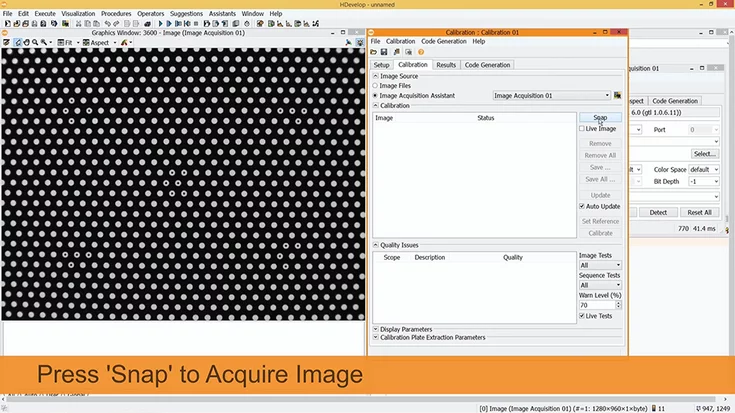
Image acquisition with MVTec HALCON & HDevelop
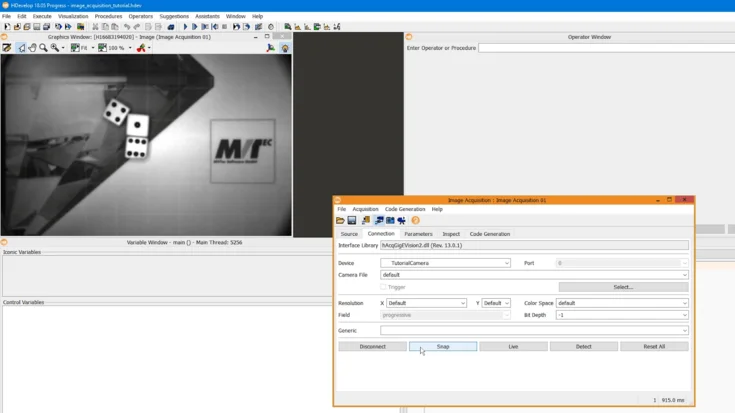
Learn how to simply acquire and use live images within HDevelop: using the Image Acquisition Assistant, we simply generate the required code. Additionally, with the respective tools available in HDevelop, we focus the image and adapt the aperture. La…
To the video
Tutorial
HALCON
HALCON for Embedded Vision
Bring HALCON’s full power to embedded devices—standard ARM/Linux support and proven ports across platforms.
To the video
Feature Presentation
Embedded Vision
HALCON
An introduction to Embedded Vision with MVTec HALCON
Discover HALCON on Arm: evaluate your embedded device, explore HPeek, and start building your own vision solution.
To the video
On-demand Webinar
Embedded Vision
HALCON
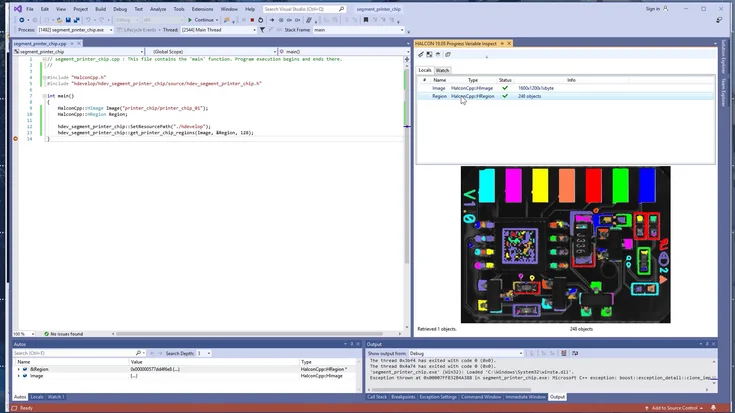
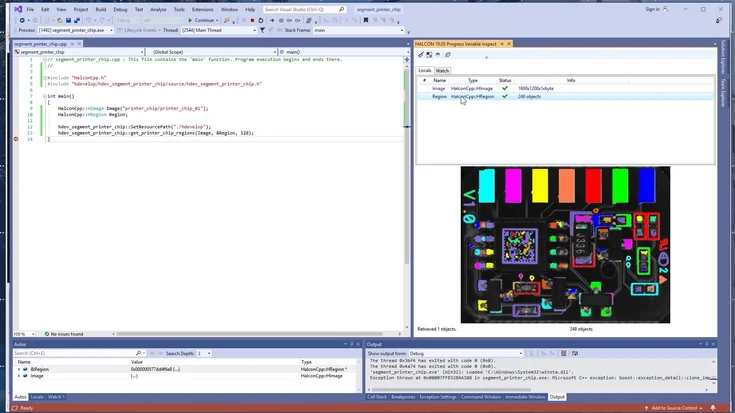
Debugging with HALCON variable inspect in Visual Studio
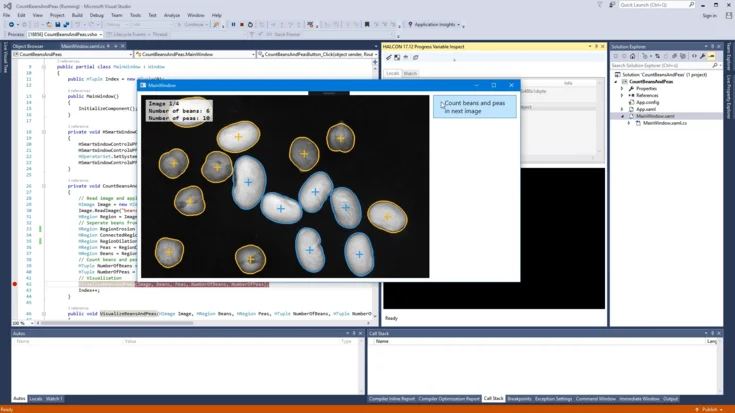
Use HALCON Variable Inspect in Visual Studio to view images, regions, and variables from your HALCON code instantly.
To the video
Tutorial
HALCON
Working with Regions (MVTec HALCON)
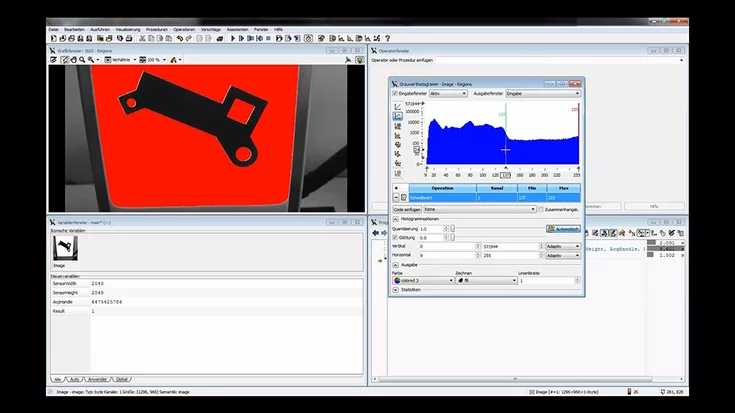
In this tutorial, we show how we use MVTec HALCON to segment images with the Gray Histogram, split touching objects using morphology, and cluster regions by their features.
To the video
Tutorial
HALCON
Deep-learning-based OCR in action – MVTec MERLIC
Read use-by dates with MERLIC’s deep-learning text tool on standard IPC, camera, and PLC—end-to-end and ready for industry.
To the video
Feature Presentation
MERLIC
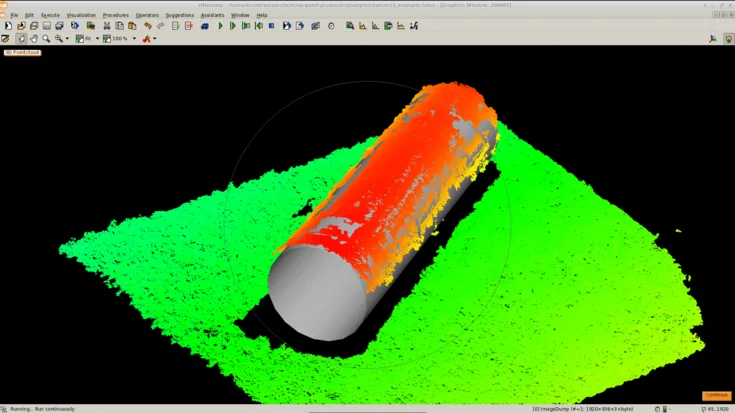
3D object processing with MVTec HALCON 13 and Nerian SP1
In this tutorial, we show how to use MVTec HALCON with a stereo vision system to acquire 3D point clouds, segment objects, and reliably detect a cylinder.
To the video
Tutorial
HALCON
Deep-learning-based OCR with MVTec MERLIC
In this video, we show how MVTec MERLIC uses Deep OCR with pre-trained features and large labeled datasets to reliably read new text and number data.
To the video
Feature Presentation
MERLIC
Bottle Inspection with MVTec MERLIC
See how MERLIC inspects bottles reliably. This tutorial shows setup, lighting, and vision logic for automated bottle quality checks.
To the video
Application Example
MERLIC
Calibrated 1D measuring with MVTec HALCON
Learn calibrated 1D measuring with HALCON. This tutorial covers setup and practical steps for accurate length measurement in machine vision.
To the video
Tutorial
HALCON
Calibrated measurements using 2D metrology with MVTec HALCON
Learn 2D metrology in HALCON to measure circles, ellipses, rectangles, and lines with precision.
To the video
Tutorial
Calibration Plates
HALCON
Calibrated Measurement with MVTec MERLIC
Need precise measurements or distortion-free images? Learn how to calibrate your camera in MERLIC using a simple calibration plate.
To the video
Tutorial
Calibration Plates
MERLIC
Alignment with MVTec MERLIC
In this tutorial, we show how we use MVTec MERLIC’s alignment tools to automatically align moving parts, enabling robust positioning and precise measurements.
To the video
Tutorial
MERLIC
What is HALCON?
HALCON is the comprehensive standard software for machine vision with an integrated development environment (IDE) that is used worldwide.
To the video
Feature Presentation
HALCON
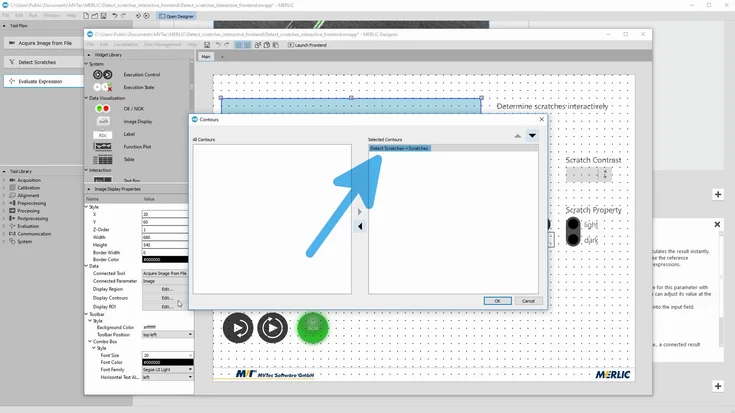
MVTec Frontend Designer – Interactive Frontend
Build in MERLIC Backend, design in MERLIC Designer: create interactive frontends and tune parameters live for scratch detection on metal.
To the video
Tutorial
MERLIC
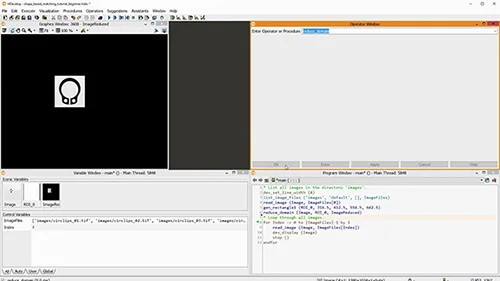
Shape-based matching with MVTec HALCON: Introductory tutorial
Discover how shape-based matching works in MVTec HALCON. This introductory tutorial explains core concepts and shows how to detect objects reliably—even with rotation, scale changes, or partial occlusion.
To the video
Tutorial
HALCON
Shape-based matching with MVTec HALCON: process the results, align ROIs or images
In this tutorial, we show how to process matching results in MVTec HALCON—count matches and realign regions or images based on the detected positions.
To the video
Tutorial
HALCON
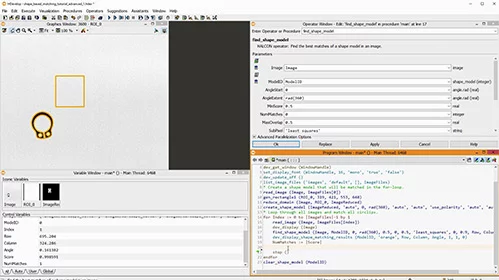
Shape-based matching with MVTec HALCON: speedup vs. robustness, advanced parameters
In this tutorial, we show how to optimize shape-based matching in MVTec HALCON using advanced parameters—making it faster and more robust, even with blur or deformation.
To the video
Tutorial
HALCON
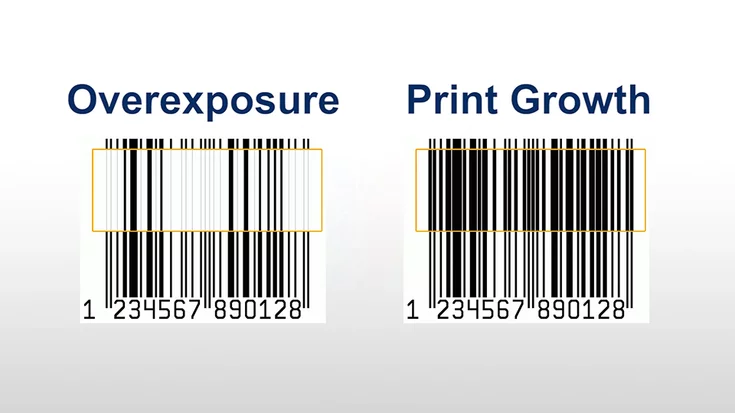
Robust bar code reading despite overexposure and print growth - MVTec HALCON 12.0.2
HALCON 12.0.2 decodes what others can’t — from thickened bars to faded codes. This video demonstrates the power of HALCON’s barcode reader.
To the video
Feature Presentation
HALCON
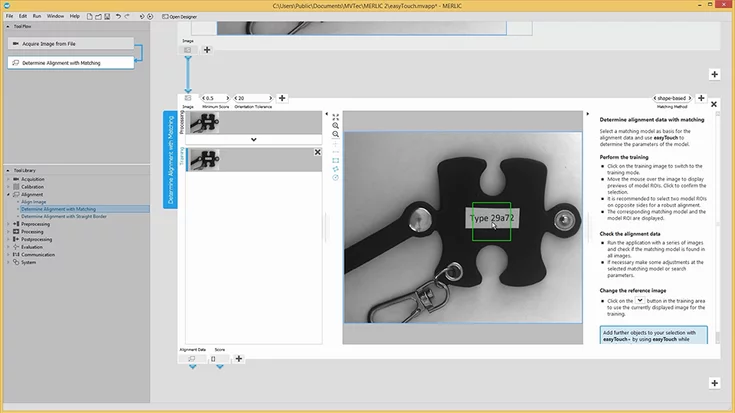
MERLIC - easyTouch
With easyTouch in MVTec MERLIC, we show how we simply hover to detect, align, measure, or read text – making machine vision setup fast and intuitive.
To the video
Tutorial
MERLIC
Efficient shrimp sorting with MVTec HALCON
Real-time shrimp sorting with HALCON boosts yield and returns live by-catch to the sea—fast, accurate, sustainable.
To the video
Application Example
HALCON
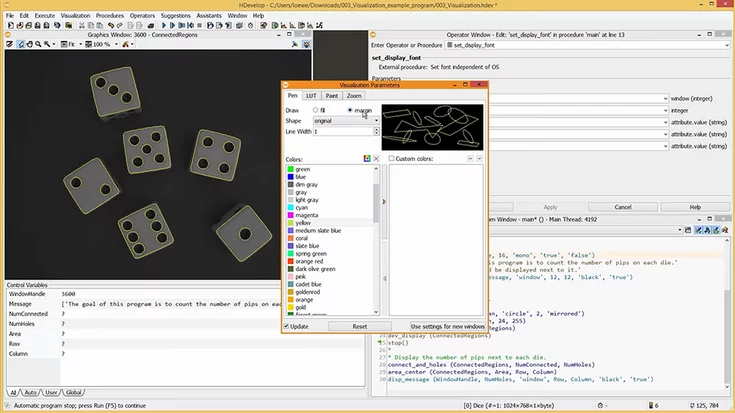
HDevelop tutorial 03: visualization – MVTec HALCON
This MVTec HDevelop tutorial improves visualization: apply LUTs, fit window to image, set fonts/colors, show outlines, and use the correct coordinate system.
To the video
Tutorial
HALCON
MERLIC – create an application in five minutes
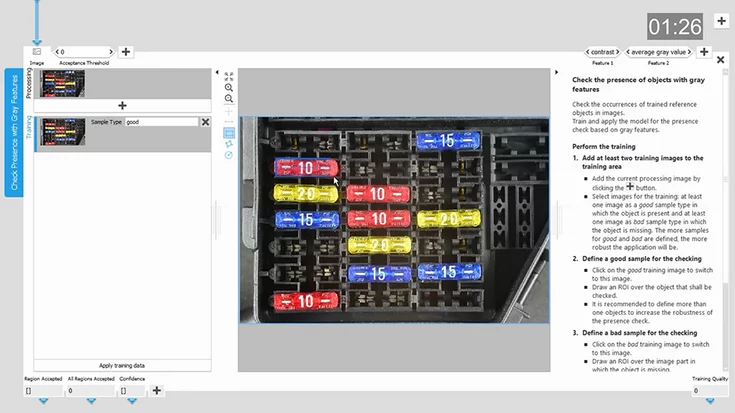
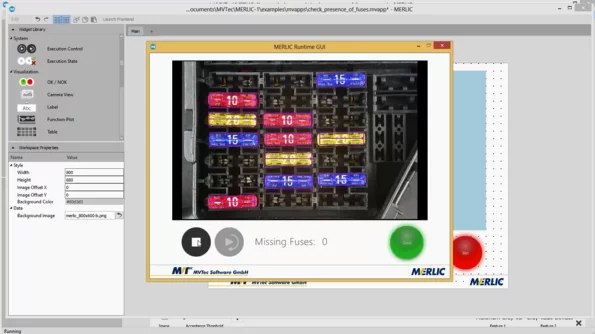
In this tutorial, we show how we use MVTec MERLIC to detect missing fuses on a PCB in just a few minutes – easy to follow along with the free trial version.
To the video
Tutorial
MERLIC
Conveyor belt application using MVTec HALCON
Develop in HDevelop, run on D3: set ROI, learn shapes, measure diameters, save scripts. Registered users can download HALCON.
To the video
Application Example
HALCON
HDevelop tutorial 02: Variables – MVTec HALCON
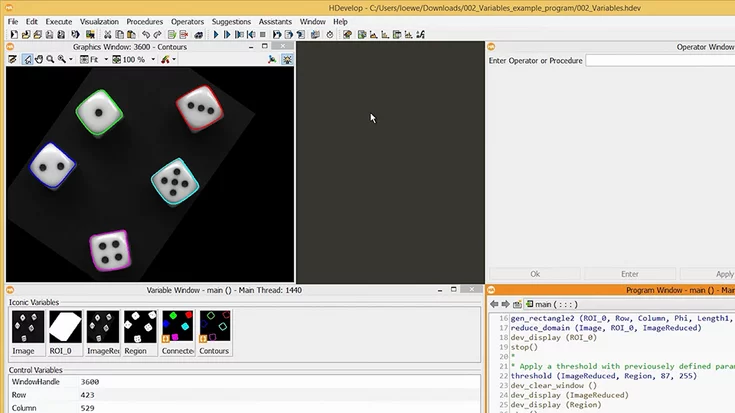
MVTec’s HDevelop tutorial: read and use iconic vs. control variables. Use tuples and arrays to avoid loops. Includes a sample program download.
To the video
Tutorial
HALCON
HDevelop Tutorial 01: GUI and Navigation - MVTec HALCON
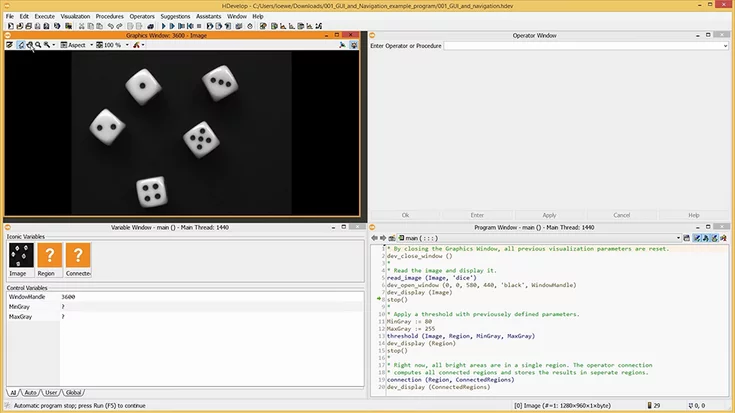
Learn HDevelop essentials: Graphics, Program, Operator, Variable windows, plus step-through debugging with counter and breakpoints.
To the video
Tutorial
HALCON
MVTec MERLIC frontend designer – basics
MVTec MERLIC Designer: Create your own frontend for machine vision applications in just a few steps—interactive, customizable, and easy to use.
To the video
Tutorial
MERLIC
Camera calibration - using a HALCON calibration plate
Learn how to use iconic and control variables in HDevelop, plus smart use of tuples and arrays to avoid loops in your program.
To the video
Tutorial
Calibration Plates
HALCON
Search HALCON Example Programs
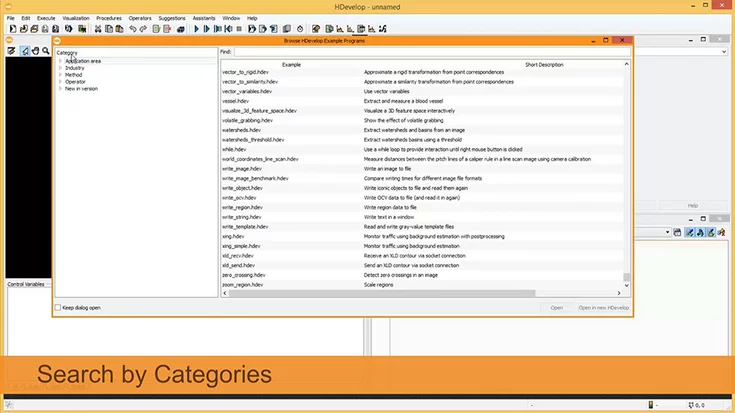
In this video, we show how to use the HDevelop Example Browser in MVTec HALCON to quickly find example programs by application area, industry, or keyword.
To the video
Tutorial
HALCON
Meet MERLIC – a new generation of vision software
All-in-one and code-free: MERLIC pairs MVTec expertise with easyTouch for speed, reliability, and cost savings.
To the video
Feature Presentation
MERLIC
Try HALCON Machine Vision Software
In this video, we show how MVTec HALCON enables machine vision solutions—from live image acquisition and examples to exporting your application.
To the video
Feature Presentation
HALCON
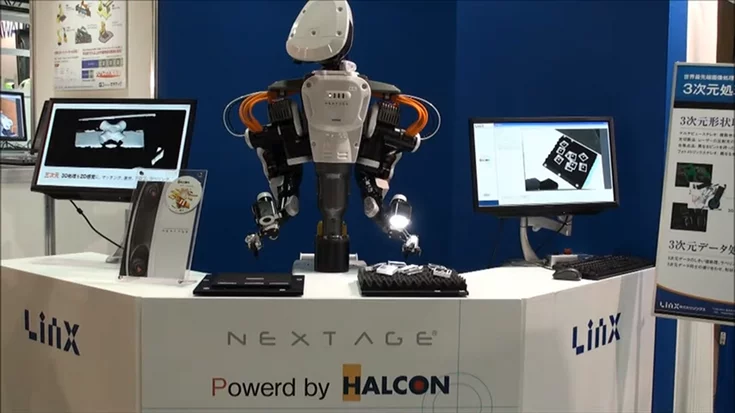
Next-Generation Industrial Robot NEXTAGE
This video shows how the collaborative robot NEXTAGE uses MVTec HALCON for precise image processing, enabling flexible automation in modern production.
To the video
Application Example
HALCON
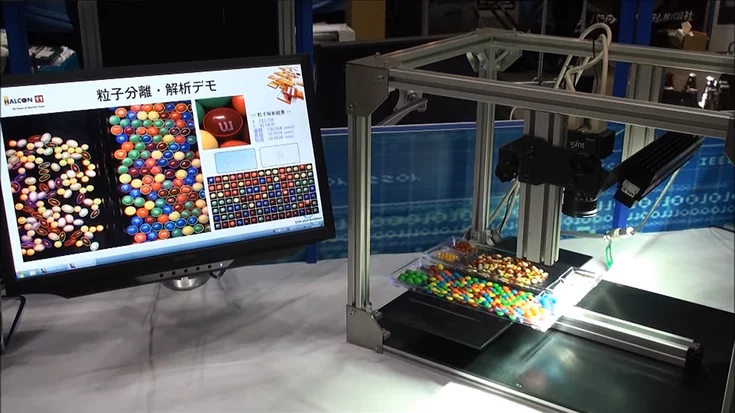
Segmenting and analyzing candies and seeds with HALCON
This demo by LinX shows how fast and robust MVTec HALCON segments and analyzes candies and seeds using its powerful blob analysis.
To the video
Application Example
HALCON
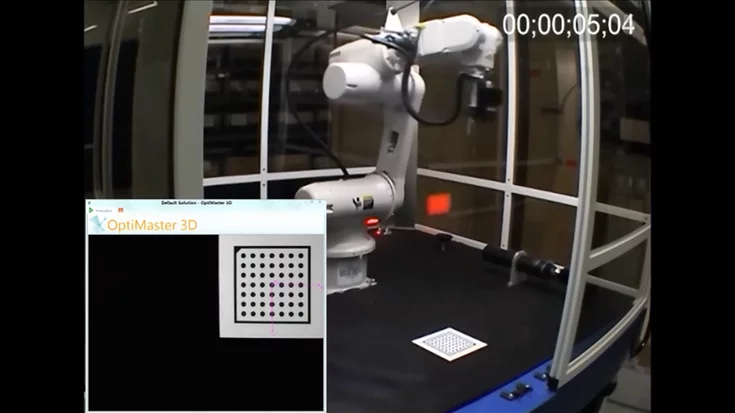
Fast 3D camera calibration and 3D model creation
This demo shows how Sensor Control uses MVTec HALCON to perform 3D camera calibration and 3D model creation for robot guidance in under one minute.
To the video
Feature Presentation
HALCON
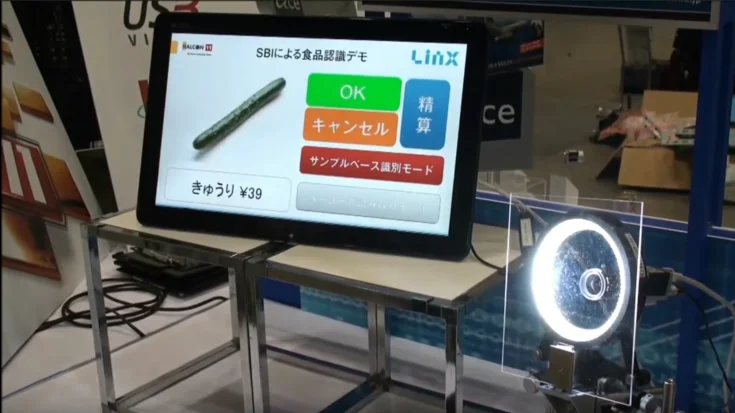
Identification of produce without any bar or data code (SBI)
HALCON’s Sample-based Identification (SBI) recognizes thousands of objects by color or texture: fast, robust, and easy to use, even without bar codes or data codes.
To the video
Application Example
HALCON
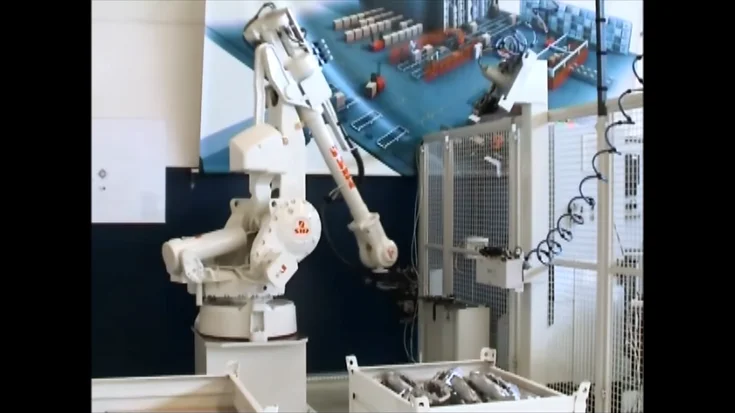
pick and place application examples
Three application examples for pick & place with HALCON 3D Vision
With HALCON 3D vision, robots pick disordered automotive parts precisely using sheet-of-light scanning and smart tool selection.
To the video
Application Example
HALCON
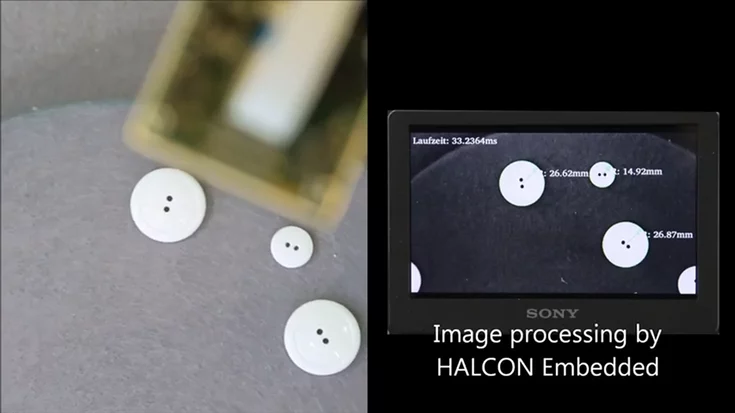
image d3 vrmagic intelligent camera with halcon embedded
VRMagic D3 intelligent camera with HALCON embedded
HALCON Embedded on the D3 smart camera: Detect, measure, and analyze in real time – powerful machine vision right on the device.
To the video
Application Example
Embedded Vision
HALCON
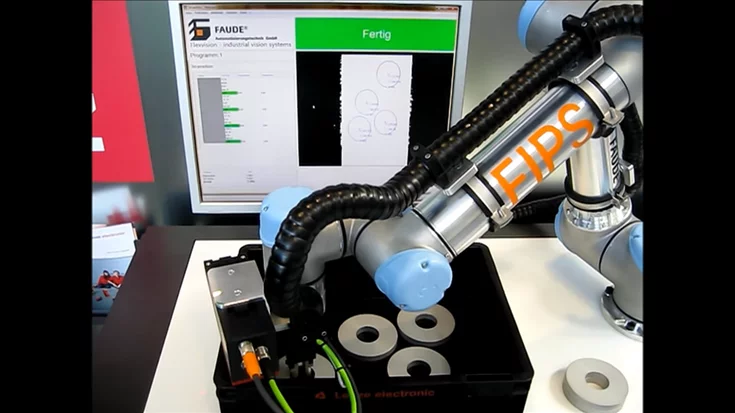
Leuze LPS36 & MVTec HALCON 3D software on bin picking robot
Affordable 3D imaging made simple: HALCON and Leuze’s LPS36 enable precise, real-time vision for pick-and-place robots.
To the video
Application Example
HALCON
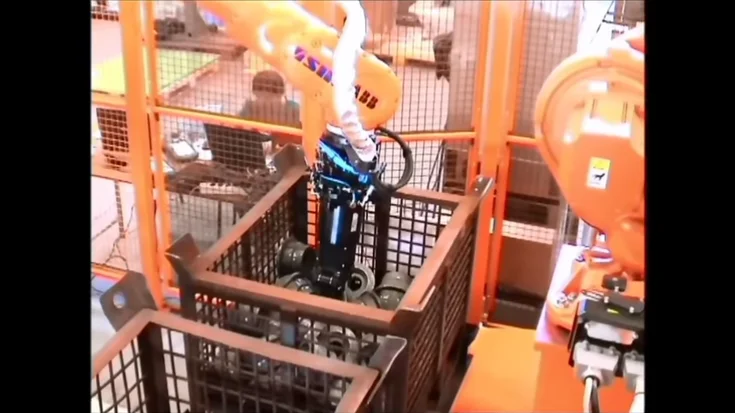
pick and place surface based matching
Pick and place with HALCON's surface-based 3D matching
Robust bin picking of heavy parts with sheet-of-light and HALCON 3D; 2D re-localization and dual-part pickup feed welding.
To the video
Application Example
HALCON
MVTec Software