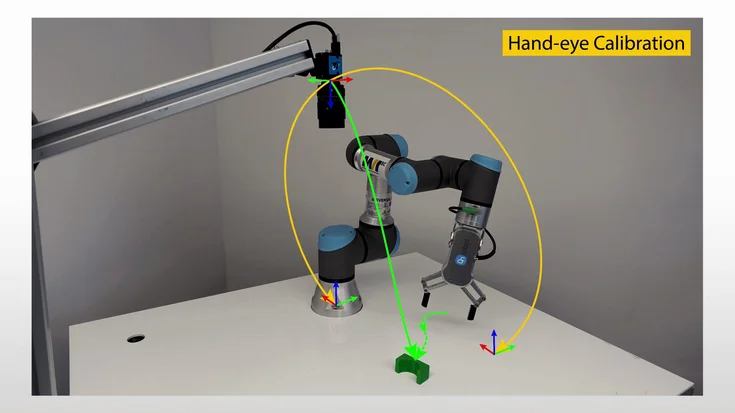
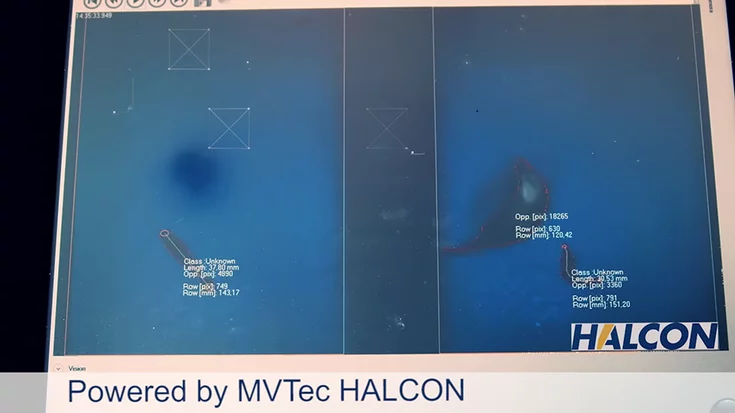
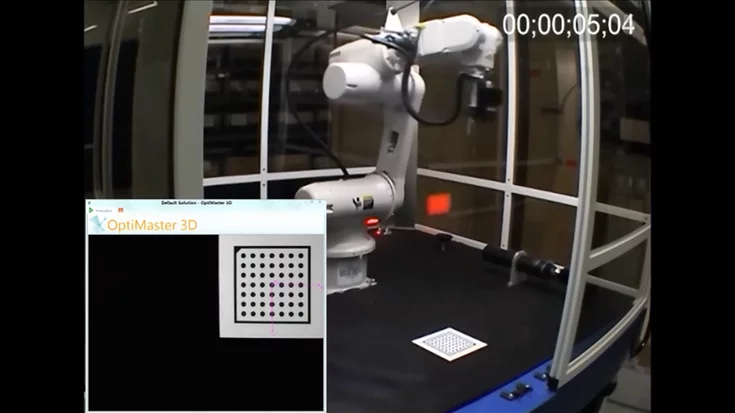
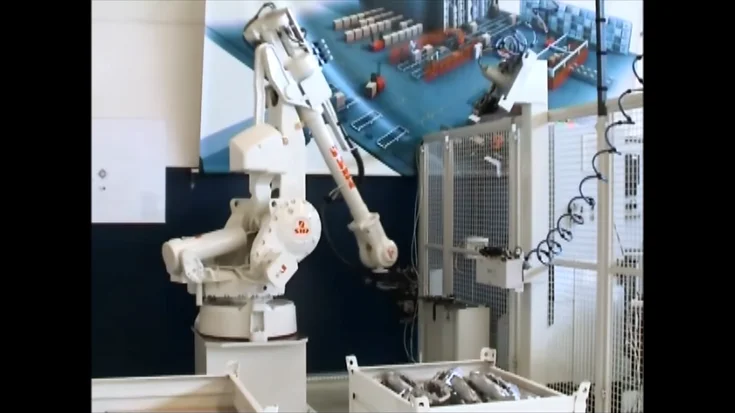
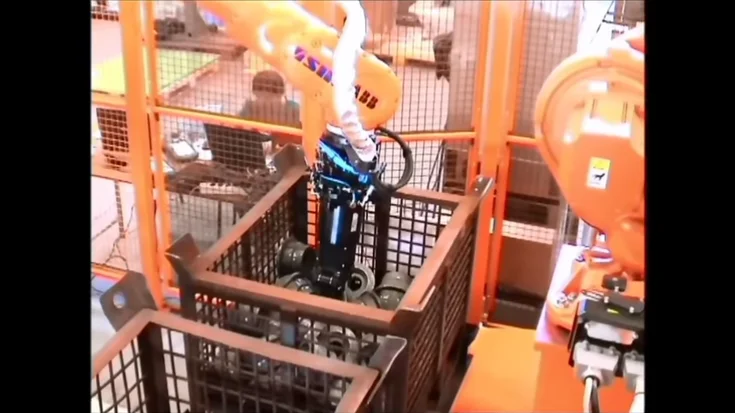
This video shows how the collaborative robot NEXTAGE uses MVTec HALCON for precise image processing, enabling flexible automation in modern production.
This industrial robot called NEXTAGE, manufactured and sold by Kawada Industries Inc., Japan, is using MVTec’s machine vision standard software HALCON as image processing library. Sales of NEXTAGE is increasing as the demand of big manufacturers in Japan is rising.
Please note: Once you watch the video, data will be transmitted to Youtube/Google. For more information, see Google Privacy.
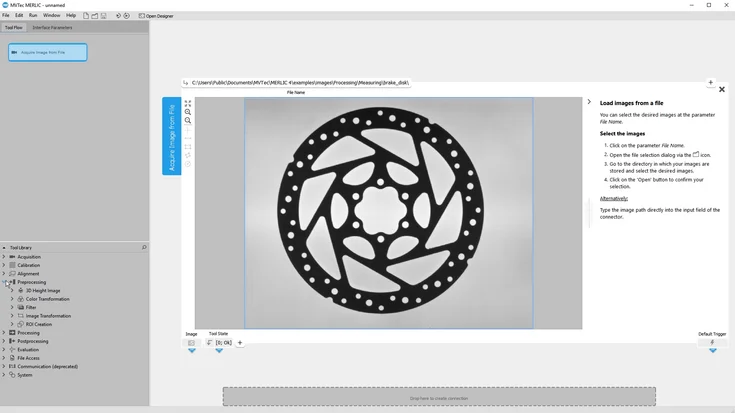
Learn all about MVTec MERLIC 26.10 in this webinar presented by Ulf Schulmeyer (MERLIC Product Manager) and Max Schramm-Rosentreter (Software Engineer).
Learn how to turn a promising AI inspection proof of concept into a production-ready solution. This webinar shows how to manage image data, develop the complete application, and integrate it into a real production environment with MVTec MERLIC.
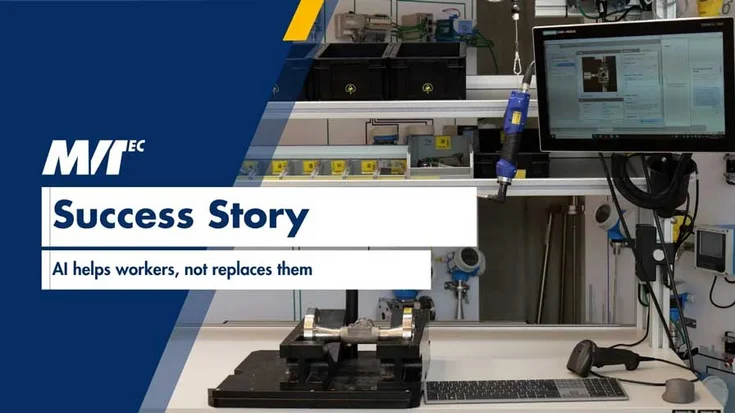
Can AI improve manufacturing without replacing people? Discover how Endress+Hauser successfully integrated MVTec MERLIC into its production environment to support employees during complex manual assembly while improving quality, efficiency, and trace…
Learn how to bring deep learning into real machine-vision applications with a clear, practical roadmap. Since 2017, MVTec has delivered production-ready AI that runs reliably on the factory floor.
In this webinar, Jan Gaertner (Product Manager HALCON) and Agnes Weinhuber (Application Engineer) guide you through the new features of the new version of HALCON.
In this webinar, Jan Gärtner (Product Manager HALCON) and Neelkant Kashyap (Application Engineer) guide you through the new features of the new version of HALCON.
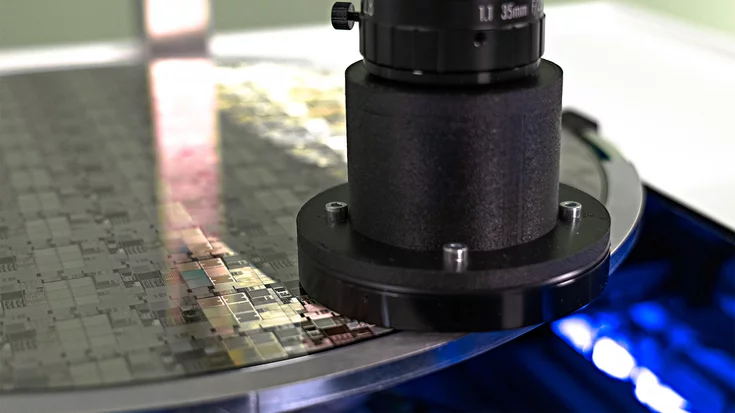
Inspecting wafers is extremely challenging due to their reflective surfaces, microscale defects, and the need for high precision. This is where machine vision makes the difference: by enabling automated, robust, and highly efficient optical inspectio…
In this webinar, Jan Gärtner (Product Manager HALCON) and Neelkant Kashyap (Application Engineer) guide you through the new features of the new version of HALCON.
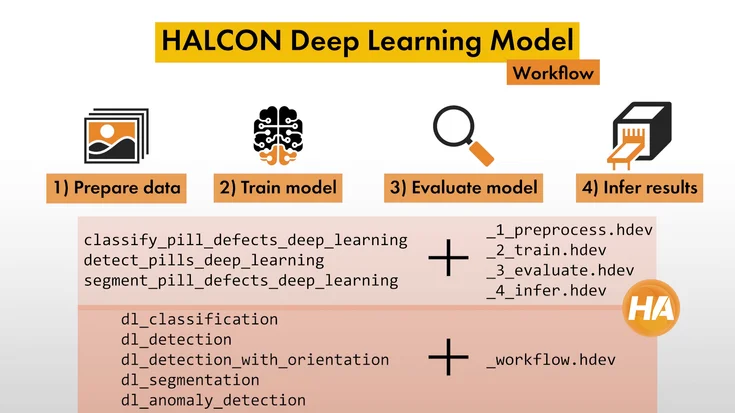
What does an automated quality inspection workflow with machine vision look like? Find out how deep learning can improve the efficiency of your production line.
In this tutorial, we show how we set up image acquisition with line scan cameras in MVTec HALCON—from trigger setup to shading correction for accurate results.
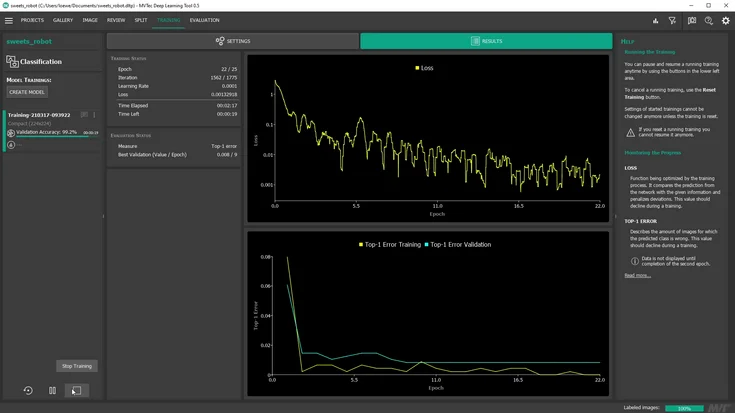
In this tutorial, we show how we use MVTec HALCON and deep learning to let a robot check supermarket shelves after hours and classify each slot as either full or empty.
Another successful implementation of HALCON’s deep learning technologies in the classification of leather types and quality inspection with two real-world applications.
MVTec’s HALCON developed a combination of rule-based and deep-learning-based approaches for faster, easier and more precise defect detection in the metalworking industry.
MVTec’s research department has taken anomaly detection to the next level with a comprehensive dataset and created 30 different anomaly detection scenarios
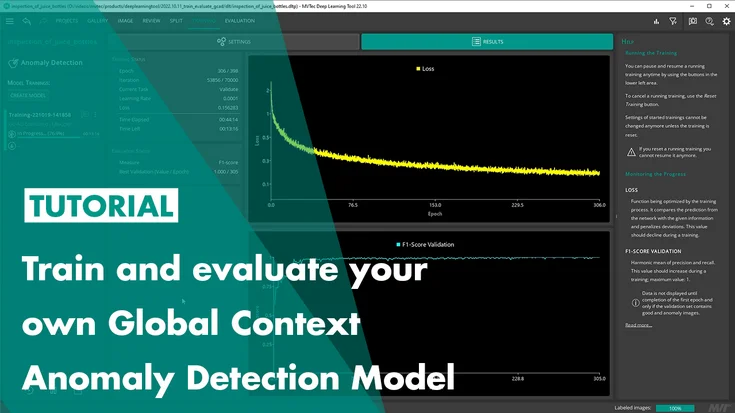
After watching this tutorial, you will know how to use the MVTec Deep Learning Tool to train and evaluate a model for Global Context Anomaly Detection.
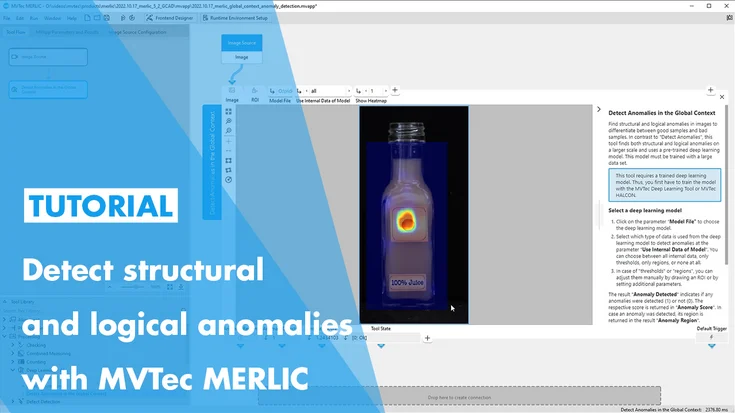
In this tutorial, you will learn how to use MVTec MERLIC’s “Detect Anomalies in the Global Context”-Tool, which features MVTec’s state of the art technology Global Context Anomaly Detection. This tool allows MERLIC users to detect logical and structu…
Using 2D Deep Learning technologies, MVTec’s HALCON is able to identify where the goods will be stored and if there is enough storage space on shelves.
To inspect the welding process of its modular BLS 500 laser system and fully automate it, Manz, a high-tech machine manufacturer, relies on machine vision using the standard software MVTec HALCON.
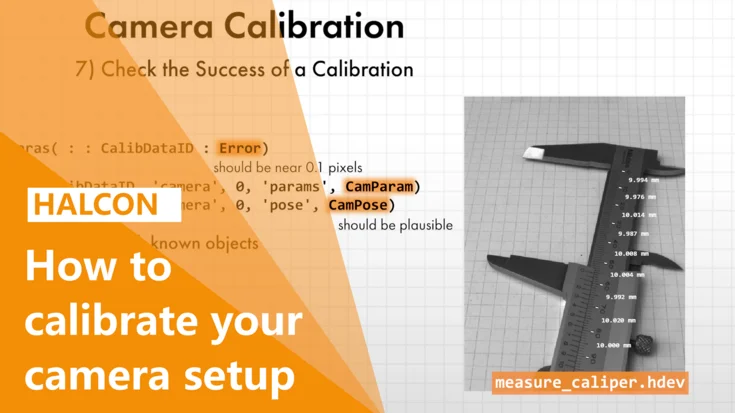
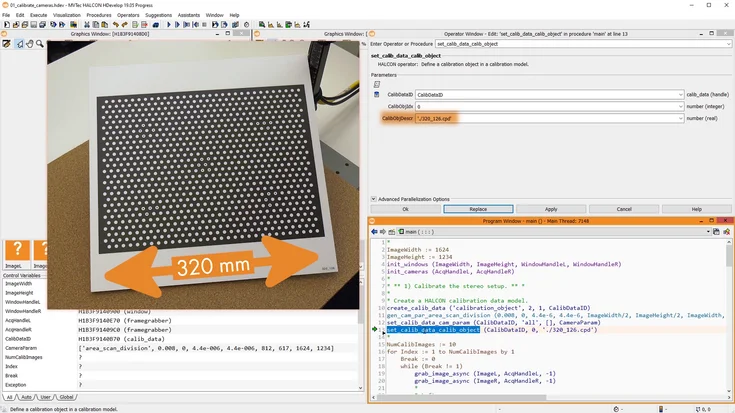
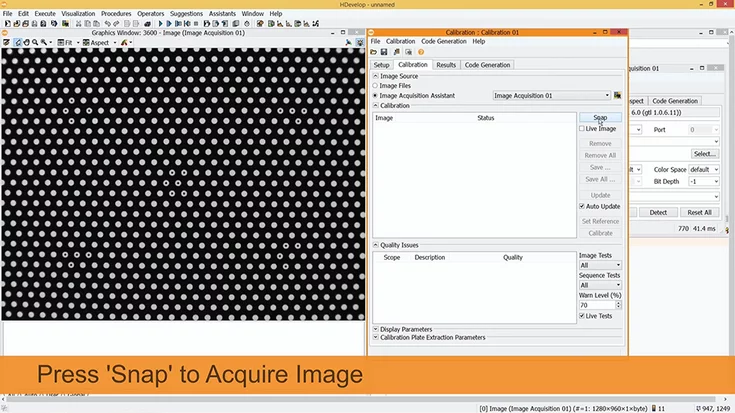
In this tutorial, we explain when camera calibration is needed, how it works in MVTec HALCON, and what to consider to achieve reliable measurement results.
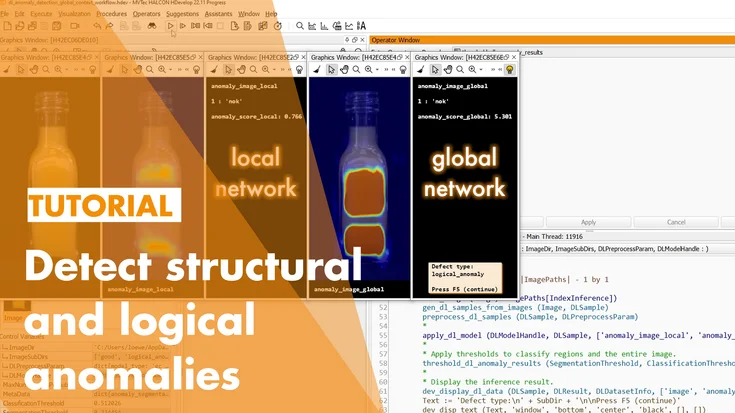
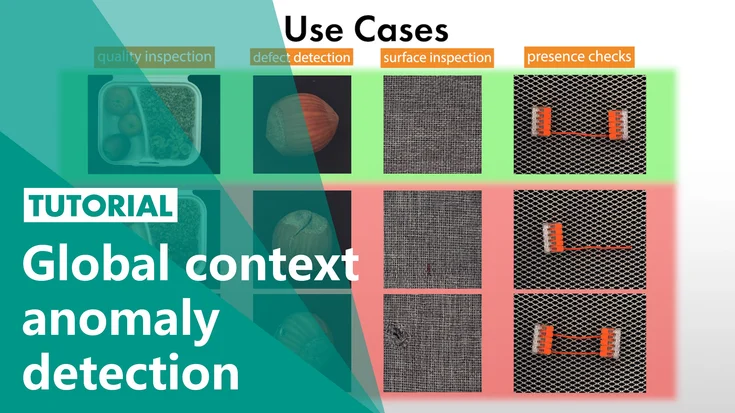
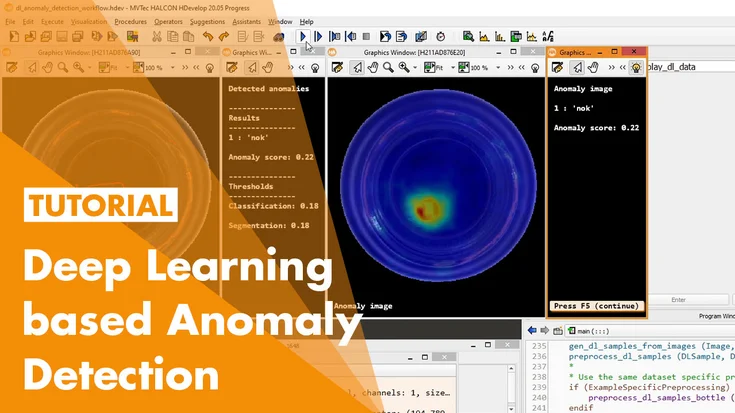
In this tutorial, you will learn about deep-learning-based global context anomaly detection by MVTec. With this technology, you can detect structural and logical anomalies in your images.
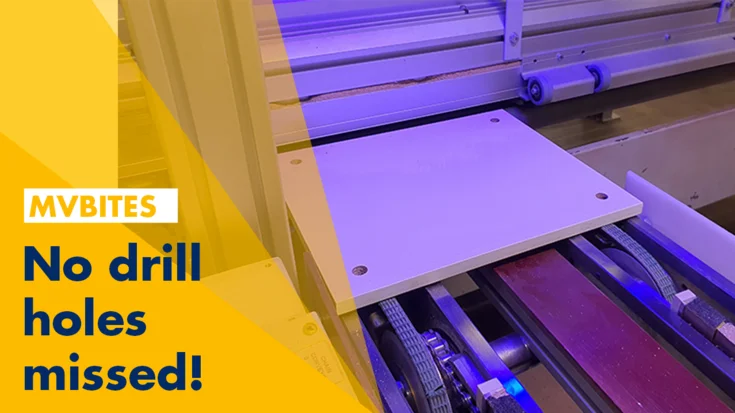
In collaboration with MVTec's distributor, The Imaging Source, industrial automation solutions provider, Teomsi Electric Company developed an inspection system in cooperation with Ecolor for their furniture factory.
For a customer in the field of veterinary medicine, Pose Automation GmbH, a Certified Integration Partner of MVTec, developed a tailor-made robotic cell in which catheters are sorted into a packaging machine. The robust and flexible machine vision so…
Automated defect inspection of train rooftops: With MVTec HALCON, high-speed train inspections shrink from 1.5 hours to just 10 minutes—all while trains are moving!
Going on vacation but need to supervise the machines? See how Tom uses HALCON generic sockets to relax and enjoy his vacation without worrying about work.
Japanese company Kett Electric Laboratory develops and sells an automated inspection system for rice grains, achieving human-level or even superior quality control with MVTec HALCON.
The Swiss Safety Center AG, part of a center of excellence in technical safety and risk management, offers a full portfolio for industry, retail, and commerce.
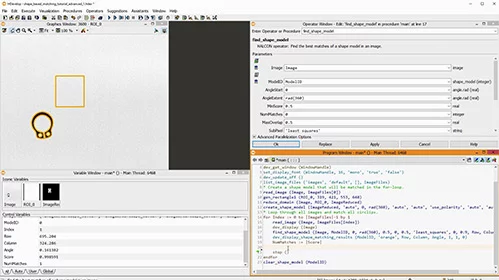
When using shape-based matching, there are many parameters and settings you might want to tweak if you have images where the standard parameters don’t find all matches. Find out how!
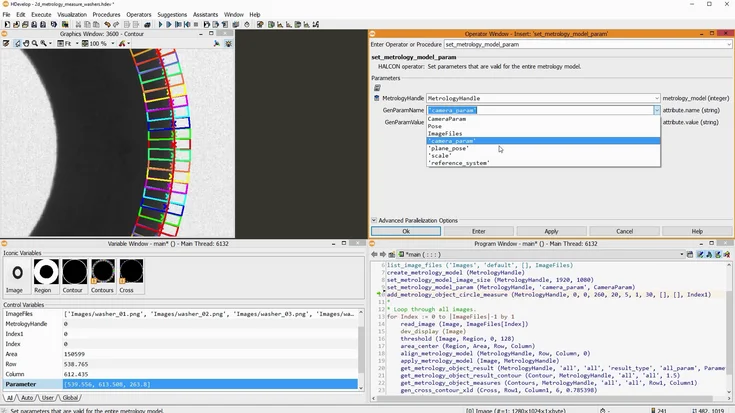
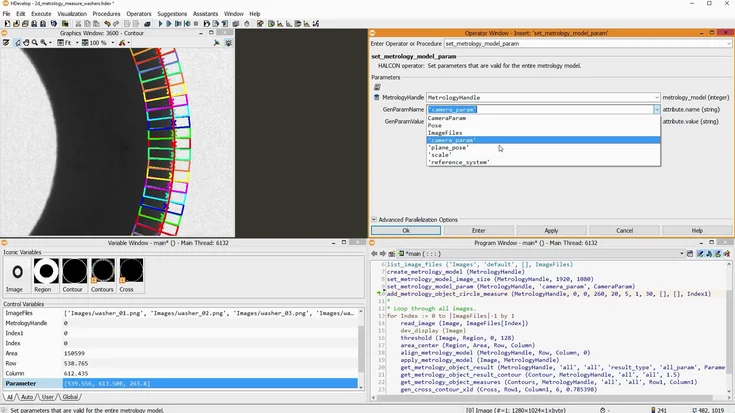
In this tutorial, we show how to work with XLD contours in MVTec HALCON—detecting lines and circle segments, measuring widths, and analyzing geometric shapes.
In this tutorial, we show how to create and use dictionaries in MVTec HALCON: store and access values, work with JSON, and pass them to and from procedures.
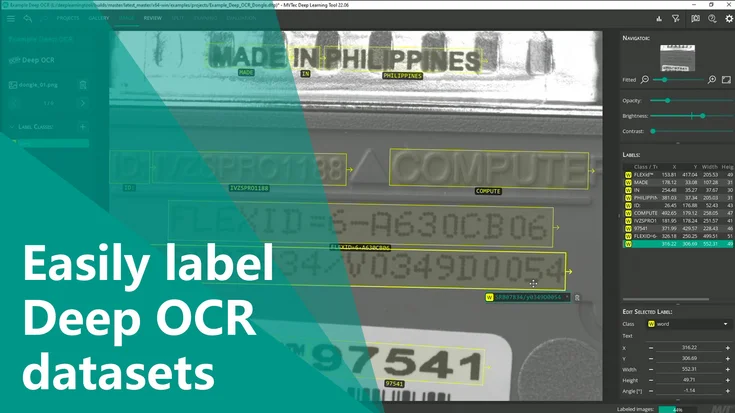
In this tutorial, we show how we use MVTec MERLIC’s “Read Text and Numbers with Deep Learning” tool to apply Deep OCR, visualize results, and improve processing time.
In this tutorial, we show how we work with control tuples in MVTec HALCON—creating, selecting, comparing, converting them and using them efficiently in HDevelop.
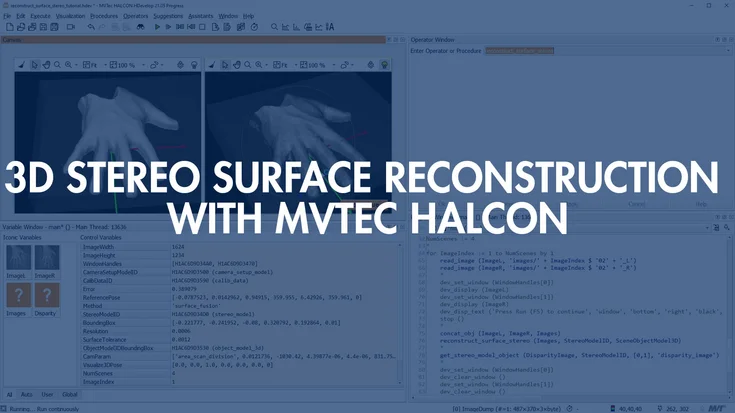
In this tutorial, we show how to perform 3D reconstruction with a stereo setup in MVTec HALCON—from disparities to surface fusion for robust point clouds.
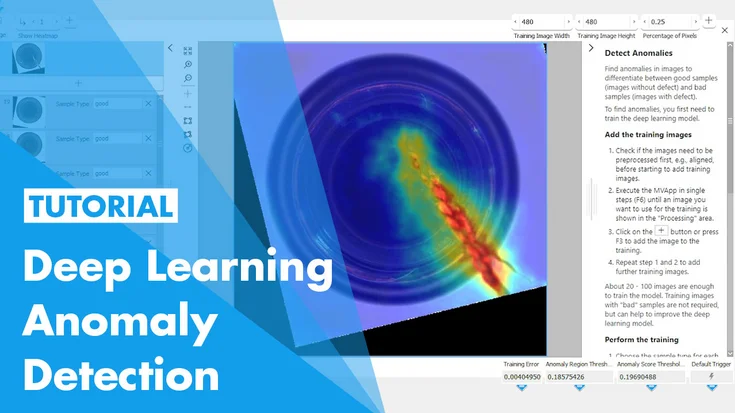
In this tutorial, we show how to use MVTec MERLIC’s deep-learning “Detect Anomalies” tool to inspect glass bottles for local defects using only a few good samples.
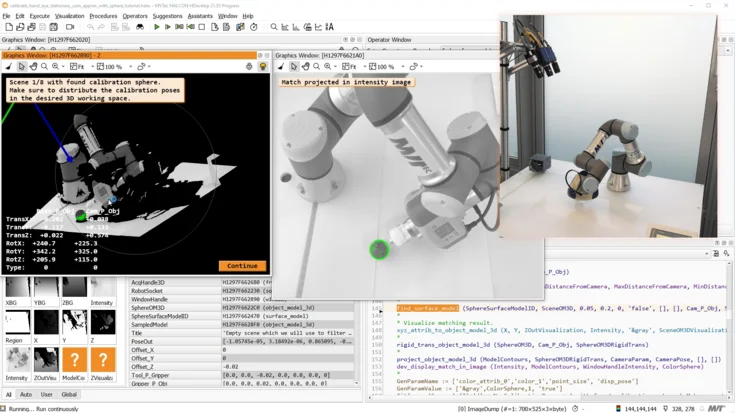
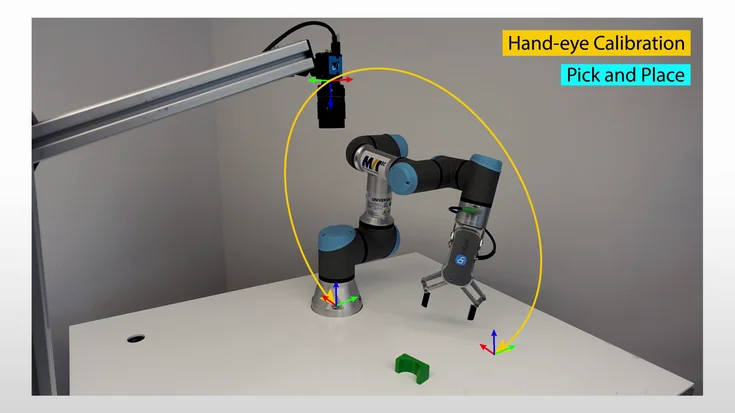
In this tutorial, we show how we use HDevelop and MVTec HALCON to set up a quick hand-eye calibration between a 3D sensor and a robot for reliable pick-and-place.
We show how farming machinery uses MVTec machine vision and multispectral image acquisition to detect weeds in real time and spray herbicide only where needed.
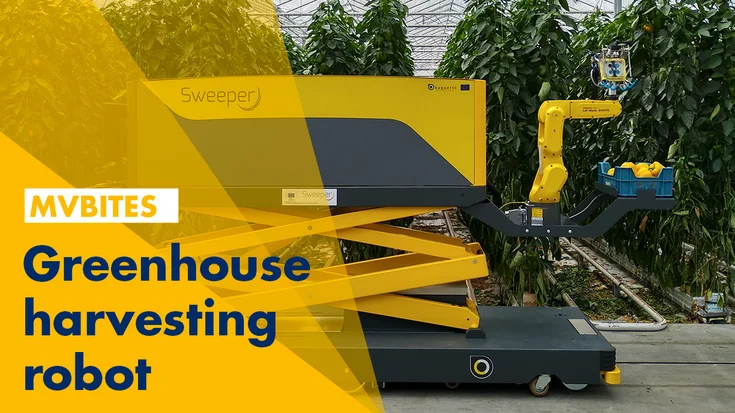
The automation of processes in greenhouses using machine vision technologies makes it possible to better meet the increasing demand and requirements for quality, hygiene, and food safety.
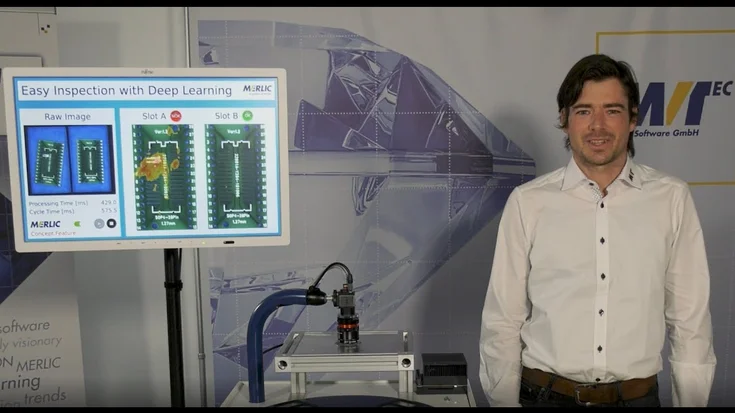
In this video, we show how MVTec MERLIC uses deep-learning-based anomaly detection to inspect PCBs for defects – with only good samples and no programming.
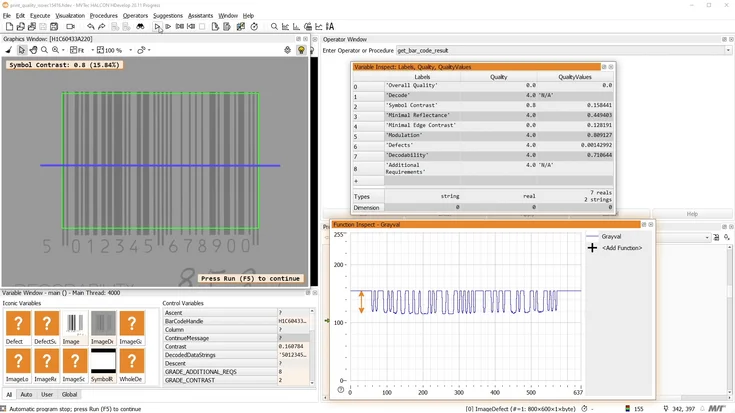
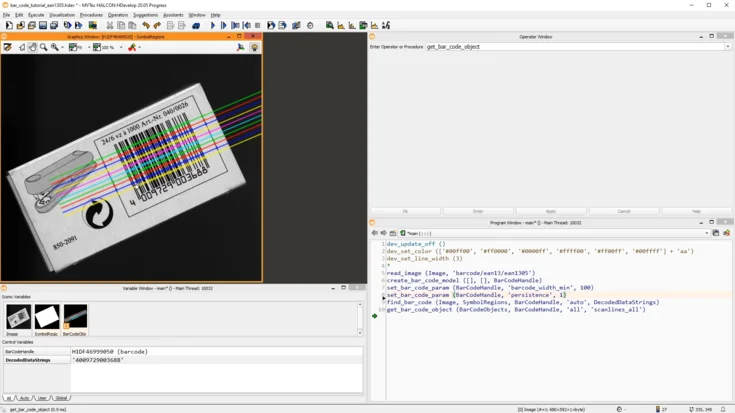
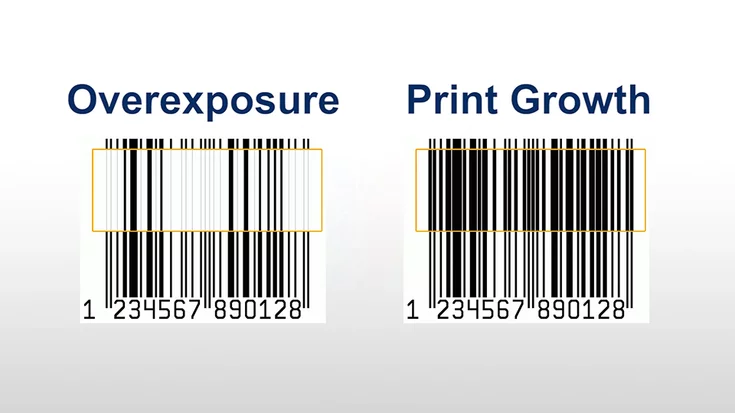
In this tutorial, we show how to read bar codes with MVTec HALCON—from using the basic operators to tuning, debugging, and exploring HDevelop examples for challenging codes.
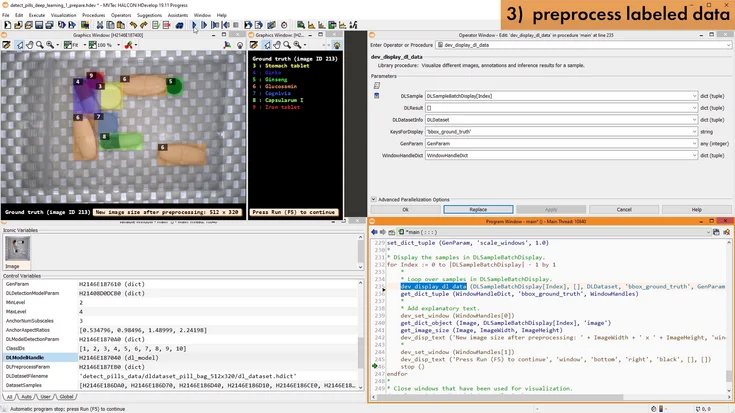
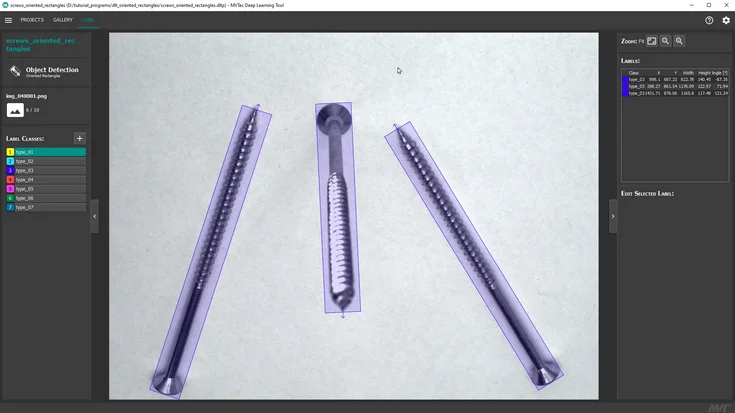
In the first part of this tutorial series on HALCON's object detection, you will learn what object detection actually is, and what kinds of applications it can be used for.
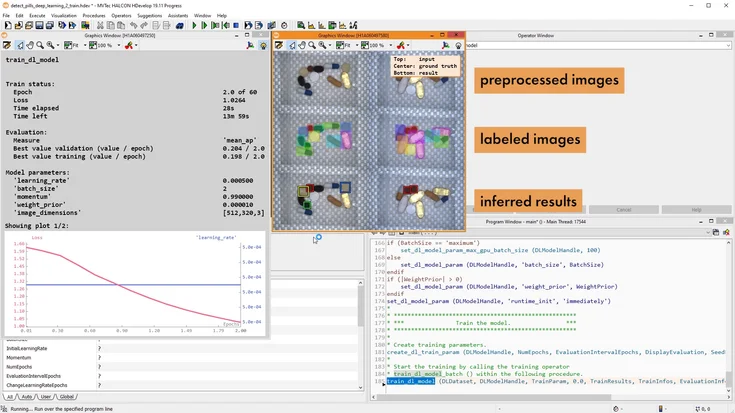
In the second part of this tutorial series on HALCON’s object detection, you will learn how to train a deep-learning-based object detection model with MVTec HALCON.
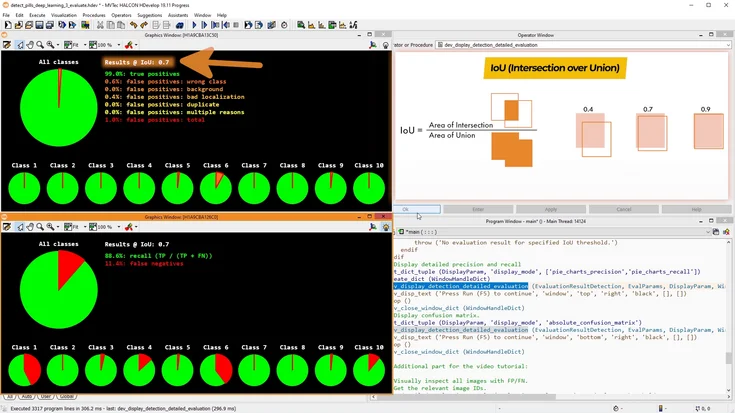
In the third part of this tutorial series on HALCON’s object detection, we will evaluate the deep-learning-based object detection model we trained in the previous video.
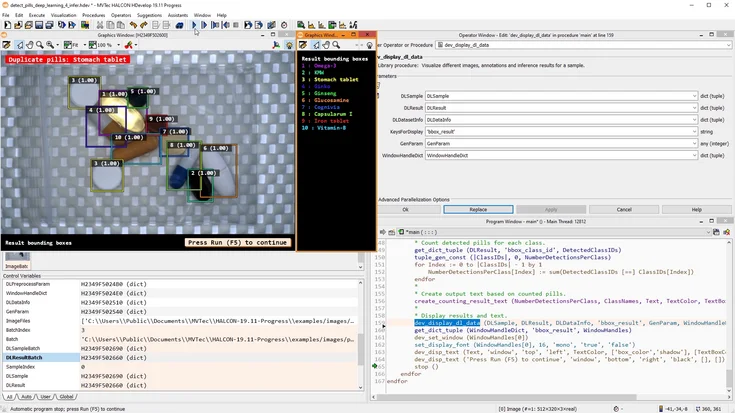
In this tutorial, we use a trained deep-learning object detection model in MVTec HALCON for inference and show how to process and validate the detected objects.
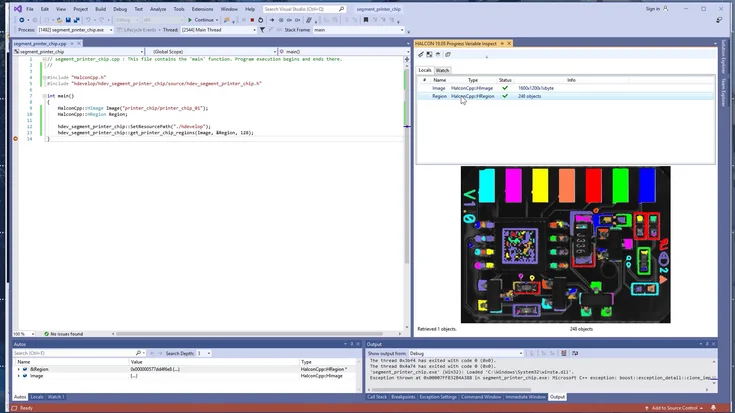
Learn how to seamlessly turn your HDevelop procedures into native C/C++ functions. This tutorial walks you through exporting, compiling, and integrating HALCON code directly into your own application.
In this tutorial, we show how to use HDevEngine to integrate HDevelop machine vision code into an existing Visual Studio project – without recompiling your application.
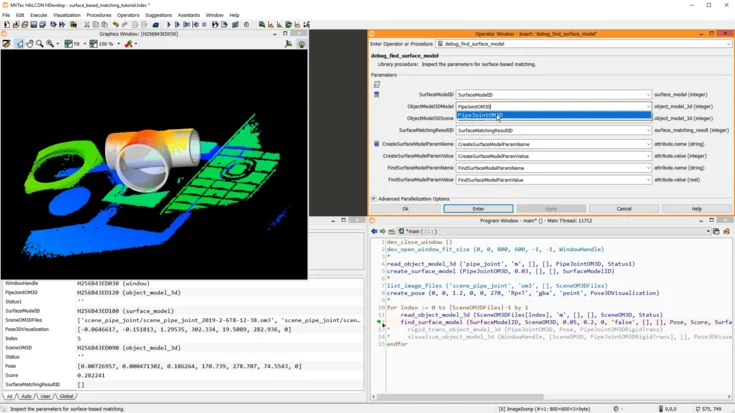
Explore surface-based matching with HALCON. This tutorial shows how to detect and align textured 3D objects using advanced pattern matching techniques.
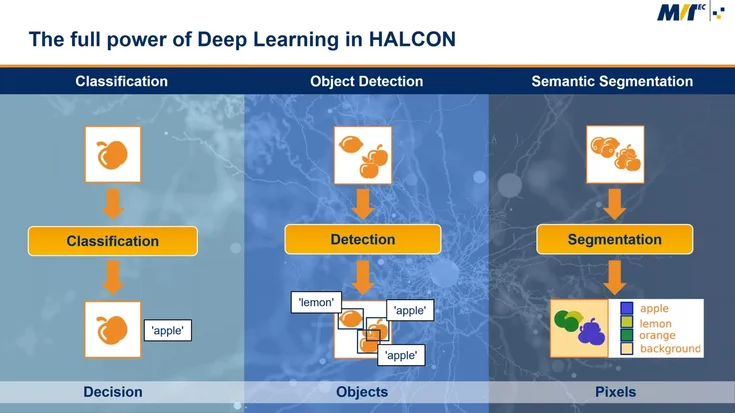
This webinar gives users of machine vision software a better understanding of deep learning technologies and the benefits for machine vision applications.
Discover pick-and-place with shape-based matching in HALCON. This tutorial demonstrates how to locate parts reliably and guide robotic pick-and-place tasks.
Learn how to debug an HDevEngine application on an embedded device. This tutorial shows tools and techniques to find and fix issues in HALCON automation projects.
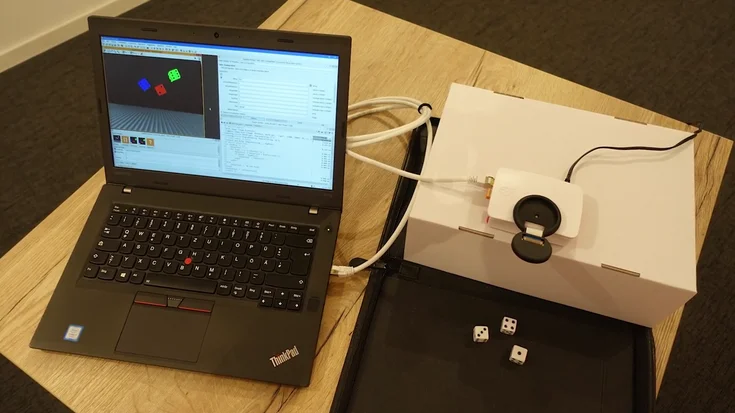
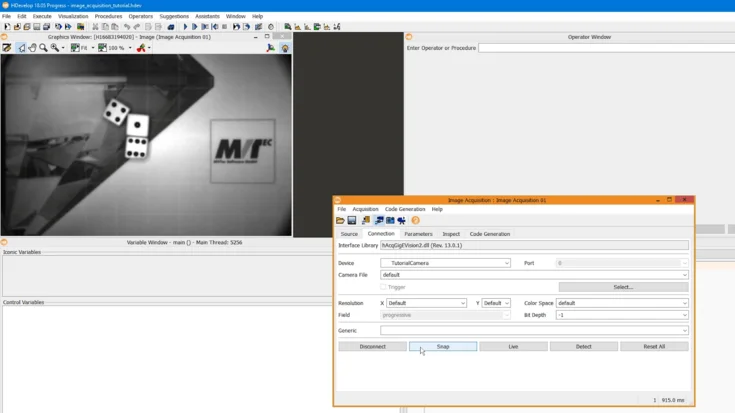
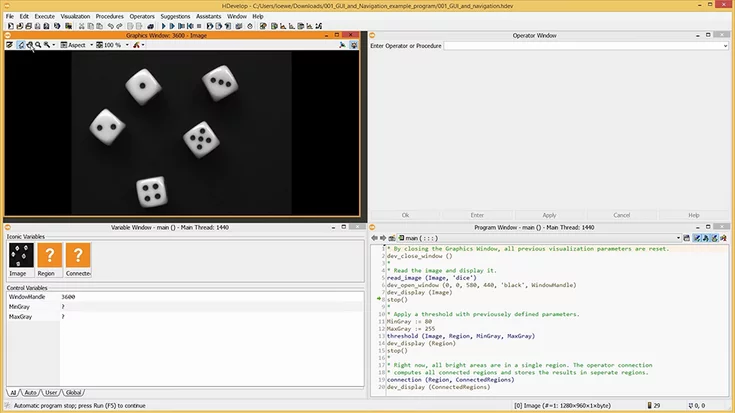
Learn how to simply acquire and use live images within HDevelop: using the Image Acquisition Assistant, we simply generate the required code. Additionally, with the respective tools available in HDevelop, we focus the image and adapt the aperture. La…
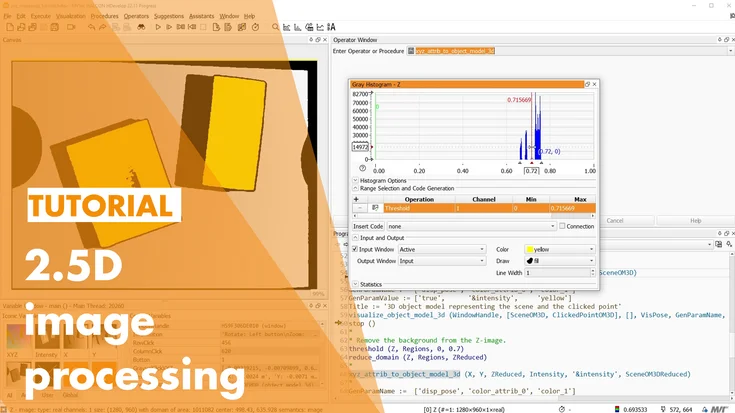
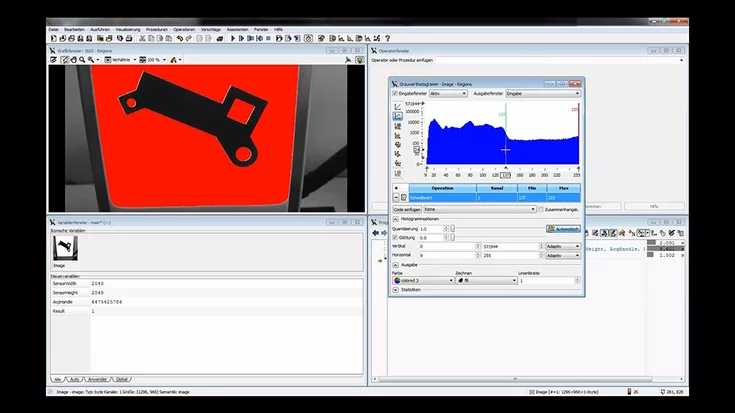
In this tutorial, we show how we use MVTec HALCON to segment images with the Gray Histogram, split touching objects using morphology, and cluster regions by their features.
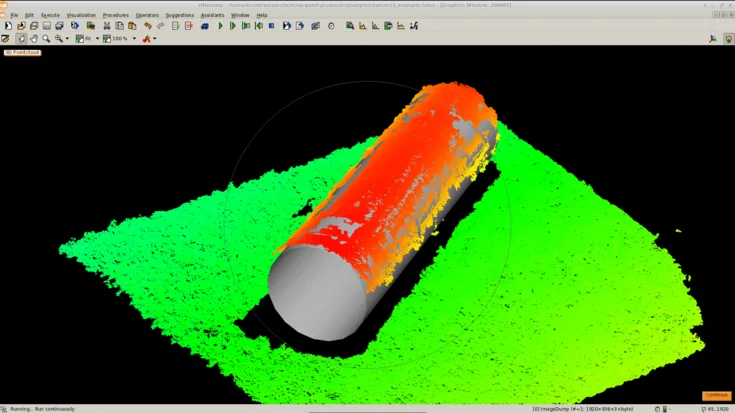
In this tutorial, we show how to use MVTec HALCON with a stereo vision system to acquire 3D point clouds, segment objects, and reliably detect a cylinder.
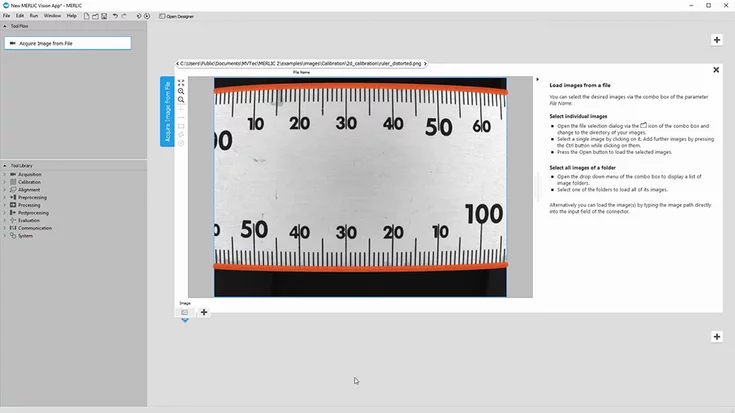
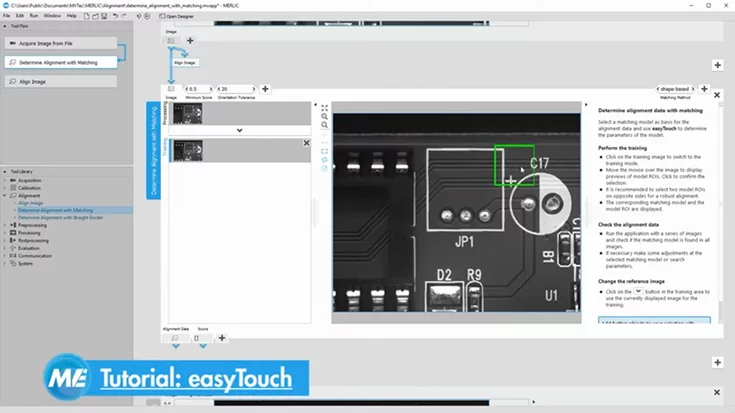
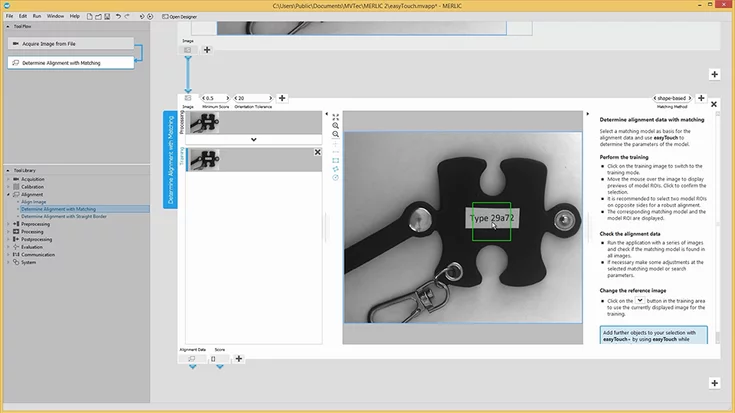
In this tutorial, we show how we use MVTec MERLIC’s alignment tools to automatically align moving parts, enabling robust positioning and precise measurements.
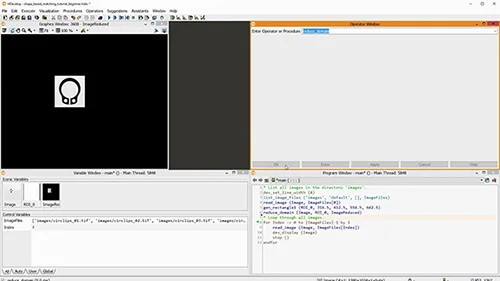
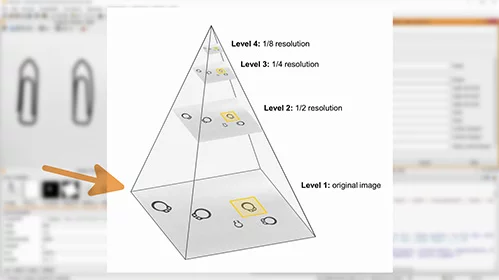
Discover how shape-based matching works in MVTec HALCON. This introductory tutorial explains core concepts and shows how to detect objects reliably—even with rotation, scale changes, or partial occlusion.
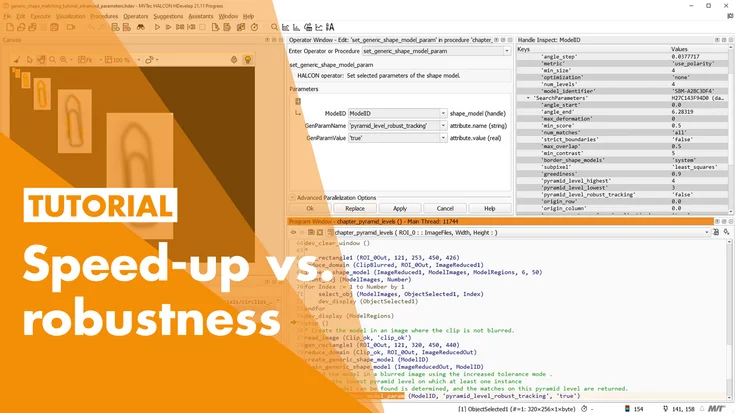
In this tutorial, we show how to optimize shape-based matching in MVTec HALCON using advanced parameters—making it faster and more robust, even with blur or deformation.
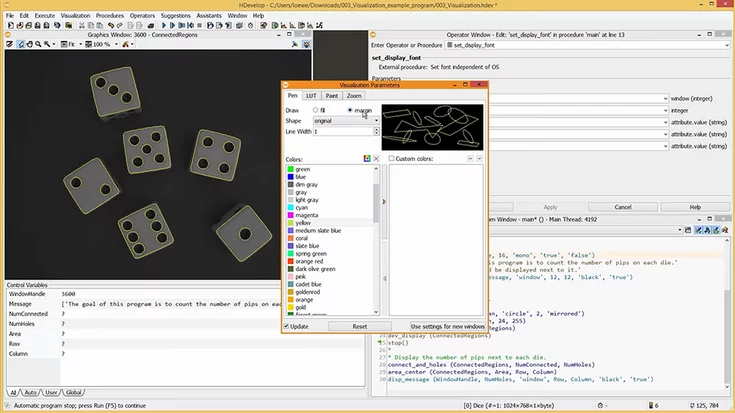
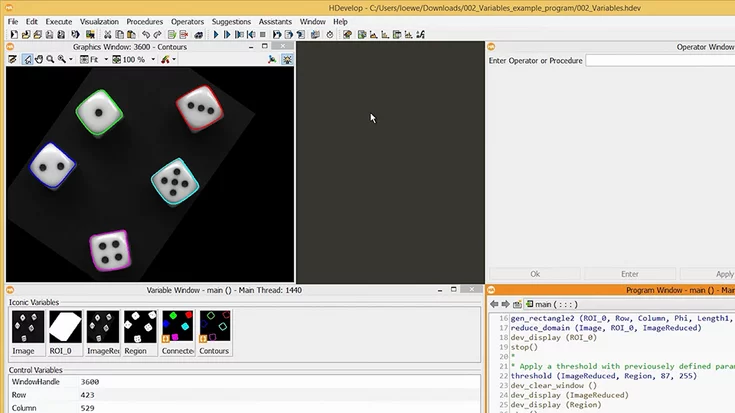
This MVTec HDevelop tutorial improves visualization: apply LUTs, fit window to image, set fonts/colors, show outlines, and use the correct coordinate system.
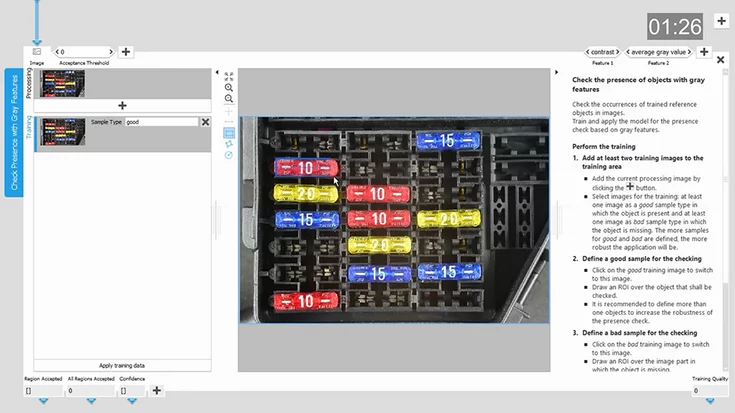
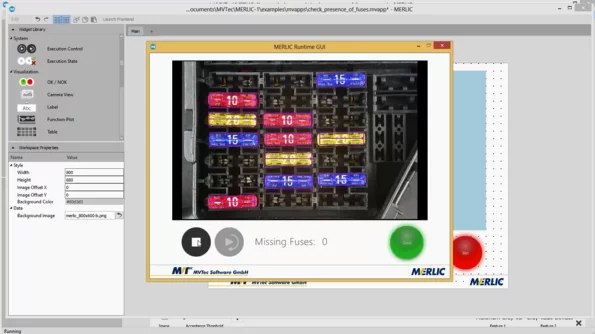
In this tutorial, we show how we use MVTec MERLIC to detect missing fuses on a PCB in just a few minutes – easy to follow along with the free trial version.
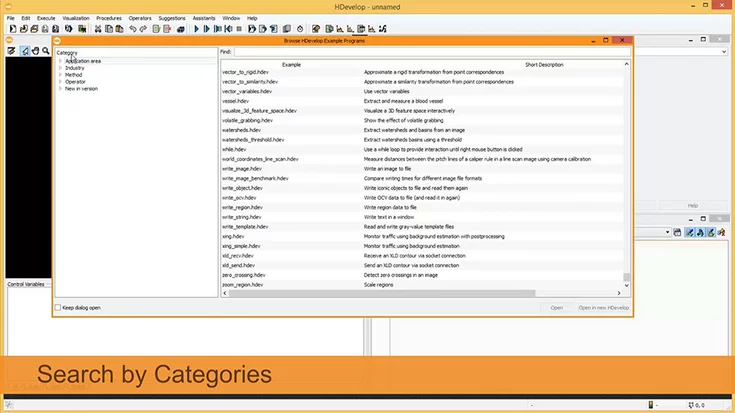
In this video, we show how to use the HDevelop Example Browser in MVTec HALCON to quickly find example programs by application area, industry, or keyword.
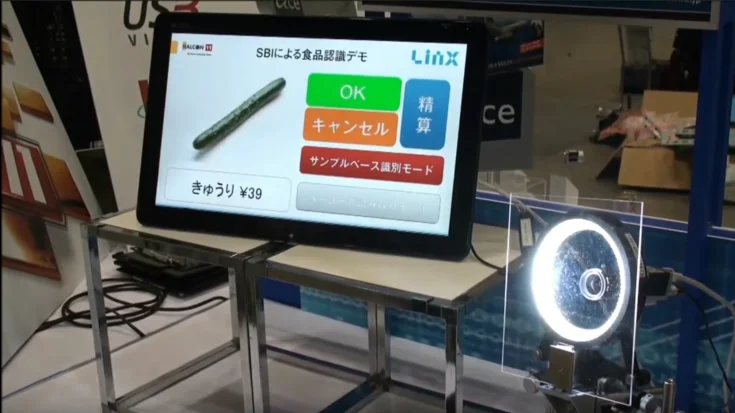
HALCON’s Sample-based Identification (SBI) recognizes thousands of objects by color or texture: fast, robust, and easy to use, even without bar codes or data codes.