Step-by-step tutorial, HALCON
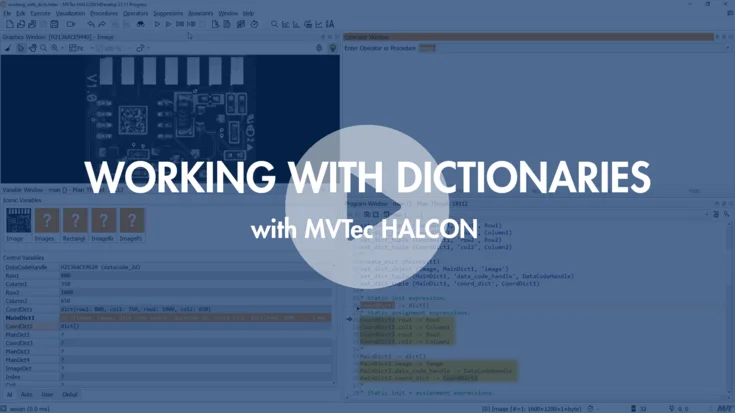
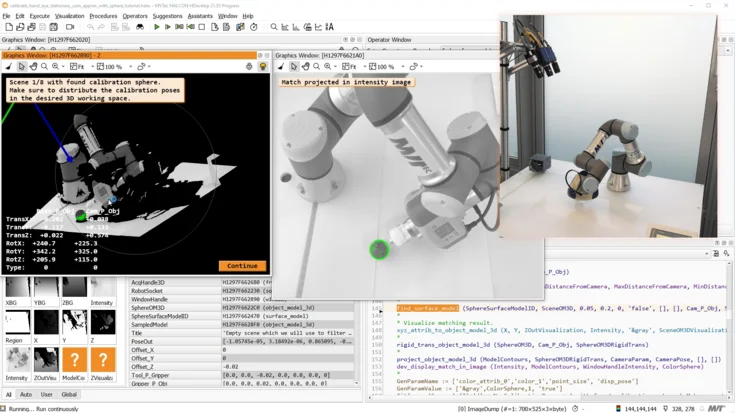
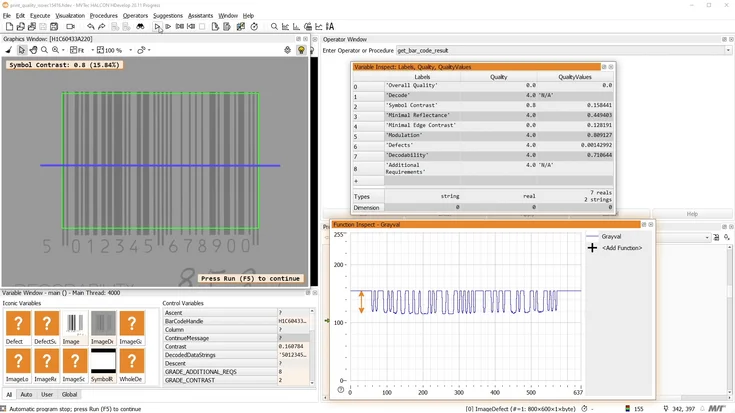
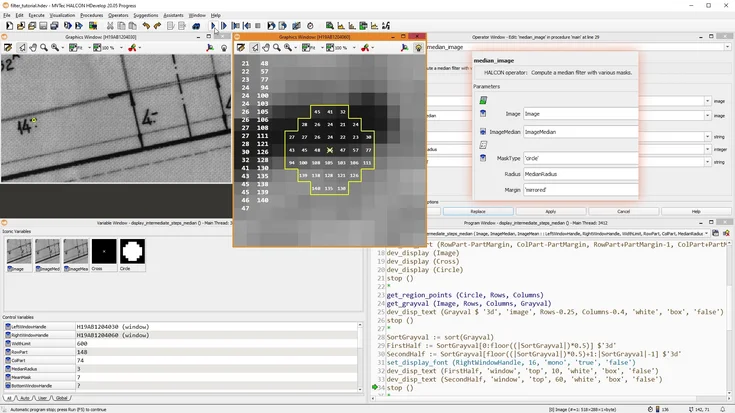
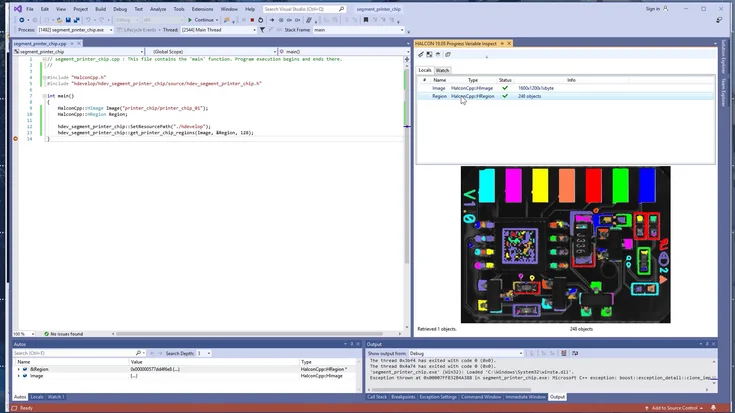
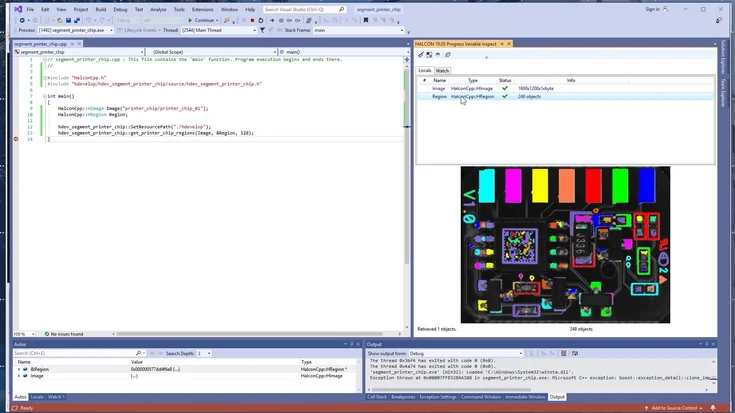
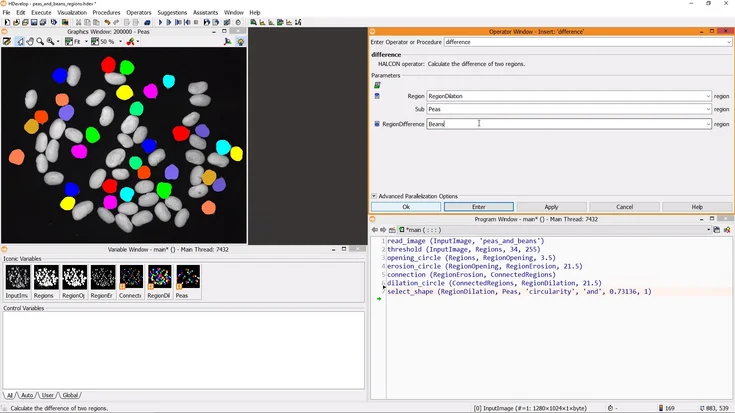
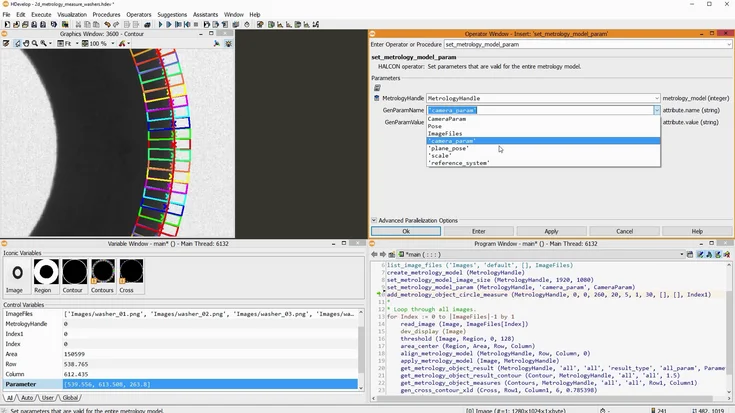
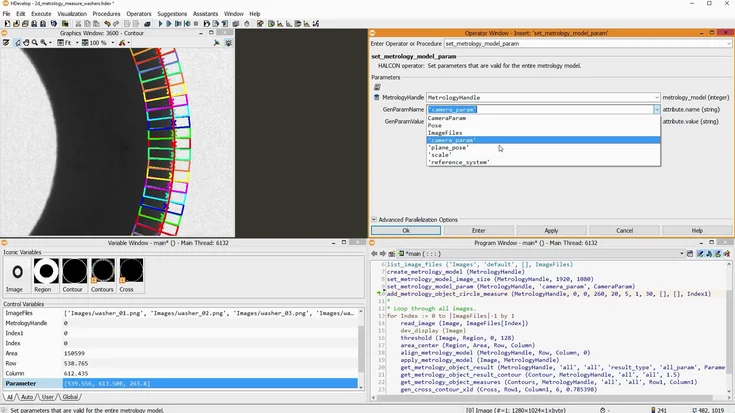
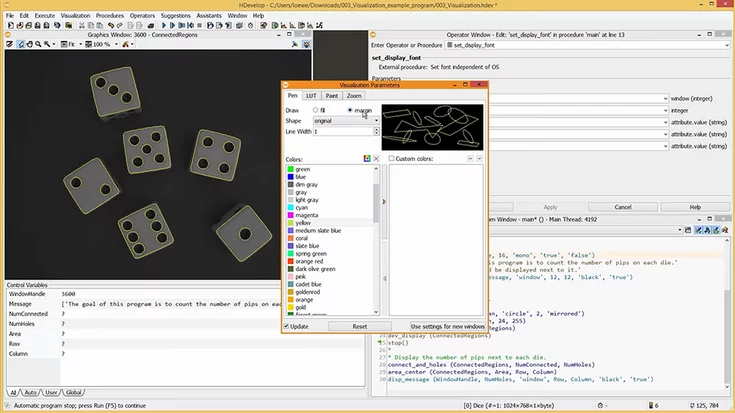
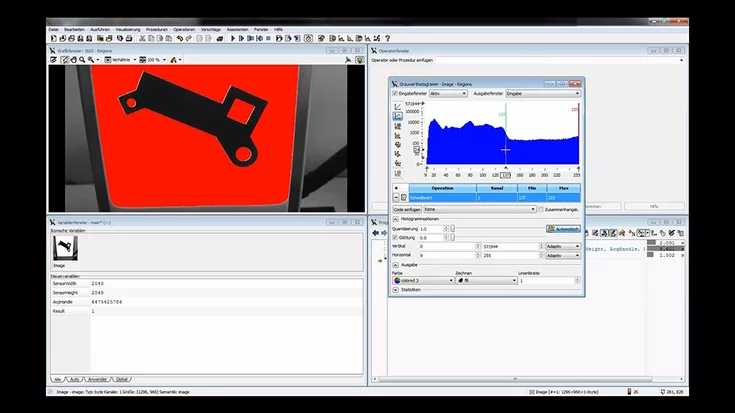
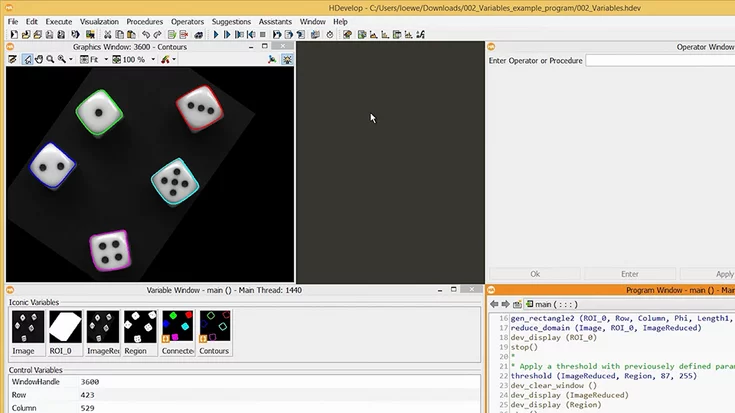
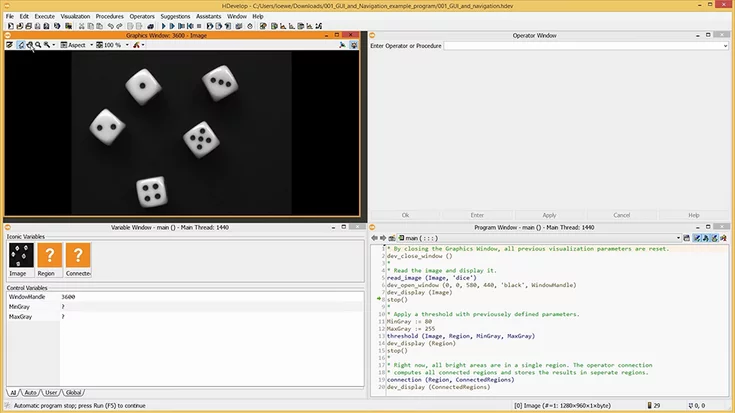
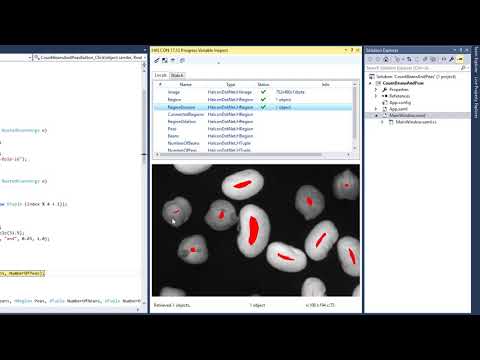
In this tutorial, the Visual Studio Extension “HALCON Variable Inspect”, which is included in the standard installation of MVTec HALCON, is demonstrated. With this extension, you can easily access variables which are used by HALCON code in your application – display the images grabbed by your camera, visualize the regions and XLDs, and get a quick overview of the control variables.
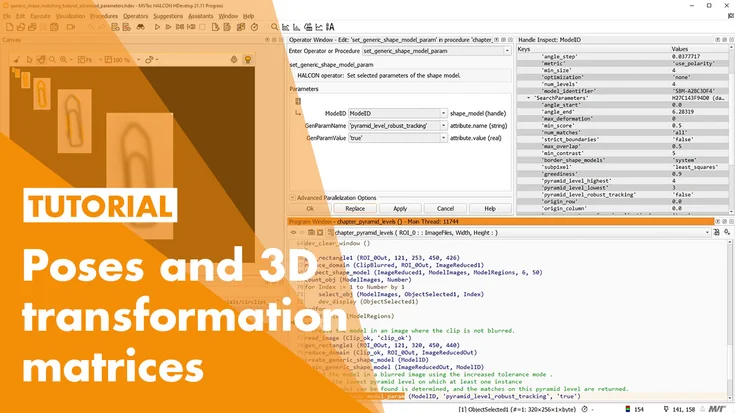
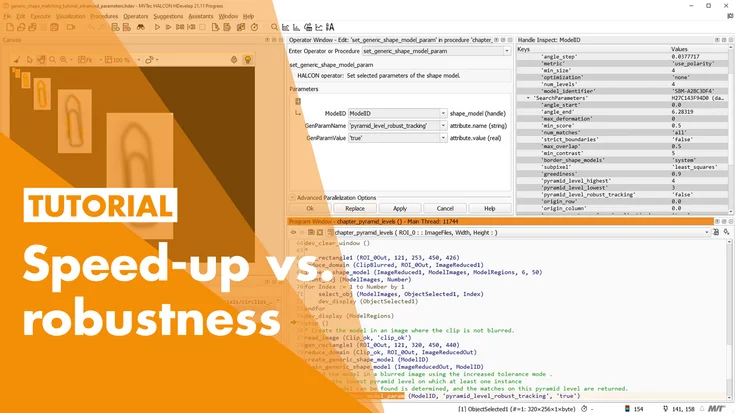
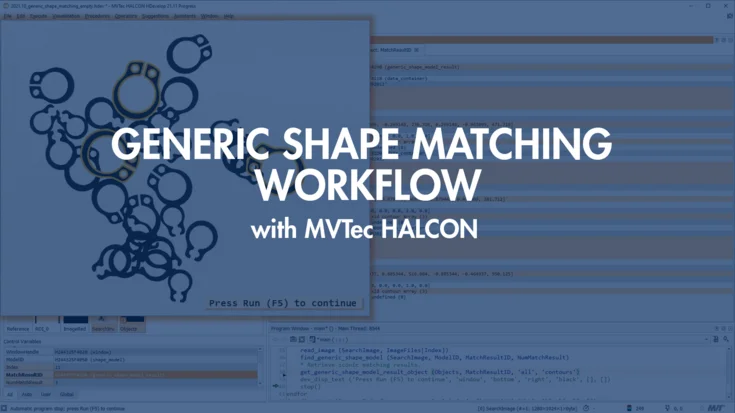
If you already know the basics, have a look at the advanced shape-based matching tutorials:
Please note: Once you watch the video, data will be transmitted to Youtube/Google. For more information, see Google Privacy.
Activate Video