Developers Corner

Best practice for classification and OCR

Discover best practices for setting up classification and OCR in HALCON using the HDevelop OCR Training File Browser – quickly review, correct, and optimize your training data to improve segmentation and classification results.

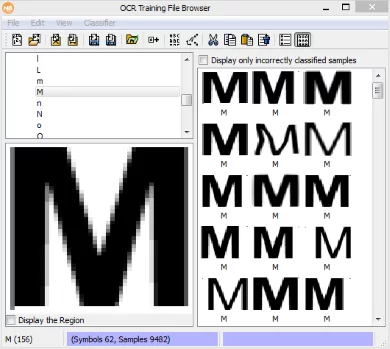
A recommended practice for setting up classification tasks and OCR: Regularly review your growing set of training data with the HDevelop OCR Training File Browser – while developing the segmentation part, but also at further development steps. It is quick and convenient. Although it does not solve the classification task itself, it helps with almost no extra effort to avoid segmentation mistakes and others. In addition, it also points out possible classification issues.

You are setting up a classification or an OCR solution. Not to mention, you have potentially laboriously collected and labeled sample images. If only a few samples are labeled wrongly or segmented badly, your classification result might already be skewed. To prevent this, make use of the HDevelop OCR Training File Browser:

  • Get an overview of your data with a few clicks within the training file browser: Have you got the right samples and enough of them? Have you got a balanced class distribution?
  • Review your data more in-depth and correct it:
     
    • Instantaneously spot labeling mistakes and drag&drop the wrongly labeled samples to their correct class.
    • Spot bad samples and remove them.
    • Spot segmentation mistakes and correspondingly improve your segmentation code
  • Boost your training data with the generation of sample variation data.
  • By looking at the classification confidences (a field within the Sample Inspection Window), instantaneously spot rough weaknesses of the classifier. Also, exclude (rare) cases like when the training for the classifier has run into a wrong minimum, etc.

When to use the training file browser?

After each and every code change of the segmentation, after a manual segmentation, after any setting and adjustment of the classification parameters, etc.

What does it take?

Simply write each image and segmented region to a training file, open the OCR assistant (Visualization ⇒ Tools ⇒ OCR Training File Browser) and load the training file and the classifier, as soon as there is one.

write_ocr(regions, image, ClassName, TraininingFileName)  // at the first occurrence
append_ocr_file(regions, image, TrainingFileName) // afterwards 
What are the limitations?

  • Not applicable for COLOR classifications
  • Only suitable for datasets of moderate size (<1,000 samples)

Further articles

Visualize Object Model 3D
Improve your surface-based matching with two helpful features
Do you sometimes have objects, which have rather small symmetry-breaking elements (such as small boreholes on an object)? Does your surface-based 3D matching not find the correct orientation?
Read more
Developers Corner
Deep OCR Interface
Deep OCR recognition training – the next level
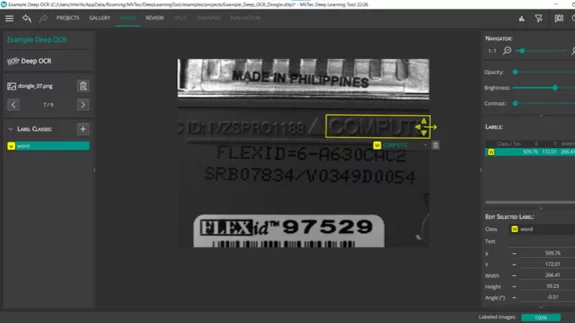
HALCON’s Deep OCR is very powerful and can detect and recognize text in various industrial scenes. However, what if you have a special font, or want to read foreign characters? With HALCON 22.05 it is possible to train the recognition model to read s…
Read more
Developers Corner
Fitted primitives distance threshold
Metrology Model – Quality of Fit
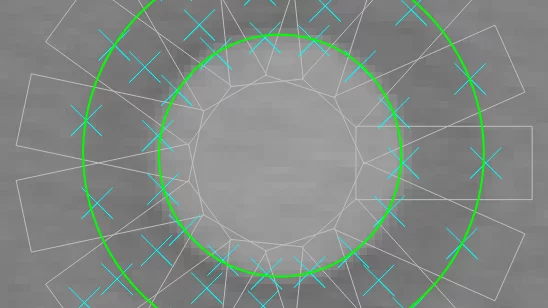
"For most applications, the standard parameter values are sufficient." This sentence is often read in the HALCON Solution Guide. But what if the results do not meet your expectations? The Metrology Model allows lightning-fast measurement of geometric…
Read more
Developers Corner
Review of Acquisition Modes
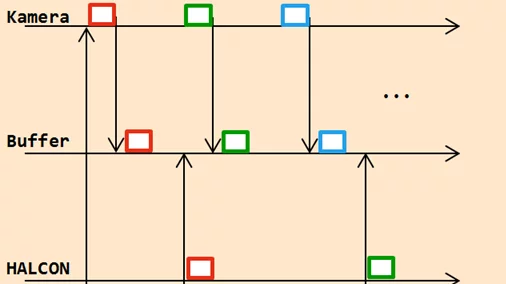
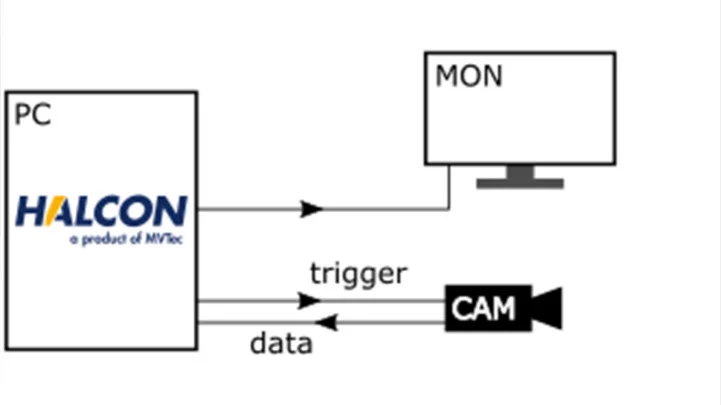
This article gives an overview of HALCON’s image acquisition modes, explaining how continuous, triggered, and synchronous acquisition work, and clarifying common misconceptions for practical applications.
Read more
Developers Corner
Deep OCR – Tips and Tricks
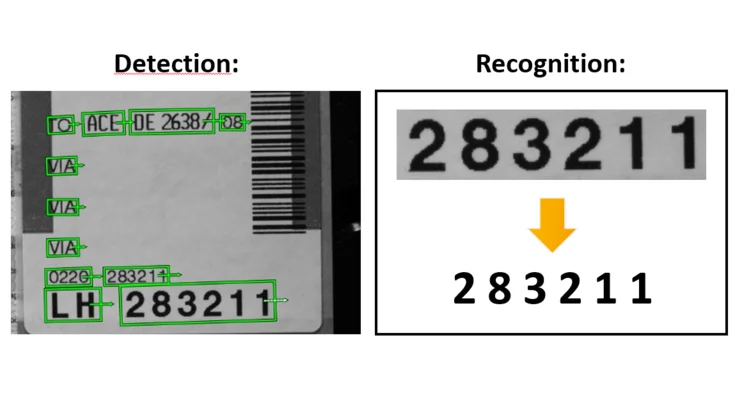
Have you already experienced the performance boost by using Deep OCR compared to the classical rule‑based approaches? In this article, we’ll show you practical tips and tricks to further improve your Deep OCR results.
Read more
Developers Corner
Easy text and code reading with MERLIC standard tools
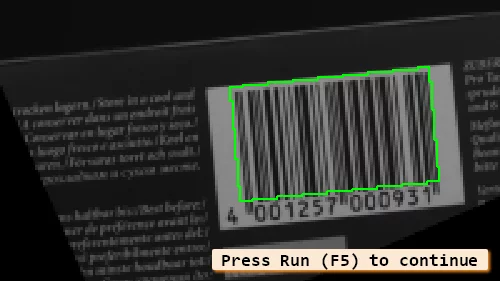
If you want to build an MVApp that reads for example QR codes or bar codes you can do so with just a few clicks. You can even combine the tools to get all available information printed on a product in different formats without the need for programmin…
Read more
Developers Corner
About MVTec's Heatmap
Imagine you intend to deliver a HALCON deep-learning-based classification application. And you are about to evaluate a trained model. You are therefore looking for feedback about this model, i.e. about its performances, biases, and other possible def…
Read more
Developers Corner
Gabor filter: What is it for?
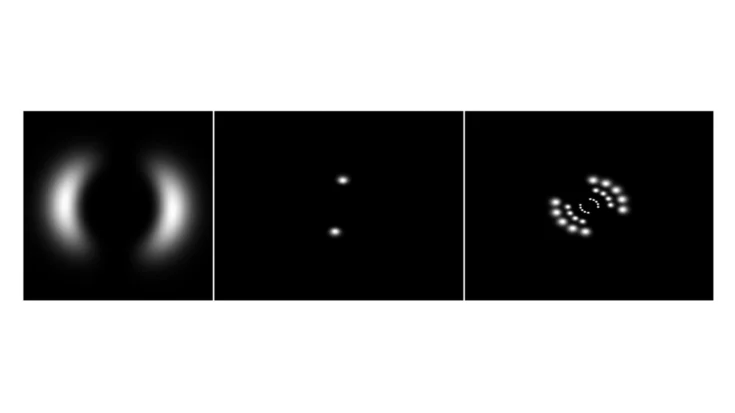
Gabor filters, which are well known in the realm of time series analyses, can also be used in HALCON for 2D image analysis. They are particularly useful for detecting textures, patterns, and orientations in complex images.
Read more
Developers Corner
Introduction to new sub-pixel feature of bar code reader
Do you have small resolution bar codes to read but don't get any good results? Then please try our new feature – the subpixel bar code reader.
Read more
Developers Corner
Introduction to XYZ-Mappings (part 2)
This technical article continues our introduction to XYZ-mappings. In the last article, we answered the question "What are XYZ-mappings?" and gave a short preview towards "Why is using XYZ-mappings beneficial for many 3D applications?". Today, we wil…
Read more
Developers Corner
Introduction to XYZ-Mappings (part 1)
This technical article explores the benefits of XYZ-mappings in HALCON, showing how they increase speed, flexibility, and ease of use for many 3D applications.
Read more
Developers Corner
Deep learning: Why is the dataset key for a success result?
Deep learning success starts with the dataset: Learn why acquiring high-quality, well-labeled training data is crucial for reliable classification, detection, segmentation, and anomaly detection in your machine vision applications.
Read more
Developers Corner
How to prepare 3D height images for further processing with MERLIC’s standard tools
Learn how to prepare 3D height images in MERLIC for further processing: convert non-byte images to byte images to enable alignment, embossed text reading, and defect detection with standard easyTouch tools.
Read more
Developers Corner
Deflectrometry demo HALCON
Inspection of specular surfaces with deflectometry in HALCON
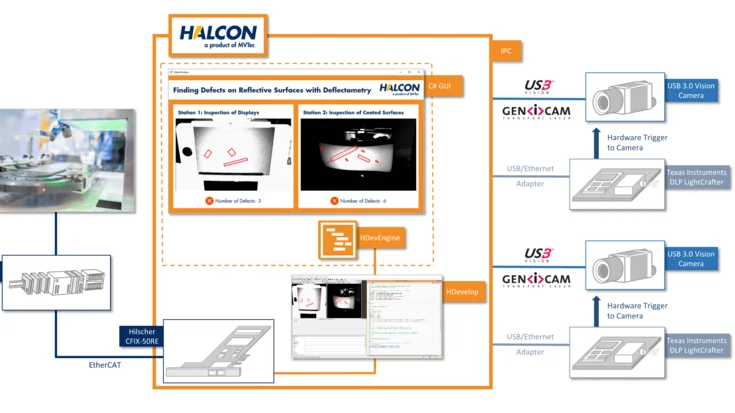
Inspect flat and curved reflective surfaces quickly and reliably with HALCON deflectometry: detect scratches, dents, and other defects with synchronized image acquisition and flexible image processing.
Read more
Developers Corner
Deep Learning classifier HALCON
Training a deep learning classifier with HALCON on the embedded board Jetson TX2
Learn how to train a deep learning classifier with HALCON on both a PC and an embedded Jetson TX2 board, from image acquisition to model training and inference, for efficient machine vision applications.
Read more
Developers Corner
Add touch input to the HSmartWindowControlWPF
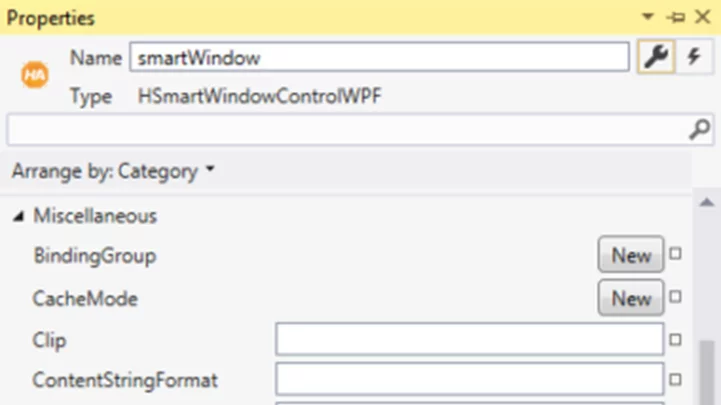
Learn how to easily add touch input, including pinch-to-zoom, to the HSmartWindowControlWPF in HALCON, leveraging WPF’s built-in multi-touch events for intuitive image control.
Read more
Developers Corner
Increasing Speed in Deflectometry Set-ups
Discover three approaches to increase speed in deflectometry setups, from simple software-based synchronization to hardware triggers and FPGA-based real-time control, enabling faster and more precise inspection of reflective surfaces.
Read more
Developers Corner
HDevelop matching assistant speedup greediness
Speeding up shape-based matching with "Greediness"
Learn how the 'Greediness' parameter in shape-based matching balances speed and detection completeness, enabling faster searches while maintaining robust results in HALCON.
Read more
Developers Corner
Rejection all classes 1.5
How to use rejection classes in MVTec HALCON
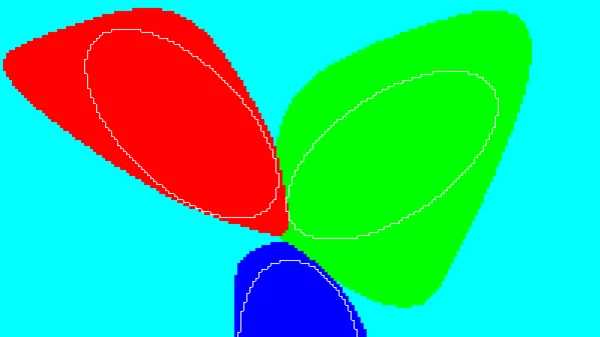
Learn how to handle outlier samples in MVTec HALCON by using rejection classes in MLP classifiers – automatically generate samples outside the training classes to improve classification reliability.
Read more
Developers Corner
Using regularization Weight prior 0.1 large
Using Regularization in MLP Classification
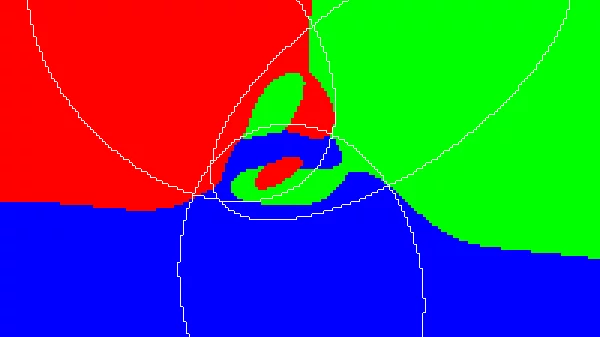
Learn how to use regularization in HALCON to prevent overfitting in MLP classifiers, smooth decision boundaries, and achieve better generalization for new and unseen data.
Read more
Developers Corner
MVTec Software