Developers Corner
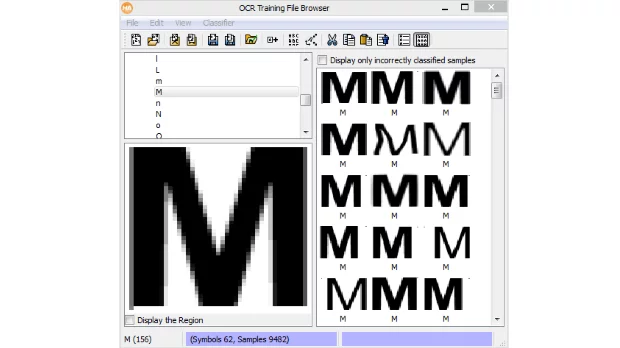
As you already know, for any training you need a dataset first. How can you create a suitable Deep OCR dataset?
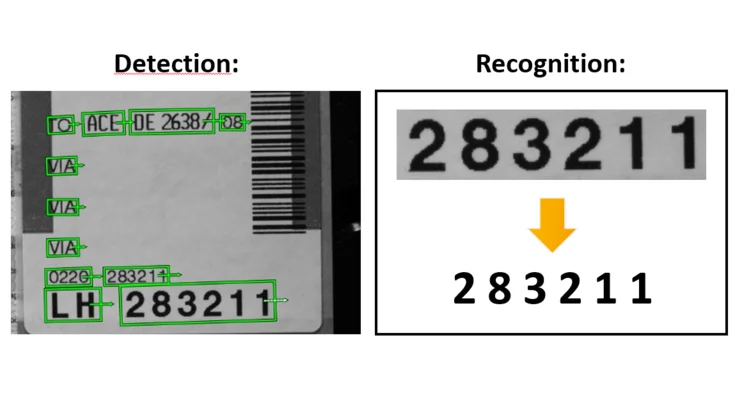
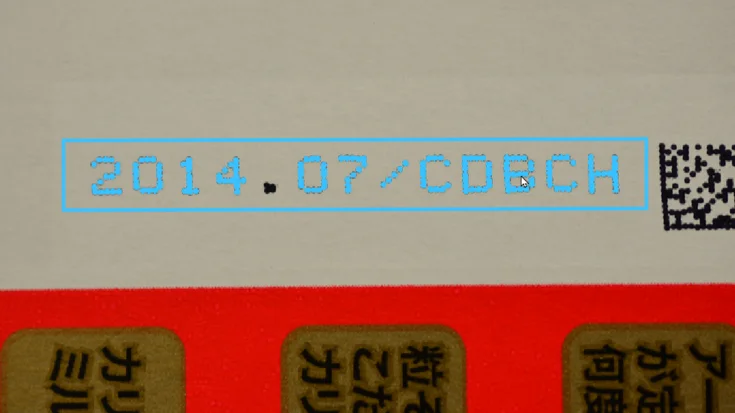
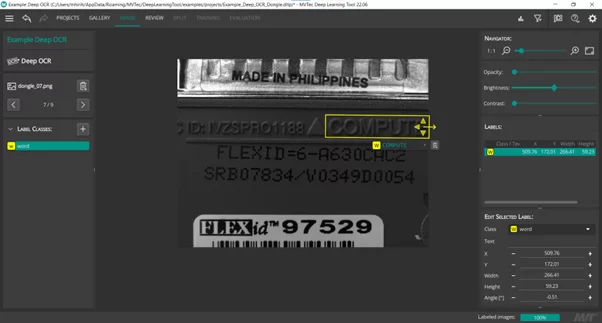
In general, the Training images should comprise a representative set of the possibilities that could occur during the inference. In addition, it is recommended to use a balanced dataset, which means having roughly the same number of occurrences for all characters. And of course, excellent results require a good labeling. A good ground truth bounding box needs to look like an output of the Deep OCR detection model (screenshot). If satisfied with the dataset, you need to export the dataset as an hdict file and proceed to the next step which is the training.
The standard example deep_ocr_recognition_training_workflow.hdev guides you through the training workflow. All you need to do is to import the extracted dataset in the training script and adjust the training parameters. An important parameter is the image width of the recognition model. It must be increased if the dataset contains images of words with a lot of characters in it. Please note that the more the setting of ImageWidth differs from its default (120) the more training data you will need, because the pretrained model was trained on the default width Therefore, it is advisable to keep the image width close to the default (120) during training. The number of epochs needs as well to be adjusted based on the training error and the task complexity.
After training the recognition model, the standard example shows you how to evaluate your finetuned model and to compare it to the pretrained model.
The last step is to integrate the finetuned model in your inference step and get ready to be impressed by the results. As always, more information can be found in the documentation (Solutions Guide I Chapter 19.2).