Tutorial, MERLIC
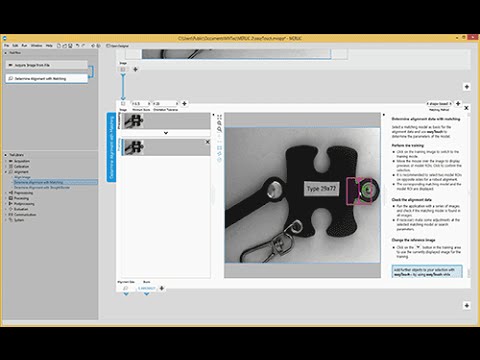
easyTouch, a unique feature of MVTec MERLIC, helps to guide the user interactively towards the solution. In this video, we will take a look at different tools inside of MERLIC that use easyTouch. By hovering the mouse over an image, easyTouch recognizes and marks objects to be identified. Aligning images, measuring circles, or reading text are only three examples, in which easyTouch saves you a lot of time.
Please note: Once you watch the video, data will be transmitted to Youtube/Google. For more information, see Google Privacy.
Activate VideoTRY MERLIC FOR FREE!