MVTec experts regularly contribute tips and tricks for solving various vision tasks with MVTec HALCON and MERLIC. Feel free to ask questions or suggest interesting topics.
Do you have a question or topic request?
Tell us what you need! We will review the suggestions and address the most relevant use cases for the community.
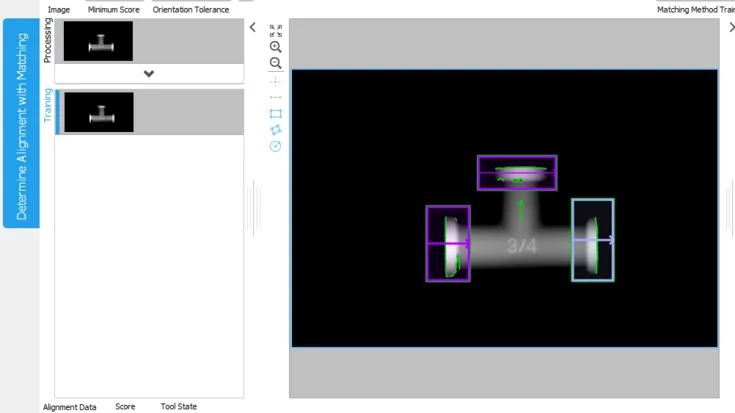
Learn how to prepare 3D height images in MERLIC for further processing: convert non-byte images to byte images to enable alignment, embossed text reading, and defect detection with standard easyTouch tools.
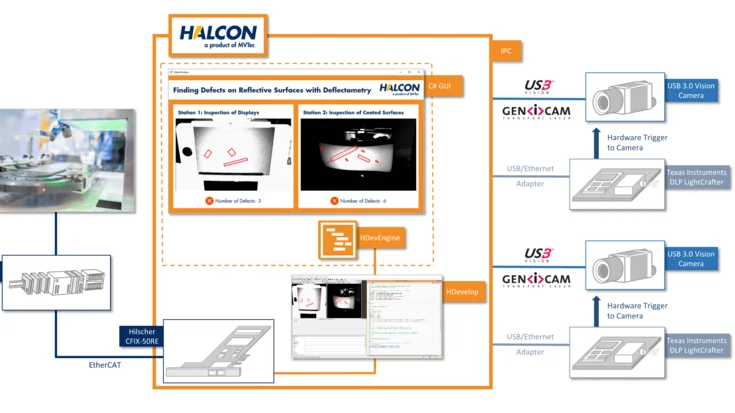
Inspect flat and curved reflective surfaces quickly and reliably with HALCON deflectometry: detect scratches, dents, and other defects with synchronized image acquisition and flexible image processing.
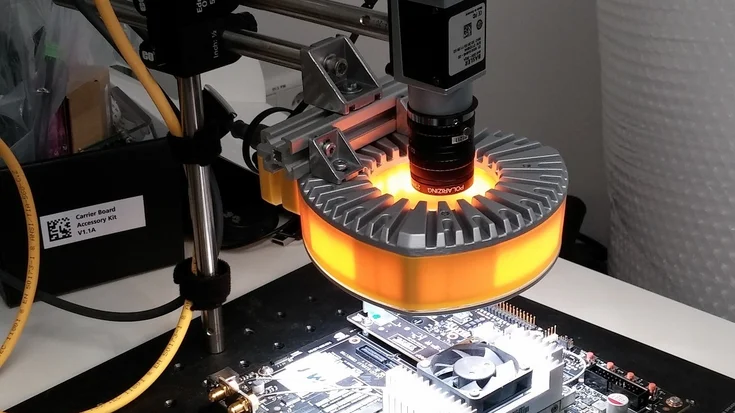
Learn how to train a deep learning classifier with HALCON on both a PC and an embedded Jetson TX2 board, from image acquisition to model training and inference, for efficient machine vision applications.
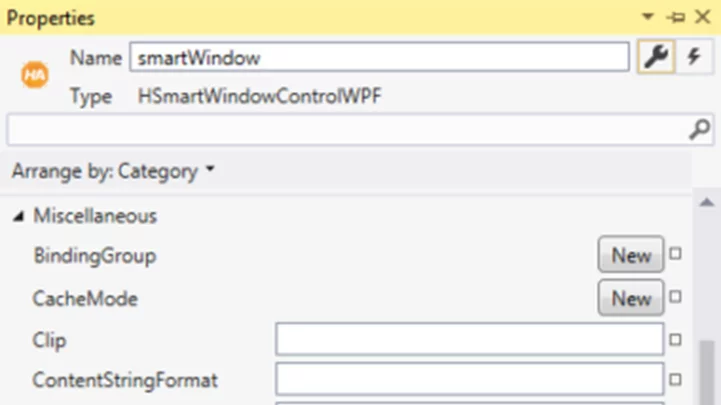
Learn how to easily add touch input, including pinch-to-zoom, to the HSmartWindowControlWPF in HALCON, leveraging WPF’s built-in multi-touch events for intuitive image control.
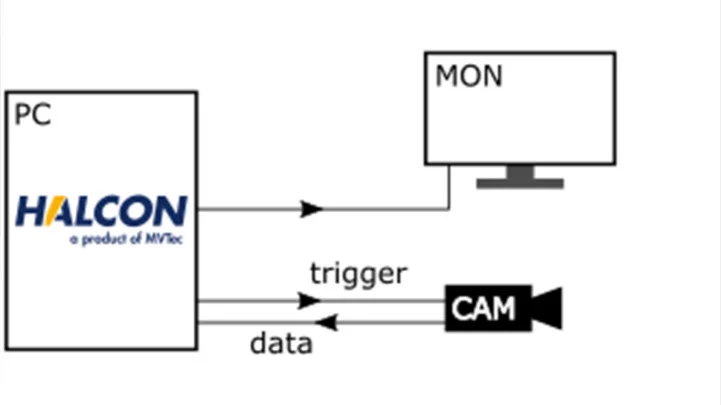
Discover three approaches to increase speed in deflectometry setups, from simple software-based synchronization to hardware triggers and FPGA-based real-time control, enabling faster and more precise inspection of reflective surfaces.
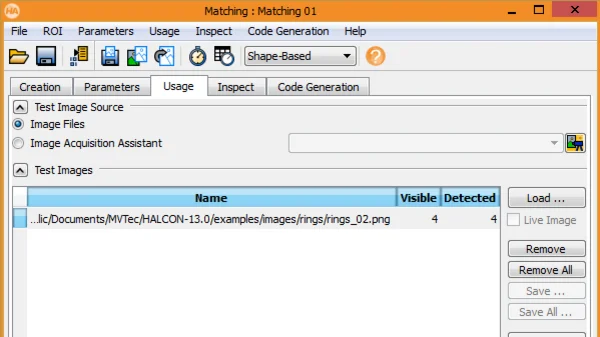
Learn how the 'Greediness' parameter in shape-based matching balances speed and detection completeness, enabling faster searches while maintaining robust results in HALCON.
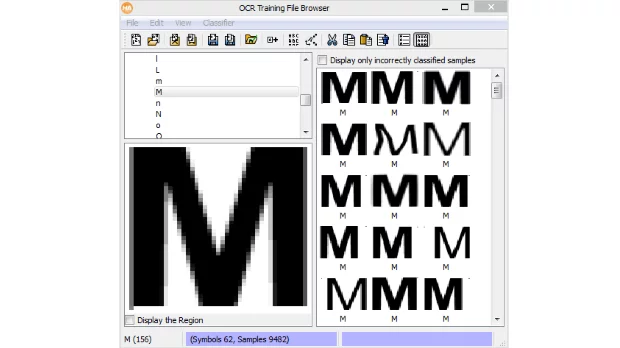
Discover best practices for setting up classification and OCR in HALCON using the HDevelop OCR Training File Browser – quickly review, correct, and optimize your training data to improve segmentation and classification results.
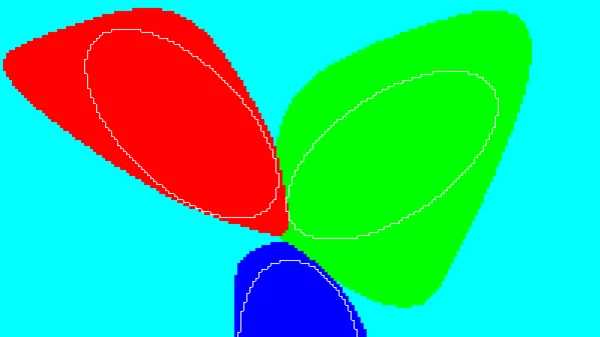
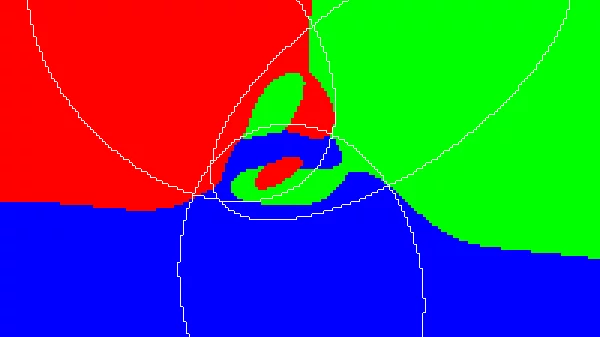
Learn how to handle outlier samples in MVTec HALCON by using rejection classes in MLP classifiers – automatically generate samples outside the training classes to improve classification reliability.
Learn how to use regularization in HALCON to prevent overfitting in MLP classifiers, smooth decision boundaries, and achieve better generalization for new and unseen data.
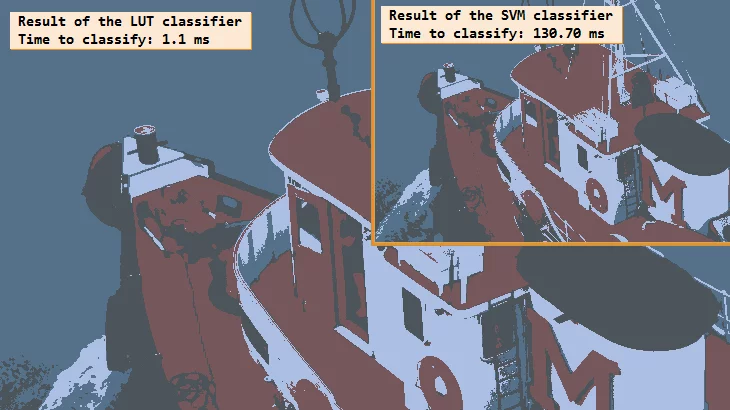
Discover how to significantly speed up image classification in HALCON using look-up tables (LUTs), enabling faster online inspection while understanding the trade-offs between speed and accuracy.
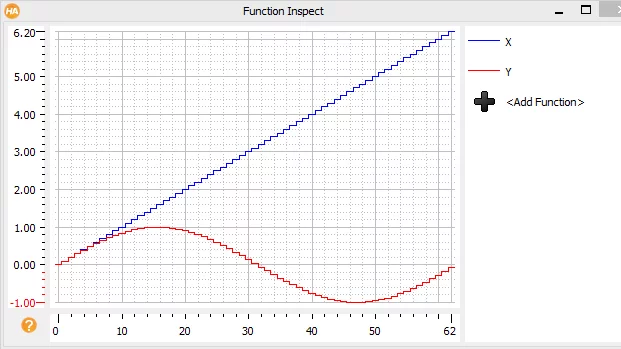
Learn how HALCON's 'Plot as Function' feature in HDevelop helps you quickly visualize and inspect numeric tuples, pairs, and control variables, providing both graphical and statistical overviews for faster debugging and analysis.
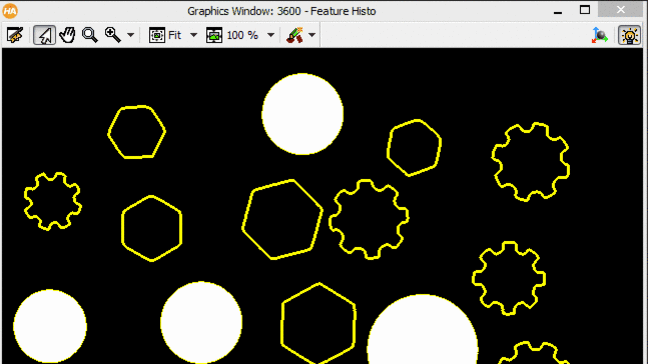
Discover how to use HDevelop’s Feature Histogram to analyze and visualize region or contour features, select the best thresholds for classification, and export your settings directly into your program for efficient image processing.